10 Best AI Chat for Data Analysis Tools for 2026

Cross Channel Reporting

Waiting weeks for an analyst to build one more dashboard is old news. Conversational AI has changed the buying criteria. The broader conversational AI market is projected to reach USD 41.39 billion by 2030, growing at a 23.7% CAGR from 2025 to 2030, and 78% of companies have already implemented conversational AI in at least one core function, according to Nextiva’s conversational AI statistics roundup. That matters because the best ai chat for data analysis isn’t just a neat interface. It’s a faster path from messy data to a decision.

For founders, PMs, and marketing leads, the key question isn’t “Which tool has AI?” Almost all of them do. The useful question is, which one gets you a trustworthy answer without turning you into a part-time BI admin.

Some tools are great for ad hoc file analysis. Some are strong if you already live inside Microsoft, Salesforce, or Google Cloud. A few are better at embedded analytics than mainstream reviews admit. And some look slick in demos but fall apart the second your data has naming issues, broken joins, or five sources that disagree with each other.

That’s why I’d pick differently for a startup growth team than for a Fortune 500 BI department.

If your world includes spreadsheets, support tickets, product events, and scattered warehouse tables, conversational analytics works best when it’s grounded in your actual systems, not just uploaded files. That’s the gap tools like Statspresso are designed to close. It’s a Conversational AI Data Analyst. You connect your data, skip the SQL, and ask a question.

If you also work with interviews, customer feedback, or open-text responses, HypeScribe’s qualitative data guide is a useful companion to the more numeric tools below.

1. Statspresso

Statspresso

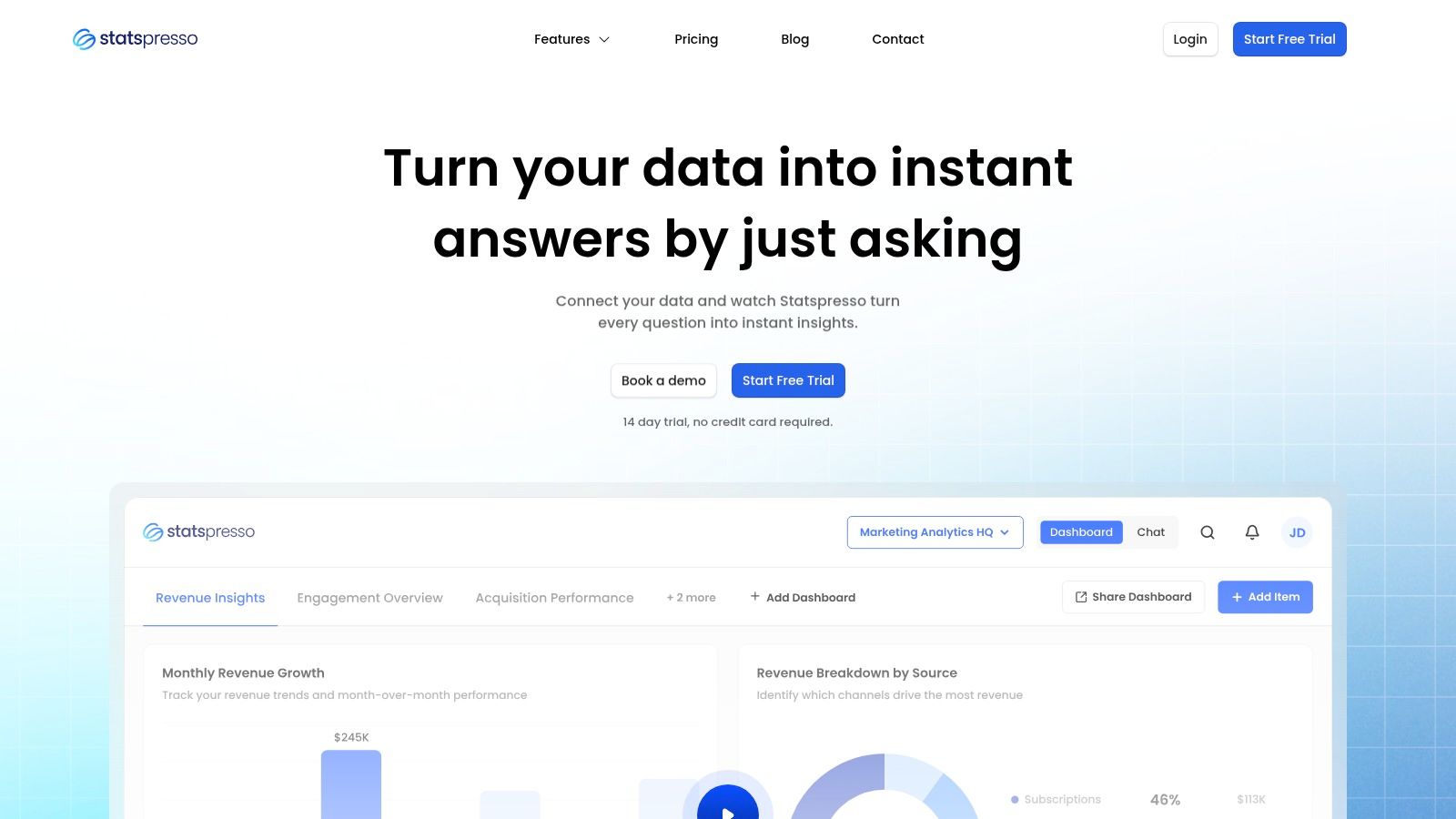
Statspresso is the tool I’d hand to a busy founder or PM who wants answers from live business data, not a lecture on schema design. It’s built as a Conversational AI Data Analyst, which is the right framing. You connect sources like Shopify, HubSpot, Linear, and Postgres, then ask plain-English questions and get charts, numbers, and explanations back.

That sounds simple because it should be simple.

The difference is that Statspresso is aimed at the messy middle where most startup teams live. Your revenue data is in one place, acquisition data is in another, product signals are somewhere else, and nobody wants to bounce between dashboards to answer a basic question like “why did conversion dip last week?”

Where Statspresso feels practical

Statspresso is strongest when you want self-serve answers on connected business data without forcing everyone through a traditional BI project. The product also leans into the stuff many comparison posts skip, like shareable workspaces, embeddable AI chat, branding controls, and PDF-exportable dashboards.

That makes it a good fit for:

  • Startup operators: You can ask for KPI breakdowns without writing SQL.

  • Growth teams: You can connect acquisition and conversion sources instead of stitching screenshots into a slide.

  • Agencies and SaaS teams: Embedded chat and brand controls matter if analytics needs to show up inside client workflows.

  • Execs: Real-time dashboards help keep “what’s the true number?” fights to a minimum.

A detail I like is the AI Insight Gallery. It surfaces patterns at a glance and lets teams save useful findings instead of losing them in chat history.

Practical rule: If your team asks the same business questions every week, a connected conversational layer beats another dashboard tab almost every time.

Trade-offs that matter

Statspresso isn’t trying to be a notebook for analysts who want to hand-tune Python cells all day. It’s better for operational teams that want speed, clarity, and collaboration.

The lower tiers are intentionally tighter. Starter begins at $49/month, includes 1 connector, 2 dashboards, and 200 AI chat messages/month. Growth is $249/month and includes 3 workspaces, 10 connectors, 10 dashboards, 1,000 queries/month, AI Insight Gallery, embedding, PDF export, and custom branding. Advanced is $499/month. There’s also a 14-day free trial with no credit card, based on the publisher’s product details.

Those limits are reasonable for a small team, but if you connect more sources or share analytics across departments, you’ll probably outgrow the entry plan.

One caution. Public-facing security and compliance details are lighter than some enterprise buyers may want, so larger regulated teams should validate governance directly with the vendor.

Try asking Statspresso: “Show me monthly revenue by channel for the last year as a bar chart, then explain the biggest drop.”

If you want a feel for the product experience, Statspresso’s own guide on chatting with your data is worth a look.

2. ThoughtSpot

ThoughtSpot (Sage / Ask Sage / Liveboards)

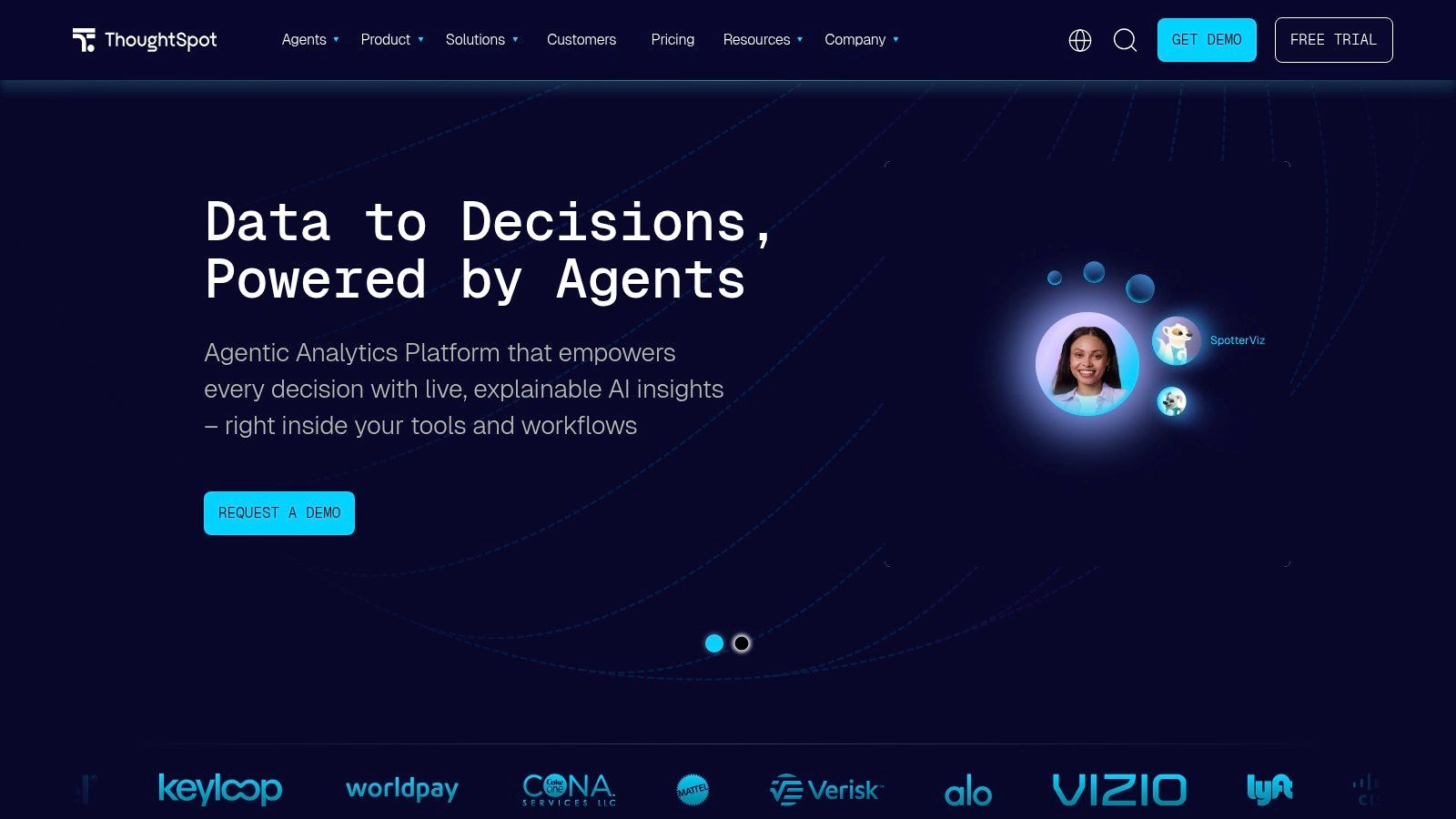
ThoughtSpot is one of the most mature “search first, ask questions later” analytics products. If you’ve ever wanted Google-style search for BI, this is the tool that made that category feel real.

Its Sage and Ask Sage experience is strong when the underlying data model is clean and governed. That last part matters more than the marketing copy usually admits.

Why teams still pick it

ThoughtSpot works well for organizations that already take semantic modeling seriously. Ask a business question, refine it with follow-ups, and explore results in Liveboards without bouncing back to a dashboard builder every time.

The product also has a mature embedding story through ThoughtSpot Everywhere, which makes it relevant for SaaS teams and platforms that want customer-facing conversational BI.

A few practical wins:

  • Search-first workflow: Good for non-technical users who think in questions, not report menus.

  • Governed answers: Better than generic chat over raw tables.

  • Embedding maturity: Useful when analytics is part of your product, not just an internal tool.

Where it can bite you

ThoughtSpot is powerful, but it rewards disciplined data teams. If your warehouse has inconsistent names, sloppy joins, or fuzzy metric definitions, the shiny chat layer won’t save you. One review noted that SpotIQ can confidently surface bad output when the warehouse itself is messy, as highlighted in Zerve’s review of AI data analysis tool gaps.

That’s not just a ThoughtSpot issue. It’s a category issue. But ThoughtSpot buyers should pay close attention to it because the product’s polish can make weak data look more trustworthy than it is.

Clean semantics first. Chat second.

I’d recommend ThoughtSpot for companies with a real BI function, a solid warehouse, and a need for embedded or search-led analytics. I wouldn’t make it the first stop for a startup still reconciling five versions of “MRR.”

3. Microsoft Power BI with Copilot

Microsoft Power BI (with Copilot)

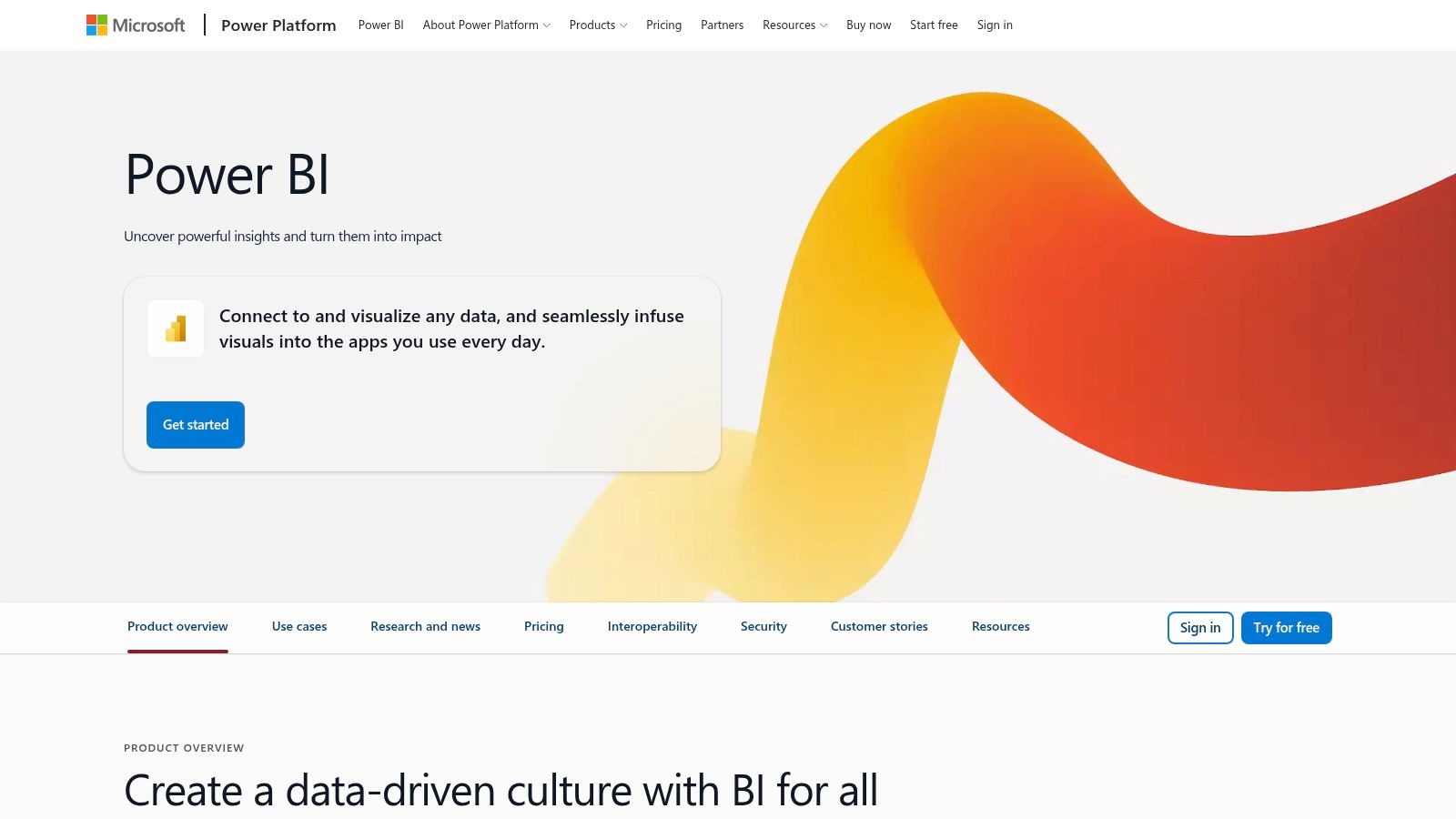
Microsoft Power BI with Copilot is the obvious choice if your company is already deep in Microsoft. Entra ID, M365, Fabric, admin controls, tenant settings, security policy. It all lines up cleanly.

That’s the good news.

The catch is that Power BI with Copilot isn’t the same thing as “type anything and your data just works.” It still rewards teams that have curated content, decent governance, and someone who understands the plumbing.

When Power BI makes sense

If your reports already live in Power BI, adding conversational assistance is a natural step. Copilot can help generate visuals, summarize content, assist with DAX, and support chat over reports and apps.

For organizations standardized on Microsoft, the appeal is obvious:

  • Ecosystem fit: Less integration friction if you already use Microsoft broadly.

  • Admin governance: Strong controls for enterprise rollout.

  • Broad surface area: Desktop, service, mobile, and embedding are all part of the conversation.

It’s also easier to justify internally because many teams already have Power BI talent, licensing, and governance processes.

The real-world caveat

Copilot requires the right Fabric or Premium setup. That’s the part a lot of buyers miss during early evaluation. You’re not just choosing a feature. You’re choosing a capacity and rollout model.

Power BI Pro itself has a $14/user/month Pro tier, as referenced in the verified research context around competing tools. That price still makes the base platform attractive, but Copilot availability depends on broader Microsoft setup, not just per-user enthusiasm.

If you’re doing forecasting work in Power BI, Samskit’s Power BI forecasting tips are a useful tactical read.

For non-technical leaders, my short take is this: Power BI with Copilot is great if your company already speaks fluent Microsoft. It’s less great if you want a fast, lightweight conversational layer without tenant planning and internal platform overhead.

4. Tableau
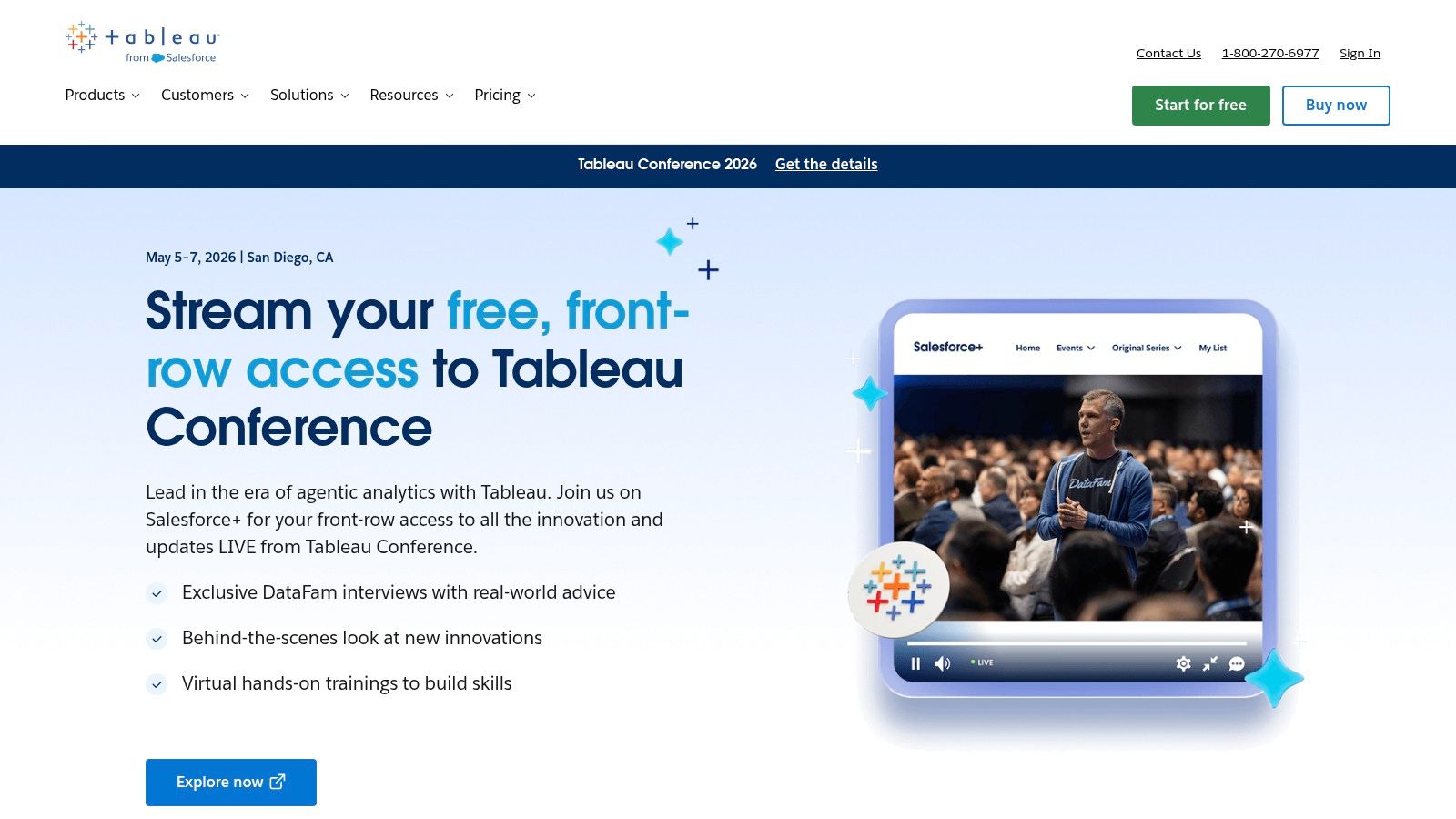

Tableau (Tableau Pulse / Tableau Agent)

Tableau still wins a lot of hearts because people enjoy using it. The charts are polished, the community is huge, and many BI teams already trust it for executive reporting.

Its AI direction now runs through Tableau Pulse and Tableau Agent. Pulse is especially interesting because it focuses on metrics first, not dashboard wandering.

Best use case

Tableau is a good fit when your organization already runs on curated metrics and polished visuals. Pulse can summarize governed metrics in natural language, while Tableau Agent helps with exploration and content building.

That’s useful for leaders who don’t want to click through fifteen dashboard tabs to figure out whether a KPI is fine or slipping.

What Tableau gets right:

  • Metric-centric experience: Better for monitoring than endless dashboard browsing.

  • Strong visualization DNA: Still one of the easiest platforms for polished business storytelling.

  • Enterprise controls: Auditability and trust features matter in larger organizations.

Where the friction shows up

The AI feature set depends on edition, deployment, and settings. Tableau buyers know this dance already. The platform can do a lot, but not all customers get the same experience out of the box.

For smaller teams, Tableau can also feel like bringing a very expensive Swiss watch to a kitchen timer problem. If your main need is “skip the SQL and ask a question,” Tableau may be more platform than you need.

Try a question like: “Summarize pipeline conversion trends by quarter and explain which segment changed the most.”

I’d pick Tableau when presentation quality and metric governance are absolutely essential. I wouldn’t pick it as the fastest path for an early-stage team trying to unify scattered operating data and move quickly.

5. Google Looker
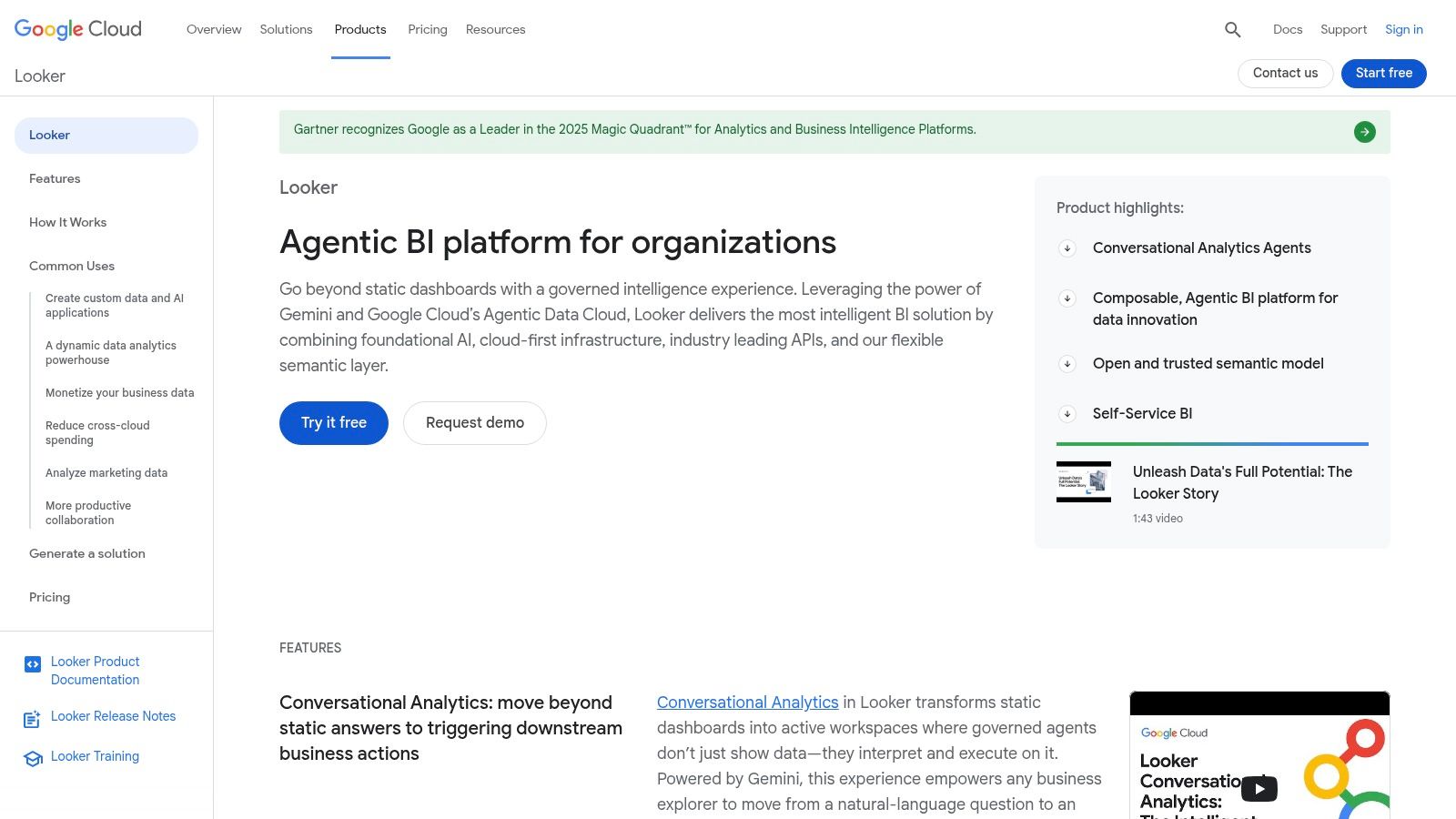

Google Looker (Gemini in Looker)

Google Looker with Gemini is a strong option for companies that already believe in modeling data properly before business users touch it. If that sounds strict, it is. That’s also why Looker often produces more consistent answers than looser BI setups.

Looker’s edge is the LookML semantic layer. Ask a natural-language question, and the answer is grounded in modeled definitions rather than improvised table joins.

What it does well

This is one of the better options for organizations on Google Cloud, especially if BigQuery is already central to the stack. Permissions are fine-grained, governance is serious, and the conversational layer has a clearer semantic backbone than generic AI wrappers.

That makes Looker appealing when you care about consistency more than novelty.

  • Governed answers: LookML reduces ambiguity.

  • Good Google fit: Strong alignment with BigQuery and Workspace.

  • Permissions discipline: Helpful for teams with multiple departments sharing one model.

What buyers should know

Looker usually asks for more setup discipline than non-technical leaders expect. If your data team isn’t prepared to maintain semantic models, the promise of conversational analytics won’t land cleanly.

This is also not the easiest “let’s test AI analytics this afternoon” purchase. It suits companies with a real data platform strategy.

A practical prompt for Looker: “Show gross margin trend by product family and explain any unusual month-over-month movement.”

If your company already lives in GCP, Looker is a serious contender. If you just want quick self-serve conversational analytics across tools your startup uses today, it can feel heavyweight.

6. Qlik

Qlik (Qlik Sense with Insight Advisor / Qlik Answers)

Qlik has always had a loyal following among teams that like exploratory analysis with more freedom than standard dashboard tools allow. Its associative approach still feels different from the usual “query one view at a time” pattern.

That matters if your users often ask follow-up questions that branch in odd directions.

Why Qlik stands out

Qlik Sense with Insight Advisor supports natural-language exploration across governed apps, while Qlik Answers pushes further into generative AI across structured and unstructured content.

In practice, Qlik can be a good fit for organizations that want:

  • Self-service exploration: Users can pivot without being trapped in one dashboard path.

  • Explainability focus: Better for teams that want some visibility into how responses are formed.

  • Broader knowledge context: Helpful when business context lives outside clean tables.

The evaluation wrinkle

Qlik’s product family can be harder to evaluate than some rivals. Sense, Insight Advisor, Qlik Answers, packaging, deployment choices. It’s not impossible, but buyers should expect more procurement homework.

There’s also a wider architecture lesson here. Platforms that combine natural language with proper data integration and governance perform better than generic chat wrappers. Artificial Analysis’s chatbot evaluation notes make that point well. Natural language alone isn’t the differentiator. The underlying data model is.

Qlik is worth shortlisting if you want enterprise-grade exploratory analytics and you have the patience to scope the right package carefully.

7. Sigma Computing
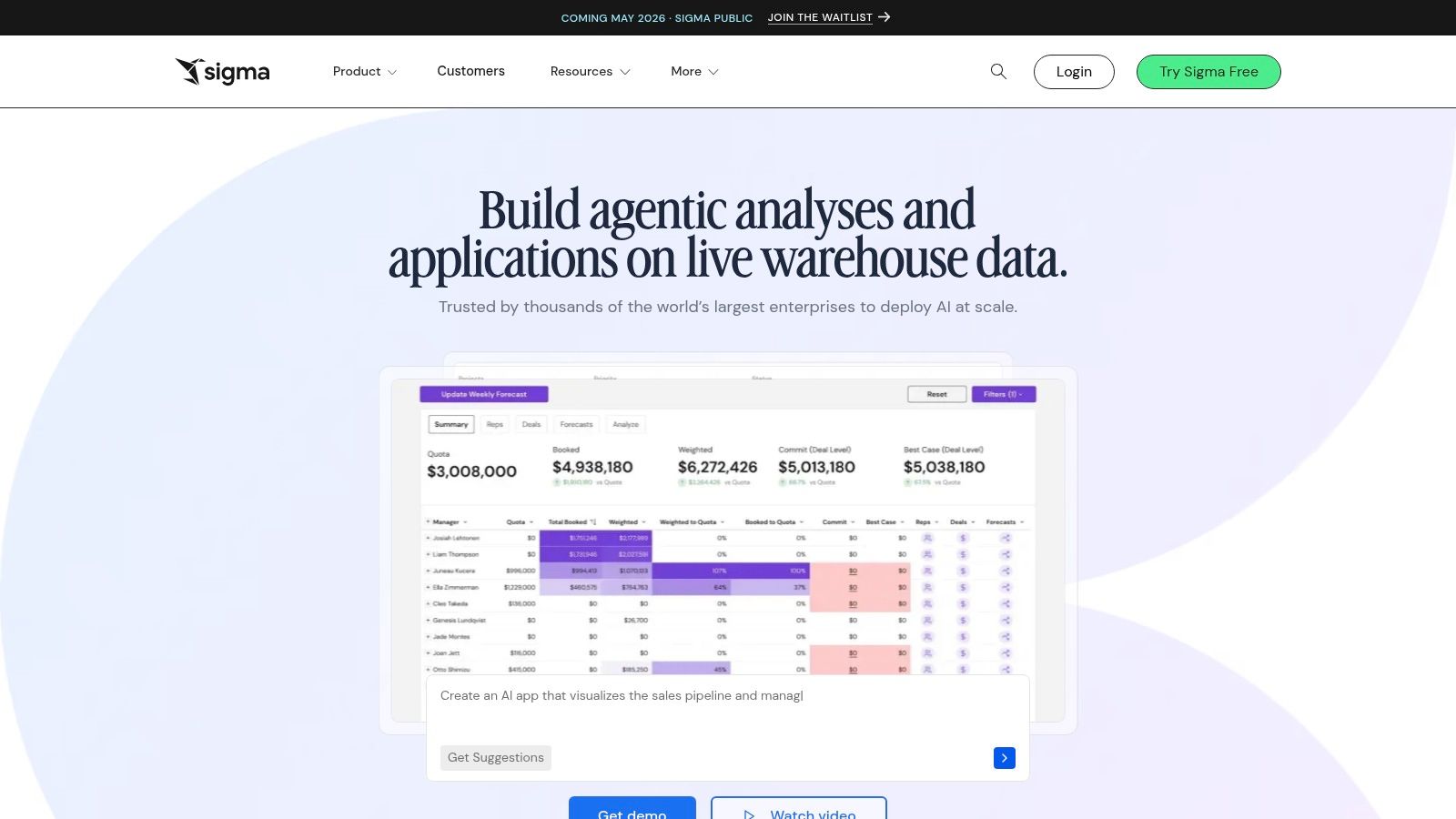

Sigma Computing (Ask Sigma / AI Query)

Sigma Computing is one of the more practical choices for companies that want conversational analytics but refuse to copy data all over the place to get it. Its warehouse-native model is the headline feature, and it’s a good one.

Ask Sigma gives users a chat-style path into data. AI Query extends that idea into warehouse-hosted LLM workflows.

Why technical leaders like it

Sigma works directly on cloud warehouse compute rather than relying on extracts. That matters for governance-minded teams and for companies that don’t want analytics logic drifting across too many layers.

It’s especially compelling if your data team already trusts Snowflake, Databricks, BigQuery, or Redshift and wants AI features without abandoning existing controls.

A few reasons it gets shortlisted:

  • Warehouse-native posture: Fewer data copies, fewer weird side paths.

  • Conversational layer for business users: Better accessibility without giving up governance entirely.

  • Admin controls: Useful for staged rollout.

Who it’s really for

Sigma is a smart choice when your company already has a warehouse-first operating model. It’s less ideal for teams that haven’t centralized data yet and need a product that helps unify scattered SaaS tools before they can even ask reliable questions.

Quote-based pricing also slows down lightweight experimentation. That’s not a flaw, but it changes who should evaluate it first.

If your warehouse is the source of truth, Sigma is easy to like. If your truth is still spread across SaaS apps, you may need the integration layer solved first.

8. Mode

Mode (AI Assist)

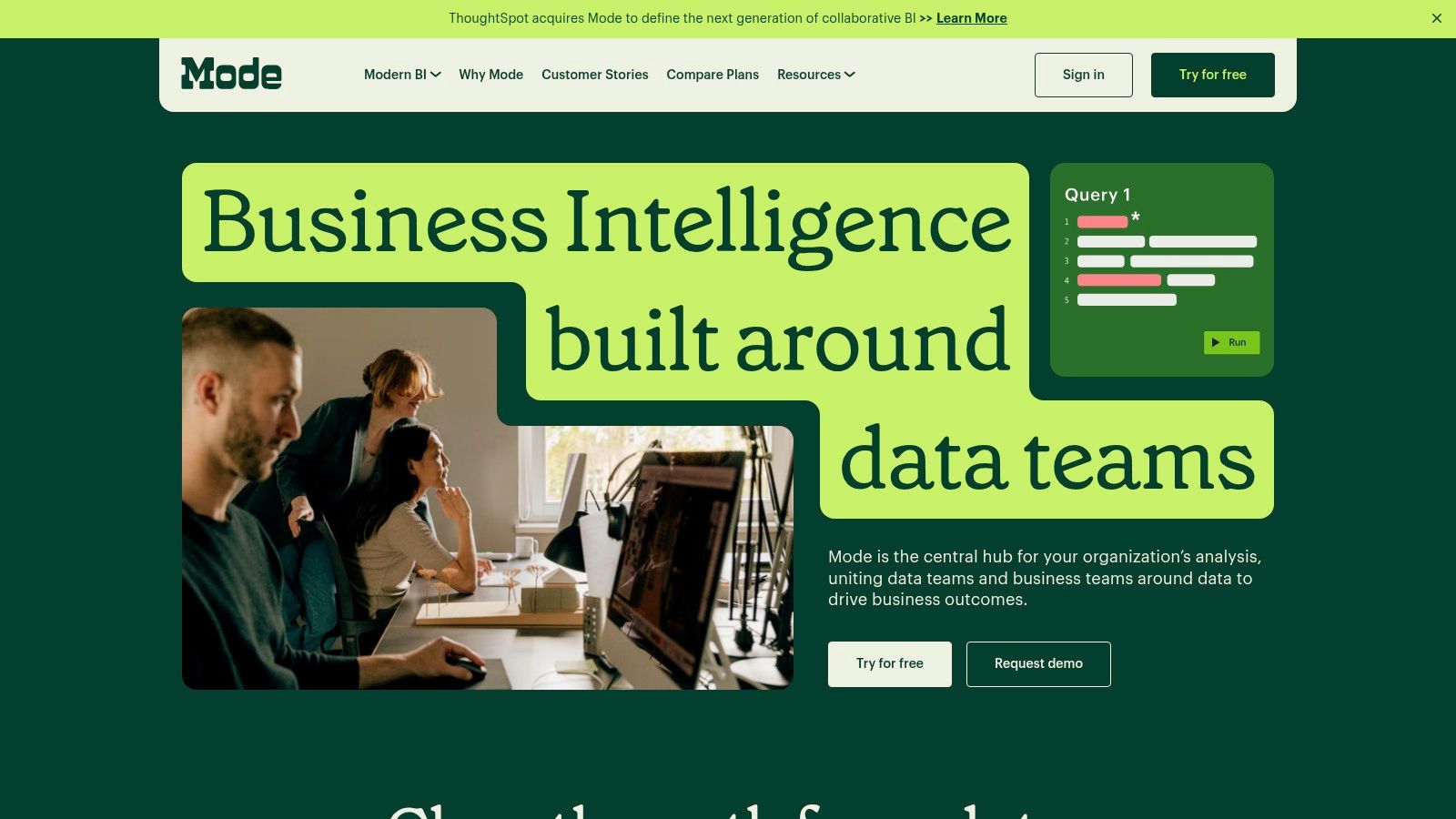
Mode is not my first recommendation for a founder who never wants to see SQL again. It is a strong option for analyst-led teams that want AI to speed up the work they already do.

That distinction matters.

Mode’s AI Assist is more like a capable sidekick for SQL and notebook workflows than a pure “ask a question and move on” interface for business users.

Where Mode works

If your analysts live in SQL, use notebooks, and publish reports to the rest of the business, Mode keeps that workflow intact while shaving time off repetitive query writing and edits.

That makes it good for teams that want:

  • Analyst productivity gains: AI helps write and modify SQL faster.

  • Collaborative analysis: Notebooks, charts, and sharing stay in one environment.

  • Human review: Easier to audit than black-box chat over mystery logic.

Why non-technical leaders may pass

Mode still feels analyst-first. That’s a compliment if you run a strong data team. It’s a drawback if your head of growth wants to self-serve answers without involving someone who knows SQL syntax.

So yes, it’s useful. But it’s not the cleanest fit for the “best ai chat for data analysis” buyer if that buyer is explicitly trying to skip the analyst queue.

Try this in Mode if you’re evaluating it from an analyst lens: “Write SQL to compare activated users by acquisition channel over the last two quarters, then suggest a chart.”

9. Hex

Hex (Hex Magic / AI)

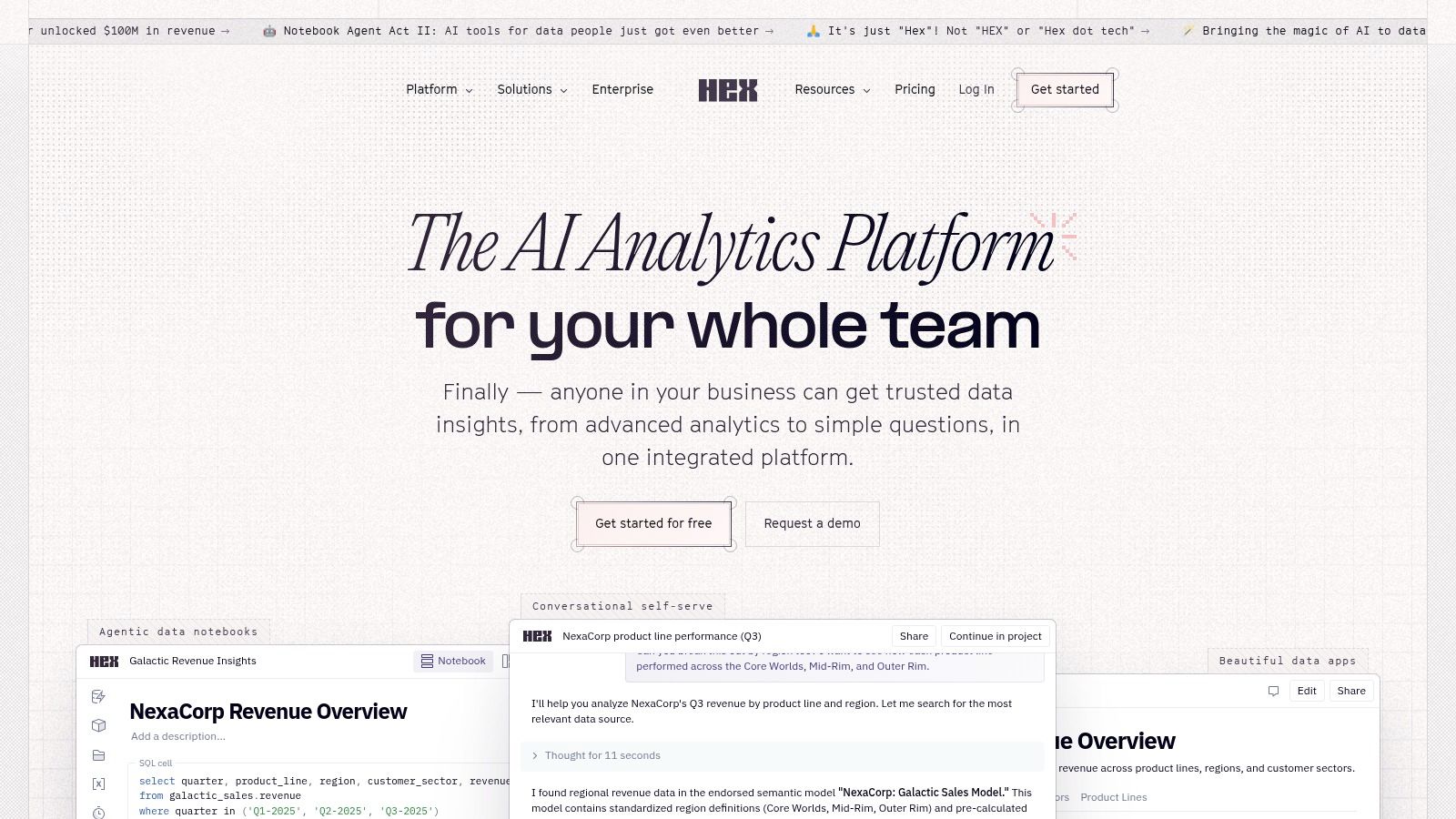
Hex sits in a different lane from pure conversational BI tools. It’s notebook-native, AI-assisted, and very good for teams that want to mix SQL, Python, charts, and lightweight app building in one place.

If your data team likes notebooks but wants less manual grunt work, Hex is easy to respect.

What makes Hex compelling

Hex Magic can help with code generation, inline edits, notebook chat, and context-aware assistance. It understands project structure better than generic chat pasted beside your browser tab.

For analytics teams, that translates into faster iteration.

  • Notebook-native AI: Better fit for technical workflows than many BI copilots.

  • Schema-aware help: Less prompting overhead than general chat tools.

  • Workspace controls: Better for organized teams than ad hoc one-off analysis.

Why it’s not for everyone

Hex still expects adults in the room who can audit AI-generated code. That’s fine for a data team. It’s not ideal for a busy PM who wants to ask “why did retention drop?” and get a trustworthy business answer without opening a notebook.

So while Hex is excellent in its category, I’d classify it as AI-enhanced analytics workbench, not the cleanest conversational analytics tool for non-technical leaders.

If your team wants to blend analysis, prototyping, and internal tooling, Hex deserves a look. If the goal is simple self-serve business Q&A, other tools will feel more direct.

10. DataGPT

DataGPT is one of the cleaner standalone takes on the “ask a question, get an analyst-style answer” idea. It focuses on narrative responses, charts, and drill-downs without requiring a full BI suite around it.

That simplicity is the appeal.

Why small teams may like it

For SMBs or lean operating teams, DataGPT can be an easier pilot than a heavyweight BI rollout. The product is centered on conversational analysis rather than sprawling platform ambitions.

That usually means faster time to first answer.

A few practical reasons to consider it:

  • Lower barrier to entry: Easier than standing up a full BI environment.

  • Narrative output: Useful for leaders who want plain-English interpretation, not just charts.

  • Focused experience: Less platform clutter than enterprise BI suites.

The trade-off

The trade-off is ecosystem depth. Compared with major BI vendors, DataGPT has a smaller footprint, fewer adjacent platform capabilities, and less built-in organizational gravity.

That doesn’t make it weak. It just means buyers should verify integration fit, governance expectations, and long-term workflow needs before they commit.

A good test prompt here would be: “What changed in trial-to-paid conversion this month, and which segment contributed most to the shift?”

For a lightweight pilot, DataGPT is worth a look. For teams that also need embedded analytics, branded workspaces, and broader operational integrations, something like Statspresso may fit better.

Top 10 AI Chat Tools for Data Analysis, Feature Comparison

Product

Core features

UX / Quality

Value proposition

Target audience

Pricing & trial

Statspresso

Connectors (Shopify, HubSpot, Postgres…), plain‑English Q&A, AI Insight Gallery, real‑time dashboards, embeddable chat

Instant charts & explanations; claims 3x faster insights, 40% fewer reporting hours

Conversational analytics that replaces dashboard sprawl and speeds decisions

Startups, SMBs, product/growth teams, agencies, execs

Starter $49/mo; Growth $249/mo; Advanced $499/mo; 14‑day free trial (no card)

ThoughtSpot (Sage / Ask Sage)

NLQ search, conversational follow‑ups, Liveboards with data lineage, strong embedding

Mature chat‑first experience with governed results

Search-driven BI for governed, explainable Q&A at scale

Large enterprises and product teams needing governance

Enterprise pricing, tiered; requires scoping

Microsoft Power BI (with Copilot)

Copilot chat, DAX suggestions, conversational report creation, integrates with Fabric/M365

Deep MS integration; strong admin controls and governance

Conversational analytics inside Microsoft ecosystem

Organizations standardized on Microsoft (M365/Fabric)

Copilot requires Fabric or Premium capacity; typical Power BI licensing applies

Tableau (Pulse / Agent)

Pulse metric summaries, conversational agent, governance and audit controls

Strong visualization UX and community; proactive metric alerts

Metric‑centric discovery + visual analytics

Enterprises, data teams, BI users focused on dashboards

Feature availability varies by edition/Cloud plan

Google Looker (Gemini in Looker)

Gemini conversational analytics, LookML semantic layer, model‑scoped permissions

Governed, explainable answers tied to models

Conversational BI grounded in LookML + Google Cloud

Google Cloud / BigQuery customers and model‑driven teams

Requires Looker Studio Pro enablement; enterprise pricing

Qlik (Qlik Sense / Qlik Answers)

Insight Advisor NLQ, Qlik Answers generative chat, associative engine for context

Emphasis on explainability and associative exploration

Augmented analytics that surfaces related context automatically

Enterprises needing self‑service augmented analytics

Enterprise pricing; feature packaging varies by product

Sigma Computing (Ask Sigma / AI Query)

Warehouse‑native NLQ, BYO warehouse LLMs, runs on cloud compute (no extracts)

Fast, governed warehouse queries with BYO model options

Preserves governance by operating on warehouse compute

Data teams using Snowflake/BigQuery/Databricks/Redshift

Quote‑based pricing; enterprise sales process

Mode (AI Assist)

AI for SQL/Python/R, integrated notebooks, Visual Explorer, governance

Analyst‑first UX; smooth AI→human handoff

Speeds analyst workflows while preserving code & notebooks

Analysts and data teams who use SQL + notebooks

Higher tiers/enterprise features are quote‑based

Hex (Hex Magic / AI)

Notebook agent, code generation/edits, BYO model keys, workspace AI controls

Deep notebook integration for fast iteration

Notebook + app building with inline AI assistance

Developer/analyst teams building analytics apps

Enterprise pricing; contact sales

DataGPT

Conversational multi‑query analyst, narratives, charts, drill‑downs, sharing

Simple, quick setup focused on fast Q&A

Lightweight conversational analytics without full BI stack

Small teams, pilots, SMBs seeking fast answers

Pricing varies; may require vendor contact

Final Thoughts

Picking the best ai chat for data analysis is mostly a buying decision, not a feature contest. For founders, PMs, and growth leaders, the right question is simple: which tool helps your team get trustworthy answers from your existing data, with the least operational drag?

That usually comes down to three factors. Where the data lives. Who will ask the questions. How much review, security, and metric control you need before someone acts on an answer.

A lot of teams switching from static BI to conversational analytics are responding to a clear behavior change. People would rather ask a question than hunt through filters and dashboards. The important part is making sure the tool answers from governed business data instead of generating polished nonsense.

What I’d choose by role

For a startup founder or growth lead, I’d favor a tool that connects quickly, answers in plain English, and does not require a BI admin to keep it useful. Statspresso fits that use case well because it focuses on connected business questions across operational systems, rather than treating analysis like a one-off file upload.

For an enterprise BI team, stack fit matters more than AI branding. ThoughtSpot, Power BI, Tableau, Looker, Qlik, and Sigma can all work well if they match your warehouse setup, governance model, and reporting culture. In practice, the wrong deployment model creates more friction than a weaker chat interface.

For an analyst-heavy team, Mode and Hex often deliver more day-to-day value than business-user chat tools. They shorten the path from question to SQL, Python, notebook work, and final output, which is usually what analyst teams care about.

For ad hoc spreadsheet analysis, tools outside this list can still be useful. ChatGPT’s Advanced Data Analysis is strong for quick file-based exploration, and Powerdrill’s review of AI chatbots for exploratory data analysis notes that it handles a large share of common tasks such as trend detection and outlier spotting. Julius is also worth knowing as a separate category. A verified benchmark summary tied to this Julius AI video reference ranked it highly for dataset handling and spreadsheet-style workflows. Those tools are helpful for lightweight analysis, but they solve a different problem from connected, governed analytics inside a company.

The buyer mistake I see most often

Teams underweight data quality and metric definition.

A polished chat interface on top of messy CRM fields, inconsistent revenue logic, or half-connected product data does not improve decision-making. It just makes wrong answers easier to produce and harder to challenge. Find Anomaly’s roundup on AI analytics tooling gaps makes a fair point here. Embedded analytics and operational deployment still get far less attention than flashy demo prompts.

That matters because adoption usually depends on boring things. Source coverage. Permissions. Shared definitions. Workspace collaboration. Embedding options. If those pieces are weak, the tool becomes a novelty instead of part of how the business runs.

The old way was slower and more fragile. Someone pulled SQL, updated a dashboard, then walked everyone through the chart in a meeting. The newer model is faster. A stakeholder asks a question and gets an answer, chart, and explanation in the same flow. That is the value. Shorter time from question to decision.

If you want that without building out a heavy BI process first, try Statspresso. It’s a conversational AI data anal...

Waiting weeks for an analyst to build one more dashboard is old news. Conversational AI has changed the buying criteria. The broader conversational AI market is projected to reach USD 41.39 billion by 2030, growing at a 23.7% CAGR from 2025 to 2030, and 78% of companies have already implemented conversational AI in at least one core function, according to Nextiva’s conversational AI statistics roundup. That matters because the best ai chat for data analysis isn’t just a neat interface. It’s a faster path from messy data to a decision.

For founders, PMs, and marketing leads, the key question isn’t “Which tool has AI?” Almost all of them do. The useful question is, which one gets you a trustworthy answer without turning you into a part-time BI admin.

Some tools are great for ad hoc file analysis. Some are strong if you already live inside Microsoft, Salesforce, or Google Cloud. A few are better at embedded analytics than mainstream reviews admit. And some look slick in demos but fall apart the second your data has naming issues, broken joins, or five sources that disagree with each other.

That’s why I’d pick differently for a startup growth team than for a Fortune 500 BI department.

If your world includes spreadsheets, support tickets, product events, and scattered warehouse tables, conversational analytics works best when it’s grounded in your actual systems, not just uploaded files. That’s the gap tools like Statspresso are designed to close. It’s a Conversational AI Data Analyst. You connect your data, skip the SQL, and ask a question.

If you also work with interviews, customer feedback, or open-text responses, HypeScribe’s qualitative data guide is a useful companion to the more numeric tools below.

1. Statspresso


Statspresso

Statspresso is the tool I’d hand to a busy founder or PM who wants answers from live business data, not a lecture on schema design. It’s built as a Conversational AI Data Analyst, which is the right framing. You connect sources like Shopify, HubSpot, Linear, and Postgres, then ask plain-English questions and get charts, numbers, and explanations back.

That sounds simple because it should be simple.

The difference is that Statspresso is aimed at the messy middle where most startup teams live. Your revenue data is in one place, acquisition data is in another, product signals are somewhere else, and nobody wants to bounce between dashboards to answer a basic question like “why did conversion dip last week?”

Where Statspresso feels practical

Statspresso is strongest when you want self-serve answers on connected business data without forcing everyone through a traditional BI project. The product also leans into the stuff many comparison posts skip, like shareable workspaces, embeddable AI chat, branding controls, and PDF-exportable dashboards.

That makes it a good fit for:

  • Startup operators: You can ask for KPI breakdowns without writing SQL.

  • Growth teams: You can connect acquisition and conversion sources instead of stitching screenshots into a slide.

  • Agencies and SaaS teams: Embedded chat and brand controls matter if analytics needs to show up inside client workflows.

  • Execs: Real-time dashboards help keep “what’s the true number?” fights to a minimum.

A detail I like is the AI Insight Gallery. It surfaces patterns at a glance and lets teams save useful findings instead of losing them in chat history.

Practical rule: If your team asks the same business questions every week, a connected conversational layer beats another dashboard tab almost every time.

Trade-offs that matter

Statspresso isn’t trying to be a notebook for analysts who want to hand-tune Python cells all day. It’s better for operational teams that want speed, clarity, and collaboration.

The lower tiers are intentionally tighter. Starter begins at $49/month, includes 1 connector, 2 dashboards, and 200 AI chat messages/month. Growth is $249/month and includes 3 workspaces, 10 connectors, 10 dashboards, 1,000 queries/month, AI Insight Gallery, embedding, PDF export, and custom branding. Advanced is $499/month. There’s also a 14-day free trial with no credit card, based on the publisher’s product details.

Those limits are reasonable for a small team, but if you connect more sources or share analytics across departments, you’ll probably outgrow the entry plan.

One caution. Public-facing security and compliance details are lighter than some enterprise buyers may want, so larger regulated teams should validate governance directly with the vendor.

Try asking Statspresso: “Show me monthly revenue by channel for the last year as a bar chart, then explain the biggest drop.”

If you want a feel for the product experience, Statspresso’s own guide on chatting with your data is worth a look.

2. ThoughtSpot


ThoughtSpot (Sage / Ask Sage / Liveboards)

ThoughtSpot is one of the most mature “search first, ask questions later” analytics products. If you’ve ever wanted Google-style search for BI, this is the tool that made that category feel real.

Its Sage and Ask Sage experience is strong when the underlying data model is clean and governed. That last part matters more than the marketing copy usually admits.

Why teams still pick it

ThoughtSpot works well for organizations that already take semantic modeling seriously. Ask a business question, refine it with follow-ups, and explore results in Liveboards without bouncing back to a dashboard builder every time.

The product also has a mature embedding story through ThoughtSpot Everywhere, which makes it relevant for SaaS teams and platforms that want customer-facing conversational BI.

A few practical wins:

  • Search-first workflow: Good for non-technical users who think in questions, not report menus.

  • Governed answers: Better than generic chat over raw tables.

  • Embedding maturity: Useful when analytics is part of your product, not just an internal tool.

Where it can bite you

ThoughtSpot is powerful, but it rewards disciplined data teams. If your warehouse has inconsistent names, sloppy joins, or fuzzy metric definitions, the shiny chat layer won’t save you. One review noted that SpotIQ can confidently surface bad output when the warehouse itself is messy, as highlighted in Zerve’s review of AI data analysis tool gaps.

That’s not just a ThoughtSpot issue. It’s a category issue. But ThoughtSpot buyers should pay close attention to it because the product’s polish can make weak data look more trustworthy than it is.

Clean semantics first. Chat second.

I’d recommend ThoughtSpot for companies with a real BI function, a solid warehouse, and a need for embedded or search-led analytics. I wouldn’t make it the first stop for a startup still reconciling five versions of “MRR.”

3. Microsoft Power BI with Copilot


Microsoft Power BI (with Copilot)

Microsoft Power BI with Copilot is the obvious choice if your company is already deep in Microsoft. Entra ID, M365, Fabric, admin controls, tenant settings, security policy. It all lines up cleanly.

That’s the good news.

The catch is that Power BI with Copilot isn’t the same thing as “type anything and your data just works.” It still rewards teams that have curated content, decent governance, and someone who understands the plumbing.

When Power BI makes sense

If your reports already live in Power BI, adding conversational assistance is a natural step. Copilot can help generate visuals, summarize content, assist with DAX, and support chat over reports and apps.

For organizations standardized on Microsoft, the appeal is obvious:

  • Ecosystem fit: Less integration friction if you already use Microsoft broadly.

  • Admin governance: Strong controls for enterprise rollout.

  • Broad surface area: Desktop, service, mobile, and embedding are all part of the conversation.

It’s also easier to justify internally because many teams already have Power BI talent, licensing, and governance processes.

The real-world caveat

Copilot requires the right Fabric or Premium setup. That’s the part a lot of buyers miss during early evaluation. You’re not just choosing a feature. You’re choosing a capacity and rollout model.

Power BI Pro itself has a $14/user/month Pro tier, as referenced in the verified research context around competing tools. That price still makes the base platform attractive, but Copilot availability depends on broader Microsoft setup, not just per-user enthusiasm.

If you’re doing forecasting work in Power BI, Samskit’s Power BI forecasting tips are a useful tactical read.

For non-technical leaders, my short take is this: Power BI with Copilot is great if your company already speaks fluent Microsoft. It’s less great if you want a fast, lightweight conversational layer without tenant planning and internal platform overhead.

4. Tableau


Tableau (Tableau Pulse / Tableau Agent)

Tableau still wins a lot of hearts because people enjoy using it. The charts are polished, the community is huge, and many BI teams already trust it for executive reporting.

Its AI direction now runs through Tableau Pulse and Tableau Agent. Pulse is especially interesting because it focuses on metrics first, not dashboard wandering.

Best use case

Tableau is a good fit when your organization already runs on curated metrics and polished visuals. Pulse can summarize governed metrics in natural language, while Tableau Agent helps with exploration and content building.

That’s useful for leaders who don’t want to click through fifteen dashboard tabs to figure out whether a KPI is fine or slipping.

What Tableau gets right:

  • Metric-centric experience: Better for monitoring than endless dashboard browsing.

  • Strong visualization DNA: Still one of the easiest platforms for polished business storytelling.

  • Enterprise controls: Auditability and trust features matter in larger organizations.

Where the friction shows up

The AI feature set depends on edition, deployment, and settings. Tableau buyers know this dance already. The platform can do a lot, but not all customers get the same experience out of the box.

For smaller teams, Tableau can also feel like bringing a very expensive Swiss watch to a kitchen timer problem. If your main need is “skip the SQL and ask a question,” Tableau may be more platform than you need.

Try a question like: “Summarize pipeline conversion trends by quarter and explain which segment changed the most.”

I’d pick Tableau when presentation quality and metric governance are absolutely essential. I wouldn’t pick it as the fastest path for an early-stage team trying to unify scattered operating data and move quickly.

5. Google Looker


Google Looker (Gemini in Looker)

Google Looker with Gemini is a strong option for companies that already believe in modeling data properly before business users touch it. If that sounds strict, it is. That’s also why Looker often produces more consistent answers than looser BI setups.

Looker’s edge is the LookML semantic layer. Ask a natural-language question, and the answer is grounded in modeled definitions rather than improvised table joins.

What it does well

This is one of the better options for organizations on Google Cloud, especially if BigQuery is already central to the stack. Permissions are fine-grained, governance is serious, and the conversational layer has a clearer semantic backbone than generic AI wrappers.

That makes Looker appealing when you care about consistency more than novelty.

  • Governed answers: LookML reduces ambiguity.

  • Good Google fit: Strong alignment with BigQuery and Workspace.

  • Permissions discipline: Helpful for teams with multiple departments sharing one model.

What buyers should know

Looker usually asks for more setup discipline than non-technical leaders expect. If your data team isn’t prepared to maintain semantic models, the promise of conversational analytics won’t land cleanly.

This is also not the easiest “let’s test AI analytics this afternoon” purchase. It suits companies with a real data platform strategy.

A practical prompt for Looker: “Show gross margin trend by product family and explain any unusual month-over-month movement.”

If your company already lives in GCP, Looker is a serious contender. If you just want quick self-serve conversational analytics across tools your startup uses today, it can feel heavyweight.

6. Qlik


Qlik (Qlik Sense with Insight Advisor / Qlik Answers)

Qlik has always had a loyal following among teams that like exploratory analysis with more freedom than standard dashboard tools allow. Its associative approach still feels different from the usual “query one view at a time” pattern.

That matters if your users often ask follow-up questions that branch in odd directions.

Why Qlik stands out

Qlik Sense with Insight Advisor supports natural-language exploration across governed apps, while Qlik Answers pushes further into generative AI across structured and unstructured content.

In practice, Qlik can be a good fit for organizations that want:

  • Self-service exploration: Users can pivot without being trapped in one dashboard path.

  • Explainability focus: Better for teams that want some visibility into how responses are formed.

  • Broader knowledge context: Helpful when business context lives outside clean tables.

The evaluation wrinkle

Qlik’s product family can be harder to evaluate than some rivals. Sense, Insight Advisor, Qlik Answers, packaging, deployment choices. It’s not impossible, but buyers should expect more procurement homework.

There’s also a wider architecture lesson here. Platforms that combine natural language with proper data integration and governance perform better than generic chat wrappers. Artificial Analysis’s chatbot evaluation notes make that point well. Natural language alone isn’t the differentiator. The underlying data model is.

Qlik is worth shortlisting if you want enterprise-grade exploratory analytics and you have the patience to scope the right package carefully.

7. Sigma Computing


Sigma Computing (Ask Sigma / AI Query)

Sigma Computing is one of the more practical choices for companies that want conversational analytics but refuse to copy data all over the place to get it. Its warehouse-native model is the headline feature, and it’s a good one.

Ask Sigma gives users a chat-style path into data. AI Query extends that idea into warehouse-hosted LLM workflows.

Why technical leaders like it

Sigma works directly on cloud warehouse compute rather than relying on extracts. That matters for governance-minded teams and for companies that don’t want analytics logic drifting across too many layers.

It’s especially compelling if your data team already trusts Snowflake, Databricks, BigQuery, or Redshift and wants AI features without abandoning existing controls.

A few reasons it gets shortlisted:

  • Warehouse-native posture: Fewer data copies, fewer weird side paths.

  • Conversational layer for business users: Better accessibility without giving up governance entirely.

  • Admin controls: Useful for staged rollout.

Who it’s really for

Sigma is a smart choice when your company already has a warehouse-first operating model. It’s less ideal for teams that haven’t centralized data yet and need a product that helps unify scattered SaaS tools before they can even ask reliable questions.

Quote-based pricing also slows down lightweight experimentation. That’s not a flaw, but it changes who should evaluate it first.

If your warehouse is the source of truth, Sigma is easy to like. If your truth is still spread across SaaS apps, you may need the integration layer solved first.

8. Mode


Mode (AI Assist)

Mode is not my first recommendation for a founder who never wants to see SQL again. It is a strong option for analyst-led teams that want AI to speed up the work they already do.

That distinction matters.

Mode’s AI Assist is more like a capable sidekick for SQL and notebook workflows than a pure “ask a question and move on” interface for business users.

Where Mode works

If your analysts live in SQL, use notebooks, and publish reports to the rest of the business, Mode keeps that workflow intact while shaving time off repetitive query writing and edits.

That makes it good for teams that want:

  • Analyst productivity gains: AI helps write and modify SQL faster.

  • Collaborative analysis: Notebooks, charts, and sharing stay in one environment.

  • Human review: Easier to audit than black-box chat over mystery logic.

Why non-technical leaders may pass

Mode still feels analyst-first. That’s a compliment if you run a strong data team. It’s a drawback if your head of growth wants to self-serve answers without involving someone who knows SQL syntax.

So yes, it’s useful. But it’s not the cleanest fit for the “best ai chat for data analysis” buyer if that buyer is explicitly trying to skip the analyst queue.

Try this in Mode if you’re evaluating it from an analyst lens: “Write SQL to compare activated users by acquisition channel over the last two quarters, then suggest a chart.”

9. Hex


Hex (Hex Magic / AI)

Hex sits in a different lane from pure conversational BI tools. It’s notebook-native, AI-assisted, and very good for teams that want to mix SQL, Python, charts, and lightweight app building in one place.

If your data team likes notebooks but wants less manual grunt work, Hex is easy to respect.

What makes Hex compelling

Hex Magic can help with code generation, inline edits, notebook chat, and context-aware assistance. It understands project structure better than generic chat pasted beside your browser tab.

For analytics teams, that translates into faster iteration.

  • Notebook-native AI: Better fit for technical workflows than many BI copilots.

  • Schema-aware help: Less prompting overhead than general chat tools.

  • Workspace controls: Better for organized teams than ad hoc one-off analysis.

Why it’s not for everyone

Hex still expects adults in the room who can audit AI-generated code. That’s fine for a data team. It’s not ideal for a busy PM who wants to ask “why did retention drop?” and get a trustworthy business answer without opening a notebook.

So while Hex is excellent in its category, I’d classify it as AI-enhanced analytics workbench, not the cleanest conversational analytics tool for non-technical leaders.

If your team wants to blend analysis, prototyping, and internal tooling, Hex deserves a look. If the goal is simple self-serve business Q&A, other tools will feel more direct.

10. DataGPT

DataGPT is one of the cleaner standalone takes on the “ask a question, get an analyst-style answer” idea. It focuses on narrative responses, charts, and drill-downs without requiring a full BI suite around it.

That simplicity is the appeal.

Why small teams may like it

For SMBs or lean operating teams, DataGPT can be an easier pilot than a heavyweight BI rollout. The product is centered on conversational analysis rather than sprawling platform ambitions.

That usually means faster time to first answer.

A few practical reasons to consider it:

  • Lower barrier to entry: Easier than standing up a full BI environment.

  • Narrative output: Useful for leaders who want plain-English interpretation, not just charts.

  • Focused experience: Less platform clutter than enterprise BI suites.

The trade-off

The trade-off is ecosystem depth. Compared with major BI vendors, DataGPT has a smaller footprint, fewer adjacent platform capabilities, and less built-in organizational gravity.

That doesn’t make it weak. It just means buyers should verify integration fit, governance expectations, and long-term workflow needs before they commit.

A good test prompt here would be: “What changed in trial-to-paid conversion this month, and which segment contributed most to the shift?”

For a lightweight pilot, DataGPT is worth a look. For teams that also need embedded analytics, branded workspaces, and broader operational integrations, something like Statspresso may fit better.

Top 10 AI Chat Tools for Data Analysis, Feature Comparison

Product

Core features

UX / Quality

Value proposition

Target audience

Pricing & trial

Statspresso

Connectors (Shopify, HubSpot, Postgres…), plain‑English Q&A, AI Insight Gallery, real‑time dashboards, embeddable chat

Instant charts & explanations; claims 3x faster insights, 40% fewer reporting hours

Conversational analytics that replaces dashboard sprawl and speeds decisions

Startups, SMBs, product/growth teams, agencies, execs

Starter $49/mo; Growth $249/mo; Advanced $499/mo; 14‑day free trial (no card)

ThoughtSpot (Sage / Ask Sage)

NLQ search, conversational follow‑ups, Liveboards with data lineage, strong embedding

Mature chat‑first experience with governed results

Search-driven BI for governed, explainable Q&A at scale

Large enterprises and product teams needing governance

Enterprise pricing, tiered; requires scoping

Microsoft Power BI (with Copilot)

Copilot chat, DAX suggestions, conversational report creation, integrates with Fabric/M365

Deep MS integration; strong admin controls and governance

Conversational analytics inside Microsoft ecosystem

Organizations standardized on Microsoft (M365/Fabric)

Copilot requires Fabric or Premium capacity; typical Power BI licensing applies

Tableau (Pulse / Agent)

Pulse metric summaries, conversational agent, governance and audit controls

Strong visualization UX and community; proactive metric alerts

Metric‑centric discovery + visual analytics

Enterprises, data teams, BI users focused on dashboards

Feature availability varies by edition/Cloud plan

Google Looker (Gemini in Looker)

Gemini conversational analytics, LookML semantic layer, model‑scoped permissions

Governed, explainable answers tied to models

Conversational BI grounded in LookML + Google Cloud

Google Cloud / BigQuery customers and model‑driven teams

Requires Looker Studio Pro enablement; enterprise pricing

Qlik (Qlik Sense / Qlik Answers)

Insight Advisor NLQ, Qlik Answers generative chat, associative engine for context

Emphasis on explainability and associative exploration

Augmented analytics that surfaces related context automatically

Enterprises needing self‑service augmented analytics

Enterprise pricing; feature packaging varies by product

Sigma Computing (Ask Sigma / AI Query)

Warehouse‑native NLQ, BYO warehouse LLMs, runs on cloud compute (no extracts)

Fast, governed warehouse queries with BYO model options

Preserves governance by operating on warehouse compute

Data teams using Snowflake/BigQuery/Databricks/Redshift

Quote‑based pricing; enterprise sales process

Mode (AI Assist)

AI for SQL/Python/R, integrated notebooks, Visual Explorer, governance

Analyst‑first UX; smooth AI→human handoff

Speeds analyst workflows while preserving code & notebooks

Analysts and data teams who use SQL + notebooks

Higher tiers/enterprise features are quote‑based

Hex (Hex Magic / AI)

Notebook agent, code generation/edits, BYO model keys, workspace AI controls

Deep notebook integration for fast iteration

Notebook + app building with inline AI assistance

Developer/analyst teams building analytics apps

Enterprise pricing; contact sales

DataGPT

Conversational multi‑query analyst, narratives, charts, drill‑downs, sharing

Simple, quick setup focused on fast Q&A

Lightweight conversational analytics without full BI stack

Small teams, pilots, SMBs seeking fast answers

Pricing varies; may require vendor contact

Final Thoughts

Picking the best ai chat for data analysis is mostly a buying decision, not a feature contest. For founders, PMs, and growth leaders, the right question is simple: which tool helps your team get trustworthy answers from your existing data, with the least operational drag?

That usually comes down to three factors. Where the data lives. Who will ask the questions. How much review, security, and metric control you need before someone acts on an answer.

A lot of teams switching from static BI to conversational analytics are responding to a clear behavior change. People would rather ask a question than hunt through filters and dashboards. The important part is making sure the tool answers from governed business data instead of generating polished nonsense.

What I’d choose by role

For a startup founder or growth lead, I’d favor a tool that connects quickly, answers in plain English, and does not require a BI admin to keep it useful. Statspresso fits that use case well because it focuses on connected business questions across operational systems, rather than treating analysis like a one-off file upload.

For an enterprise BI team, stack fit matters more than AI branding. ThoughtSpot, Power BI, Tableau, Looker, Qlik, and Sigma can all work well if they match your warehouse setup, governance model, and reporting culture. In practice, the wrong deployment model creates more friction than a weaker chat interface.

For an analyst-heavy team, Mode and Hex often deliver more day-to-day value than business-user chat tools. They shorten the path from question to SQL, Python, notebook work, and final output, which is usually what analyst teams care about.

For ad hoc spreadsheet analysis, tools outside this list can still be useful. ChatGPT’s Advanced Data Analysis is strong for quick file-based exploration, and Powerdrill’s review of AI chatbots for exploratory data analysis notes that it handles a large share of common tasks such as trend detection and outlier spotting. Julius is also worth knowing as a separate category. A verified benchmark summary tied to this Julius AI video reference ranked it highly for dataset handling and spreadsheet-style workflows. Those tools are helpful for lightweight analysis, but they solve a different problem from connected, governed analytics inside a company.

The buyer mistake I see most often

Teams underweight data quality and metric definition.

A polished chat interface on top of messy CRM fields, inconsistent revenue logic, or half-connected product data does not improve decision-making. It just makes wrong answers easier to produce and harder to challenge. Find Anomaly’s roundup on AI analytics tooling gaps makes a fair point here. Embedded analytics and operational deployment still get far less attention than flashy demo prompts.

That matters because adoption usually depends on boring things. Source coverage. Permissions. Shared definitions. Workspace collaboration. Embedding options. If those pieces are weak, the tool becomes a novelty instead of part of how the business runs.

The old way was slower and more fragile. Someone pulled SQL, updated a dashboard, then walked everyone through the chart in a meeting. The newer model is faster. A stakeholder asks a question and gets an answer, chart, and explanation in the same flow. That is the value. Shorter time from question to decision.

If you want that without building out a heavy BI process first, try Statspresso. It’s a conversational AI data anal...

Waiting weeks for an analyst to build one more dashboard is old news. Conversational AI has changed the buying criteria. The broader conversational AI market is projected to reach USD 41.39 billion by 2030, growing at a 23.7% CAGR from 2025 to 2030, and 78% of companies have already implemented conversational AI in at least one core function, according to Nextiva’s conversational AI statistics roundup. That matters because the best ai chat for data analysis isn’t just a neat interface. It’s a faster path from messy data to a decision.

For founders, PMs, and marketing leads, the key question isn’t “Which tool has AI?” Almost all of them do. The useful question is, which one gets you a trustworthy answer without turning you into a part-time BI admin.

Some tools are great for ad hoc file analysis. Some are strong if you already live inside Microsoft, Salesforce, or Google Cloud. A few are better at embedded analytics than mainstream reviews admit. And some look slick in demos but fall apart the second your data has naming issues, broken joins, or five sources that disagree with each other.

That’s why I’d pick differently for a startup growth team than for a Fortune 500 BI department.

If your world includes spreadsheets, support tickets, product events, and scattered warehouse tables, conversational analytics works best when it’s grounded in your actual systems, not just uploaded files. That’s the gap tools like Statspresso are designed to close. It’s a Conversational AI Data Analyst. You connect your data, skip the SQL, and ask a question.

If you also work with interviews, customer feedback, or open-text responses, HypeScribe’s qualitative data guide is a useful companion to the more numeric tools below.

1. Statspresso


Statspresso

Statspresso is the tool I’d hand to a busy founder or PM who wants answers from live business data, not a lecture on schema design. It’s built as a Conversational AI Data Analyst, which is the right framing. You connect sources like Shopify, HubSpot, Linear, and Postgres, then ask plain-English questions and get charts, numbers, and explanations back.

That sounds simple because it should be simple.

The difference is that Statspresso is aimed at the messy middle where most startup teams live. Your revenue data is in one place, acquisition data is in another, product signals are somewhere else, and nobody wants to bounce between dashboards to answer a basic question like “why did conversion dip last week?”

Where Statspresso feels practical

Statspresso is strongest when you want self-serve answers on connected business data without forcing everyone through a traditional BI project. The product also leans into the stuff many comparison posts skip, like shareable workspaces, embeddable AI chat, branding controls, and PDF-exportable dashboards.

That makes it a good fit for:

  • Startup operators: You can ask for KPI breakdowns without writing SQL.

  • Growth teams: You can connect acquisition and conversion sources instead of stitching screenshots into a slide.

  • Agencies and SaaS teams: Embedded chat and brand controls matter if analytics needs to show up inside client workflows.

  • Execs: Real-time dashboards help keep “what’s the true number?” fights to a minimum.

A detail I like is the AI Insight Gallery. It surfaces patterns at a glance and lets teams save useful findings instead of losing them in chat history.

Practical rule: If your team asks the same business questions every week, a connected conversational layer beats another dashboard tab almost every time.

Trade-offs that matter

Statspresso isn’t trying to be a notebook for analysts who want to hand-tune Python cells all day. It’s better for operational teams that want speed, clarity, and collaboration.

The lower tiers are intentionally tighter. Starter begins at $49/month, includes 1 connector, 2 dashboards, and 200 AI chat messages/month. Growth is $249/month and includes 3 workspaces, 10 connectors, 10 dashboards, 1,000 queries/month, AI Insight Gallery, embedding, PDF export, and custom branding. Advanced is $499/month. There’s also a 14-day free trial with no credit card, based on the publisher’s product details.

Those limits are reasonable for a small team, but if you connect more sources or share analytics across departments, you’ll probably outgrow the entry plan.

One caution. Public-facing security and compliance details are lighter than some enterprise buyers may want, so larger regulated teams should validate governance directly with the vendor.

Try asking Statspresso: “Show me monthly revenue by channel for the last year as a bar chart, then explain the biggest drop.”

If you want a feel for the product experience, Statspresso’s own guide on chatting with your data is worth a look.

2. ThoughtSpot


ThoughtSpot (Sage / Ask Sage / Liveboards)

ThoughtSpot is one of the most mature “search first, ask questions later” analytics products. If you’ve ever wanted Google-style search for BI, this is the tool that made that category feel real.

Its Sage and Ask Sage experience is strong when the underlying data model is clean and governed. That last part matters more than the marketing copy usually admits.

Why teams still pick it

ThoughtSpot works well for organizations that already take semantic modeling seriously. Ask a business question, refine it with follow-ups, and explore results in Liveboards without bouncing back to a dashboard builder every time.

The product also has a mature embedding story through ThoughtSpot Everywhere, which makes it relevant for SaaS teams and platforms that want customer-facing conversational BI.

A few practical wins:

  • Search-first workflow: Good for non-technical users who think in questions, not report menus.

  • Governed answers: Better than generic chat over raw tables.

  • Embedding maturity: Useful when analytics is part of your product, not just an internal tool.

Where it can bite you

ThoughtSpot is powerful, but it rewards disciplined data teams. If your warehouse has inconsistent names, sloppy joins, or fuzzy metric definitions, the shiny chat layer won’t save you. One review noted that SpotIQ can confidently surface bad output when the warehouse itself is messy, as highlighted in Zerve’s review of AI data analysis tool gaps.

That’s not just a ThoughtSpot issue. It’s a category issue. But ThoughtSpot buyers should pay close attention to it because the product’s polish can make weak data look more trustworthy than it is.

Clean semantics first. Chat second.

I’d recommend ThoughtSpot for companies with a real BI function, a solid warehouse, and a need for embedded or search-led analytics. I wouldn’t make it the first stop for a startup still reconciling five versions of “MRR.”

3. Microsoft Power BI with Copilot


Microsoft Power BI (with Copilot)

Microsoft Power BI with Copilot is the obvious choice if your company is already deep in Microsoft. Entra ID, M365, Fabric, admin controls, tenant settings, security policy. It all lines up cleanly.

That’s the good news.

The catch is that Power BI with Copilot isn’t the same thing as “type anything and your data just works.” It still rewards teams that have curated content, decent governance, and someone who understands the plumbing.

When Power BI makes sense

If your reports already live in Power BI, adding conversational assistance is a natural step. Copilot can help generate visuals, summarize content, assist with DAX, and support chat over reports and apps.

For organizations standardized on Microsoft, the appeal is obvious:

  • Ecosystem fit: Less integration friction if you already use Microsoft broadly.

  • Admin governance: Strong controls for enterprise rollout.

  • Broad surface area: Desktop, service, mobile, and embedding are all part of the conversation.

It’s also easier to justify internally because many teams already have Power BI talent, licensing, and governance processes.

The real-world caveat

Copilot requires the right Fabric or Premium setup. That’s the part a lot of buyers miss during early evaluation. You’re not just choosing a feature. You’re choosing a capacity and rollout model.

Power BI Pro itself has a $14/user/month Pro tier, as referenced in the verified research context around competing tools. That price still makes the base platform attractive, but Copilot availability depends on broader Microsoft setup, not just per-user enthusiasm.

If you’re doing forecasting work in Power BI, Samskit’s Power BI forecasting tips are a useful tactical read.

For non-technical leaders, my short take is this: Power BI with Copilot is great if your company already speaks fluent Microsoft. It’s less great if you want a fast, lightweight conversational layer without tenant planning and internal platform overhead.

4. Tableau


Tableau (Tableau Pulse / Tableau Agent)

Tableau still wins a lot of hearts because people enjoy using it. The charts are polished, the community is huge, and many BI teams already trust it for executive reporting.

Its AI direction now runs through Tableau Pulse and Tableau Agent. Pulse is especially interesting because it focuses on metrics first, not dashboard wandering.

Best use case

Tableau is a good fit when your organization already runs on curated metrics and polished visuals. Pulse can summarize governed metrics in natural language, while Tableau Agent helps with exploration and content building.

That’s useful for leaders who don’t want to click through fifteen dashboard tabs to figure out whether a KPI is fine or slipping.

What Tableau gets right:

  • Metric-centric experience: Better for monitoring than endless dashboard browsing.

  • Strong visualization DNA: Still one of the easiest platforms for polished business storytelling.

  • Enterprise controls: Auditability and trust features matter in larger organizations.

Where the friction shows up

The AI feature set depends on edition, deployment, and settings. Tableau buyers know this dance already. The platform can do a lot, but not all customers get the same experience out of the box.

For smaller teams, Tableau can also feel like bringing a very expensive Swiss watch to a kitchen timer problem. If your main need is “skip the SQL and ask a question,” Tableau may be more platform than you need.

Try a question like: “Summarize pipeline conversion trends by quarter and explain which segment changed the most.”

I’d pick Tableau when presentation quality and metric governance are absolutely essential. I wouldn’t pick it as the fastest path for an early-stage team trying to unify scattered operating data and move quickly.

5. Google Looker


Google Looker (Gemini in Looker)

Google Looker with Gemini is a strong option for companies that already believe in modeling data properly before business users touch it. If that sounds strict, it is. That’s also why Looker often produces more consistent answers than looser BI setups.

Looker’s edge is the LookML semantic layer. Ask a natural-language question, and the answer is grounded in modeled definitions rather than improvised table joins.

What it does well

This is one of the better options for organizations on Google Cloud, especially if BigQuery is already central to the stack. Permissions are fine-grained, governance is serious, and the conversational layer has a clearer semantic backbone than generic AI wrappers.

That makes Looker appealing when you care about consistency more than novelty.

  • Governed answers: LookML reduces ambiguity.

  • Good Google fit: Strong alignment with BigQuery and Workspace.

  • Permissions discipline: Helpful for teams with multiple departments sharing one model.

What buyers should know

Looker usually asks for more setup discipline than non-technical leaders expect. If your data team isn’t prepared to maintain semantic models, the promise of conversational analytics won’t land cleanly.

This is also not the easiest “let’s test AI analytics this afternoon” purchase. It suits companies with a real data platform strategy.

A practical prompt for Looker: “Show gross margin trend by product family and explain any unusual month-over-month movement.”

If your company already lives in GCP, Looker is a serious contender. If you just want quick self-serve conversational analytics across tools your startup uses today, it can feel heavyweight.

6. Qlik


Qlik (Qlik Sense with Insight Advisor / Qlik Answers)

Qlik has always had a loyal following among teams that like exploratory analysis with more freedom than standard dashboard tools allow. Its associative approach still feels different from the usual “query one view at a time” pattern.

That matters if your users often ask follow-up questions that branch in odd directions.

Why Qlik stands out

Qlik Sense with Insight Advisor supports natural-language exploration across governed apps, while Qlik Answers pushes further into generative AI across structured and unstructured content.

In practice, Qlik can be a good fit for organizations that want:

  • Self-service exploration: Users can pivot without being trapped in one dashboard path.

  • Explainability focus: Better for teams that want some visibility into how responses are formed.

  • Broader knowledge context: Helpful when business context lives outside clean tables.

The evaluation wrinkle

Qlik’s product family can be harder to evaluate than some rivals. Sense, Insight Advisor, Qlik Answers, packaging, deployment choices. It’s not impossible, but buyers should expect more procurement homework.

There’s also a wider architecture lesson here. Platforms that combine natural language with proper data integration and governance perform better than generic chat wrappers. Artificial Analysis’s chatbot evaluation notes make that point well. Natural language alone isn’t the differentiator. The underlying data model is.

Qlik is worth shortlisting if you want enterprise-grade exploratory analytics and you have the patience to scope the right package carefully.

7. Sigma Computing


Sigma Computing (Ask Sigma / AI Query)

Sigma Computing is one of the more practical choices for companies that want conversational analytics but refuse to copy data all over the place to get it. Its warehouse-native model is the headline feature, and it’s a good one.

Ask Sigma gives users a chat-style path into data. AI Query extends that idea into warehouse-hosted LLM workflows.

Why technical leaders like it

Sigma works directly on cloud warehouse compute rather than relying on extracts. That matters for governance-minded teams and for companies that don’t want analytics logic drifting across too many layers.

It’s especially compelling if your data team already trusts Snowflake, Databricks, BigQuery, or Redshift and wants AI features without abandoning existing controls.

A few reasons it gets shortlisted:

  • Warehouse-native posture: Fewer data copies, fewer weird side paths.

  • Conversational layer for business users: Better accessibility without giving up governance entirely.

  • Admin controls: Useful for staged rollout.

Who it’s really for

Sigma is a smart choice when your company already has a warehouse-first operating model. It’s less ideal for teams that haven’t centralized data yet and need a product that helps unify scattered SaaS tools before they can even ask reliable questions.

Quote-based pricing also slows down lightweight experimentation. That’s not a flaw, but it changes who should evaluate it first.

If your warehouse is the source of truth, Sigma is easy to like. If your truth is still spread across SaaS apps, you may need the integration layer solved first.

8. Mode


Mode (AI Assist)

Mode is not my first recommendation for a founder who never wants to see SQL again. It is a strong option for analyst-led teams that want AI to speed up the work they already do.

That distinction matters.

Mode’s AI Assist is more like a capable sidekick for SQL and notebook workflows than a pure “ask a question and move on” interface for business users.

Where Mode works

If your analysts live in SQL, use notebooks, and publish reports to the rest of the business, Mode keeps that workflow intact while shaving time off repetitive query writing and edits.

That makes it good for teams that want:

  • Analyst productivity gains: AI helps write and modify SQL faster.

  • Collaborative analysis: Notebooks, charts, and sharing stay in one environment.

  • Human review: Easier to audit than black-box chat over mystery logic.

Why non-technical leaders may pass

Mode still feels analyst-first. That’s a compliment if you run a strong data team. It’s a drawback if your head of growth wants to self-serve answers without involving someone who knows SQL syntax.

So yes, it’s useful. But it’s not the cleanest fit for the “best ai chat for data analysis” buyer if that buyer is explicitly trying to skip the analyst queue.

Try this in Mode if you’re evaluating it from an analyst lens: “Write SQL to compare activated users by acquisition channel over the last two quarters, then suggest a chart.”

9. Hex


Hex (Hex Magic / AI)

Hex sits in a different lane from pure conversational BI tools. It’s notebook-native, AI-assisted, and very good for teams that want to mix SQL, Python, charts, and lightweight app building in one place.

If your data team likes notebooks but wants less manual grunt work, Hex is easy to respect.

What makes Hex compelling

Hex Magic can help with code generation, inline edits, notebook chat, and context-aware assistance. It understands project structure better than generic chat pasted beside your browser tab.

For analytics teams, that translates into faster iteration.

  • Notebook-native AI: Better fit for technical workflows than many BI copilots.

  • Schema-aware help: Less prompting overhead than general chat tools.

  • Workspace controls: Better for organized teams than ad hoc one-off analysis.

Why it’s not for everyone

Hex still expects adults in the room who can audit AI-generated code. That’s fine for a data team. It’s not ideal for a busy PM who wants to ask “why did retention drop?” and get a trustworthy business answer without opening a notebook.

So while Hex is excellent in its category, I’d classify it as AI-enhanced analytics workbench, not the cleanest conversational analytics tool for non-technical leaders.

If your team wants to blend analysis, prototyping, and internal tooling, Hex deserves a look. If the goal is simple self-serve business Q&A, other tools will feel more direct.

10. DataGPT

DataGPT is one of the cleaner standalone takes on the “ask a question, get an analyst-style answer” idea. It focuses on narrative responses, charts, and drill-downs without requiring a full BI suite around it.

That simplicity is the appeal.

Why small teams may like it

For SMBs or lean operating teams, DataGPT can be an easier pilot than a heavyweight BI rollout. The product is centered on conversational analysis rather than sprawling platform ambitions.

That usually means faster time to first answer.

A few practical reasons to consider it:

  • Lower barrier to entry: Easier than standing up a full BI environment.

  • Narrative output: Useful for leaders who want plain-English interpretation, not just charts.

  • Focused experience: Less platform clutter than enterprise BI suites.

The trade-off

The trade-off is ecosystem depth. Compared with major BI vendors, DataGPT has a smaller footprint, fewer adjacent platform capabilities, and less built-in organizational gravity.

That doesn’t make it weak. It just means buyers should verify integration fit, governance expectations, and long-term workflow needs before they commit.

A good test prompt here would be: “What changed in trial-to-paid conversion this month, and which segment contributed most to the shift?”

For a lightweight pilot, DataGPT is worth a look. For teams that also need embedded analytics, branded workspaces, and broader operational integrations, something like Statspresso may fit better.

Top 10 AI Chat Tools for Data Analysis, Feature Comparison

Product

Core features

UX / Quality

Value proposition

Target audience

Pricing & trial

Statspresso

Connectors (Shopify, HubSpot, Postgres…), plain‑English Q&A, AI Insight Gallery, real‑time dashboards, embeddable chat

Instant charts & explanations; claims 3x faster insights, 40% fewer reporting hours

Conversational analytics that replaces dashboard sprawl and speeds decisions

Startups, SMBs, product/growth teams, agencies, execs

Starter $49/mo; Growth $249/mo; Advanced $499/mo; 14‑day free trial (no card)

ThoughtSpot (Sage / Ask Sage)

NLQ search, conversational follow‑ups, Liveboards with data lineage, strong embedding

Mature chat‑first experience with governed results

Search-driven BI for governed, explainable Q&A at scale

Large enterprises and product teams needing governance

Enterprise pricing, tiered; requires scoping

Microsoft Power BI (with Copilot)

Copilot chat, DAX suggestions, conversational report creation, integrates with Fabric/M365

Deep MS integration; strong admin controls and governance

Conversational analytics inside Microsoft ecosystem

Organizations standardized on Microsoft (M365/Fabric)

Copilot requires Fabric or Premium capacity; typical Power BI licensing applies

Tableau (Pulse / Agent)

Pulse metric summaries, conversational agent, governance and audit controls

Strong visualization UX and community; proactive metric alerts

Metric‑centric discovery + visual analytics

Enterprises, data teams, BI users focused on dashboards

Feature availability varies by edition/Cloud plan

Google Looker (Gemini in Looker)

Gemini conversational analytics, LookML semantic layer, model‑scoped permissions

Governed, explainable answers tied to models

Conversational BI grounded in LookML + Google Cloud

Google Cloud / BigQuery customers and model‑driven teams

Requires Looker Studio Pro enablement; enterprise pricing

Qlik (Qlik Sense / Qlik Answers)

Insight Advisor NLQ, Qlik Answers generative chat, associative engine for context

Emphasis on explainability and associative exploration

Augmented analytics that surfaces related context automatically

Enterprises needing self‑service augmented analytics

Enterprise pricing; feature packaging varies by product

Sigma Computing (Ask Sigma / AI Query)

Warehouse‑native NLQ, BYO warehouse LLMs, runs on cloud compute (no extracts)

Fast, governed warehouse queries with BYO model options

Preserves governance by operating on warehouse compute

Data teams using Snowflake/BigQuery/Databricks/Redshift

Quote‑based pricing; enterprise sales process

Mode (AI Assist)

AI for SQL/Python/R, integrated notebooks, Visual Explorer, governance

Analyst‑first UX; smooth AI→human handoff

Speeds analyst workflows while preserving code & notebooks

Analysts and data teams who use SQL + notebooks

Higher tiers/enterprise features are quote‑based

Hex (Hex Magic / AI)

Notebook agent, code generation/edits, BYO model keys, workspace AI controls

Deep notebook integration for fast iteration

Notebook + app building with inline AI assistance

Developer/analyst teams building analytics apps

Enterprise pricing; contact sales

DataGPT

Conversational multi‑query analyst, narratives, charts, drill‑downs, sharing

Simple, quick setup focused on fast Q&A

Lightweight conversational analytics without full BI stack

Small teams, pilots, SMBs seeking fast answers

Pricing varies; may require vendor contact

Final Thoughts

Picking the best ai chat for data analysis is mostly a buying decision, not a feature contest. For founders, PMs, and growth leaders, the right question is simple: which tool helps your team get trustworthy answers from your existing data, with the least operational drag?

That usually comes down to three factors. Where the data lives. Who will ask the questions. How much review, security, and metric control you need before someone acts on an answer.

A lot of teams switching from static BI to conversational analytics are responding to a clear behavior change. People would rather ask a question than hunt through filters and dashboards. The important part is making sure the tool answers from governed business data instead of generating polished nonsense.

What I’d choose by role

For a startup founder or growth lead, I’d favor a tool that connects quickly, answers in plain English, and does not require a BI admin to keep it useful. Statspresso fits that use case well because it focuses on connected business questions across operational systems, rather than treating analysis like a one-off file upload.

For an enterprise BI team, stack fit matters more than AI branding. ThoughtSpot, Power BI, Tableau, Looker, Qlik, and Sigma can all work well if they match your warehouse setup, governance model, and reporting culture. In practice, the wrong deployment model creates more friction than a weaker chat interface.

For an analyst-heavy team, Mode and Hex often deliver more day-to-day value than business-user chat tools. They shorten the path from question to SQL, Python, notebook work, and final output, which is usually what analyst teams care about.

For ad hoc spreadsheet analysis, tools outside this list can still be useful. ChatGPT’s Advanced Data Analysis is strong for quick file-based exploration, and Powerdrill’s review of AI chatbots for exploratory data analysis notes that it handles a large share of common tasks such as trend detection and outlier spotting. Julius is also worth knowing as a separate category. A verified benchmark summary tied to this Julius AI video reference ranked it highly for dataset handling and spreadsheet-style workflows. Those tools are helpful for lightweight analysis, but they solve a different problem from connected, governed analytics inside a company.

The buyer mistake I see most often

Teams underweight data quality and metric definition.

A polished chat interface on top of messy CRM fields, inconsistent revenue logic, or half-connected product data does not improve decision-making. It just makes wrong answers easier to produce and harder to challenge. Find Anomaly’s roundup on AI analytics tooling gaps makes a fair point here. Embedded analytics and operational deployment still get far less attention than flashy demo prompts.

That matters because adoption usually depends on boring things. Source coverage. Permissions. Shared definitions. Workspace collaboration. Embedding options. If those pieces are weak, the tool becomes a novelty instead of part of how the business runs.

The old way was slower and more fragile. Someone pulled SQL, updated a dashboard, then walked everyone through the chart in a meeting. The newer model is faster. A stakeholder asks a question and gets an answer, chart, and explanation in the same flow. That is the value. Shorter time from question to decision.

If you want that without building out a heavy BI process first, try Statspresso. It’s a conversational AI data anal...