10 Best Ecommerce Analytics Tools for 2026

Automate SEO Reporting: The 2026 Guide to Agent-Driven Insights

More ecommerce teams have analytics than clarity.

The problem is rarely a lack of data. Revenue sits in Shopify. Traffic lives in GA4. Spend is scattered across ad platforms. Finance has its own spreadsheet. Customer support has another system entirely. By the time someone stitches those sources together, the question that mattered on Monday is stale by Friday.

That is the old BI pattern, and it breaks down fast for busy operators. A founder, ecommerce lead, or marketing director should not need to file a ticket, wait for a dashboard update, then sit through a debate about which metric definition is correct. They need a usable answer now. Which channel is driving profitable new customers? Where did conversion rate drop? Which repeat-purchase cohort is weakening?

That shift matters more than another dashboard tab. The best ecommerce analytics tools now help teams ask better questions, get answers faster, and act before the next reporting cycle.

Some platforms in this list are built for attribution. Some are stronger on retention, merchandising, or warehouse-level reporting. Some still follow the classic BI model. Others, including conversational analytics tools like Statspresso, reduce the time between question and decision in a way older reporting stacks usually do not.

If you're also trying to clean up reporting chaos across channels, this piece on streamlining digital marketing metrics is worth a read.

1. Statspresso


Statspresso

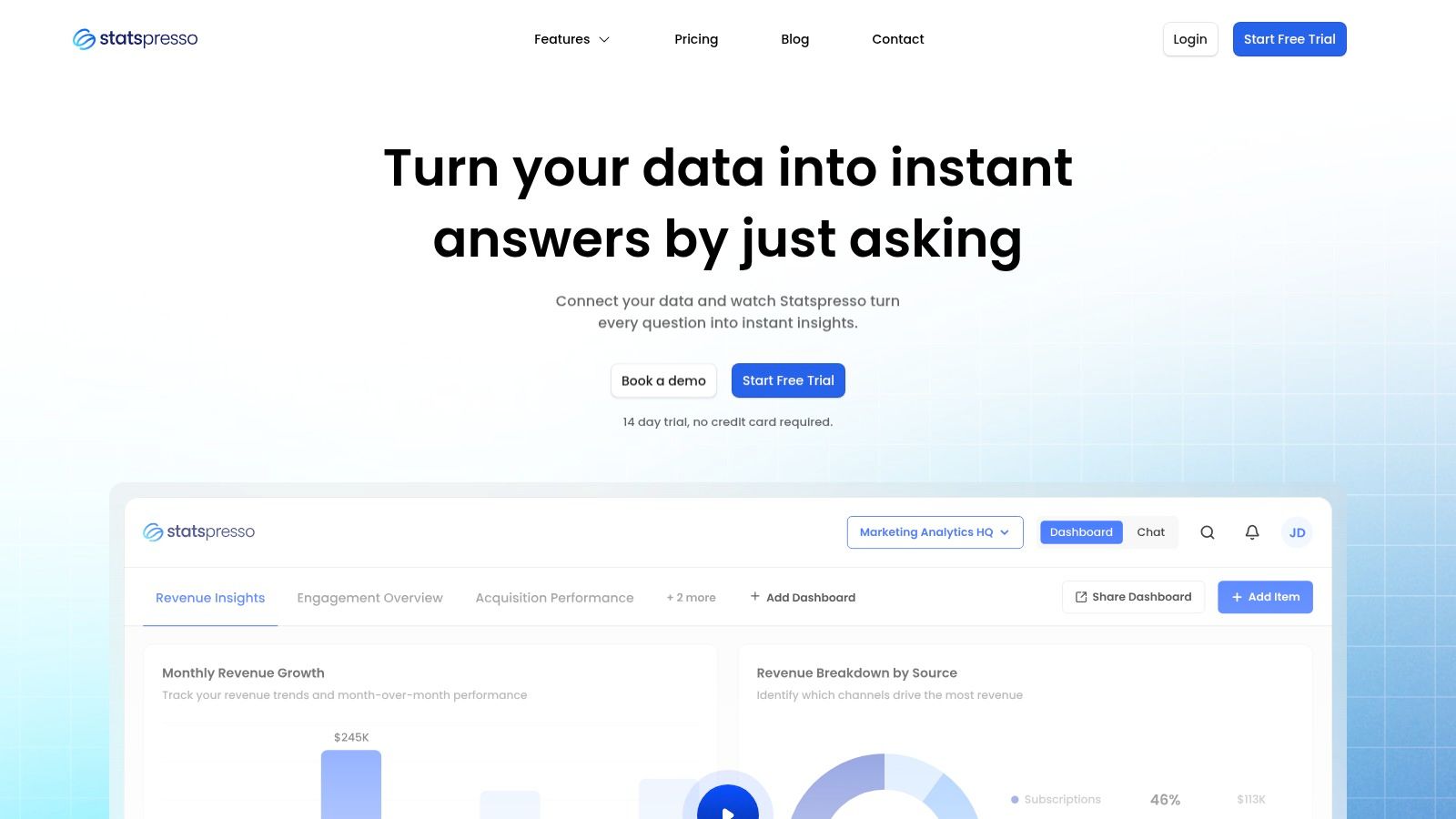
Statspresso fits the new analytics model better than almost any tool in this category. Instead of starting with a dashboard spec, a ticket queue, or a pile of predefined reports, teams start with a question. A founder can ask why conversion dropped last week. A growth lead can ask which campaigns are bringing in repeat buyers instead of one-time discount shoppers. The tool returns an answer in plain English, with charts and supporting context, without forcing someone to write SQL first.

That distinction matters in ecommerce because speed beats report volume. Many businesses do not need another dashboard tab. They need a way to get from question to action while the issue still matters.

Why it stands out

Statspresso connects data sources such as Shopify, HubSpot, Linear, and Postgres, then lets users query that data conversationally. It also includes an AI Insight Gallery for surfaced findings, shared dashboards for recurring reporting, and embedding options for teams that want analytics inside products or client workflows.

In practice, that changes who can use analytics day to day.

  • Question-first workflow: Teams can ask for analysis directly instead of defining every chart ahead of time.

  • Useful output: Answers come back as numbers, visuals, and explanations, which makes them easier to share and sanity-check.

  • Operational fit: Saved findings, exports, and embedded chat help teams use answers in meetings, client updates, and internal tools.

Practical rule: If a simple margin or retention question requires Slack threads, spreadsheet exports, and a BI teammate, reporting is too far from the people making decisions.

There is one caveat with any conversational analytics product. The experience is only as trustworthy as the underlying tracking and metric definitions. Before handing self-serve access to a broader team, it helps to ensure analytics accuracy with audit software.

Best fit and trade-offs

Statspresso is a strong fit for operators who need answers fast and do not want analytics gated by technical bottlenecks. That includes startup teams, lean ecommerce brands, agencies, and cross-functional groups where marketing, product, and leadership all ask slightly different questions from the same data.

The trade-offs are real. Teams with strict governance requirements, complex warehouse modeling, or highly customized finance logic may still want a deeper BI layer behind the scenes. Smaller plans also have practical limits on connectors, dashboards, and usage, so the right setup depends on how many people will rely on it and how broad the reporting scope is.

A good test is to ask questions a dashboard usually handles badly:

“Show me revenue by month for the last year as a bar chart.”

“Which products generate strong revenue but show declining repeat purchase behavior?”

If those answers arrive quickly and make sense to the people running the business, the tool is doing its job.

2. Google Analytics 4

GA4 is still the baseline. Even when a brand uses three other ecommerce analytics tools on top, GA4 usually stays in the stack because it handles website behavior, acquisition, and conversion tracking in one familiar place.

Its biggest advantage is reach. Google Analytics holds 89.85% market share in ecommerce analytics tools according to 6sense data summarized by Spark Shipping. That level of dominance means documentation is everywhere, integrations are everywhere, and many professionals have at least touched it before.

What GA4 does well

GA4 works best as your foundational traffic and behavior layer. It shifted to event-based tracking in 2020, which makes it better suited for modern customer journeys across devices and sessions. When instrumented correctly, it can show product views, add-to-cart behavior, checkout drop-off points, traffic source performance, and device patterns.

It also gives you real-time dashboards, funnel analysis, conversion tracking, and native connections to Google Ads and Tag Manager. For startups and smaller stores, that's a lot of value from a free core product.

  • Best baseline: Great for traffic, sessions, events, and funnel visibility.

  • Strong ecosystem fit: Especially useful if you already rely on Google Ads and Tag Manager.

  • Raw data path: BigQuery export makes advanced modeling possible for teams that want to go deeper.

If your GA4 setup is messy, this guide on how to ensure analytics accuracy with audit software is a useful companion.

Where GA4 falls short

GA4 often gets over-assigned. People try to make it solve marketplace analytics, profitability analysis, and full-funnel cross-source reporting by itself. It usually can't.

As noted earlier, fragmented ecommerce stacks often span marketplaces, DTC data, and supporting tools. GA4 can cover the web behavior layer well, but many teams still need another tool for unified LTV, margin, or channel-level business reporting.

GA4 is excellent at telling you what happened on the site. It's much less reliable as the single home for all ecommerce decision-making.

You can use Google Analytics 4 as the foundation. Just don't confuse foundation with complete stack.

3. Shopify Analytics


Shopify Analytics

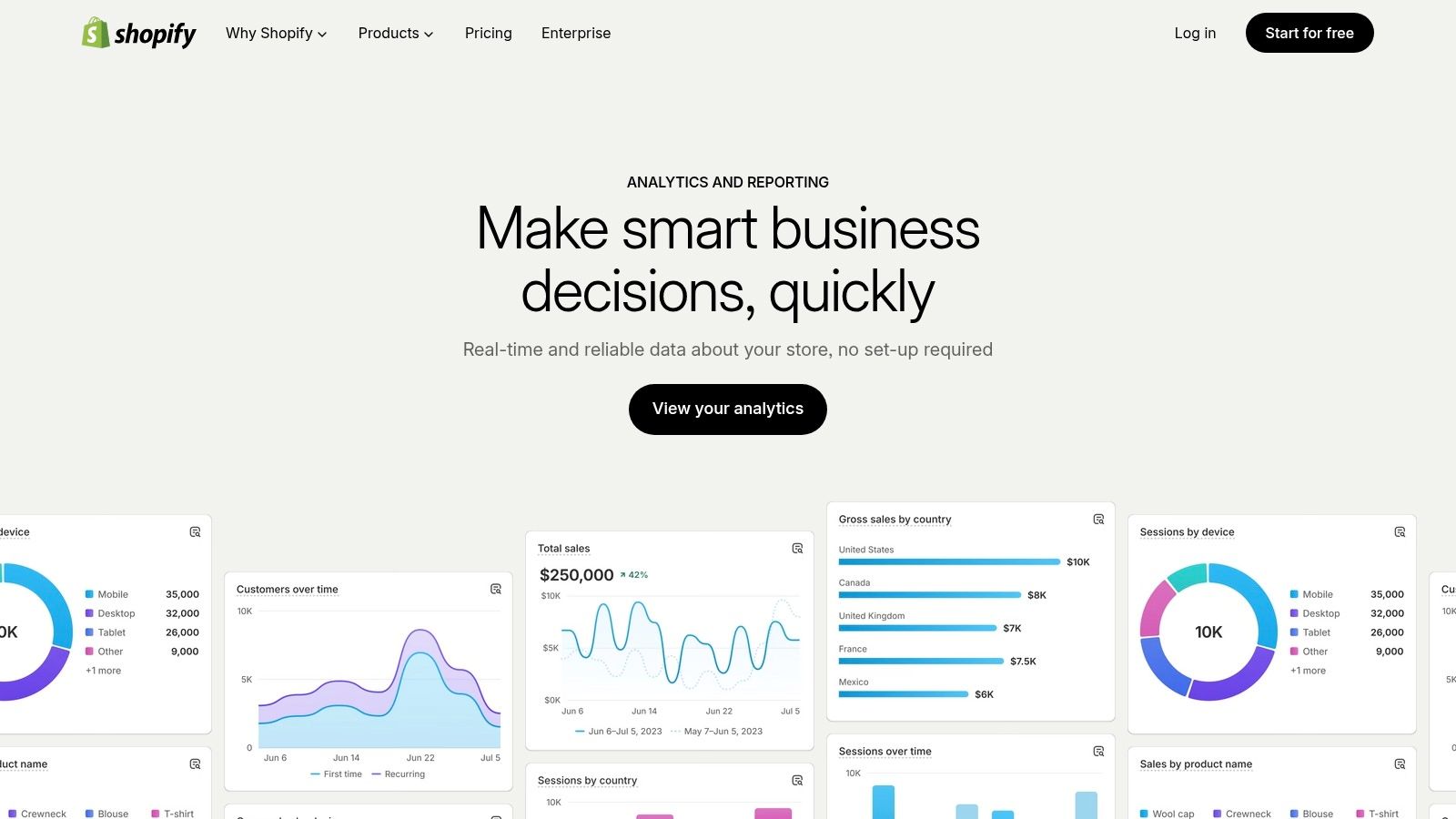
Shopify Analytics wins on one thing that matters a lot in practice: friction. There almost isn't any. If you run on Shopify, the reporting is already there, and the order data is native to the platform.

For many merchants, that's enough to make it the first analytics tool they trust. Sales, traffic, product performance, and channel reports all live inside the admin. You're not reconciling a third-party dashboard against store orders. You're looking at the store's own reporting layer.

Where it works best

Shopify Analytics is a strong fit for operators who need quick, reliable store snapshots without extra implementation work. It's especially useful for founders and ecommerce leads who care about sales trends, top products, and channel summaries more than advanced modeling.

The practical advantages are simple:

  • Native order truth: Numbers usually line up with what finance and operations expect.

  • Fast executive visibility: Good for daily check-ins and routine KPI reviews.

  • Low setup burden: No event schema project required to get value.

Shopify Plus users also get stronger rollup options for multi-store views, which matters when brands expand into separate storefronts or regions.

The limitations are real

Shopify Analytics starts to feel tight once the business asks cross-functional questions. Marketing wants blended acquisition reporting. Merchandising wants sell-through and product trends. Finance wants profitability. Operations wants inventory context. Native Shopify reporting doesn't unify all that by itself.

Many teams frequently get stuck. They have data, but definitions drift across teams. SellersCommerce highlights cross-functional metric alignment as an underestimated evaluation factor in ecommerce analytics tools. That's exactly the issue with relying only on native admin reports once the business gets more complex.

Try asking Statspresso after connecting Shopify: “Show revenue, returning customer orders, and top products by month.”

You can review the platform at Shopify Analytics.

4. Triple Whale


Triple Whale

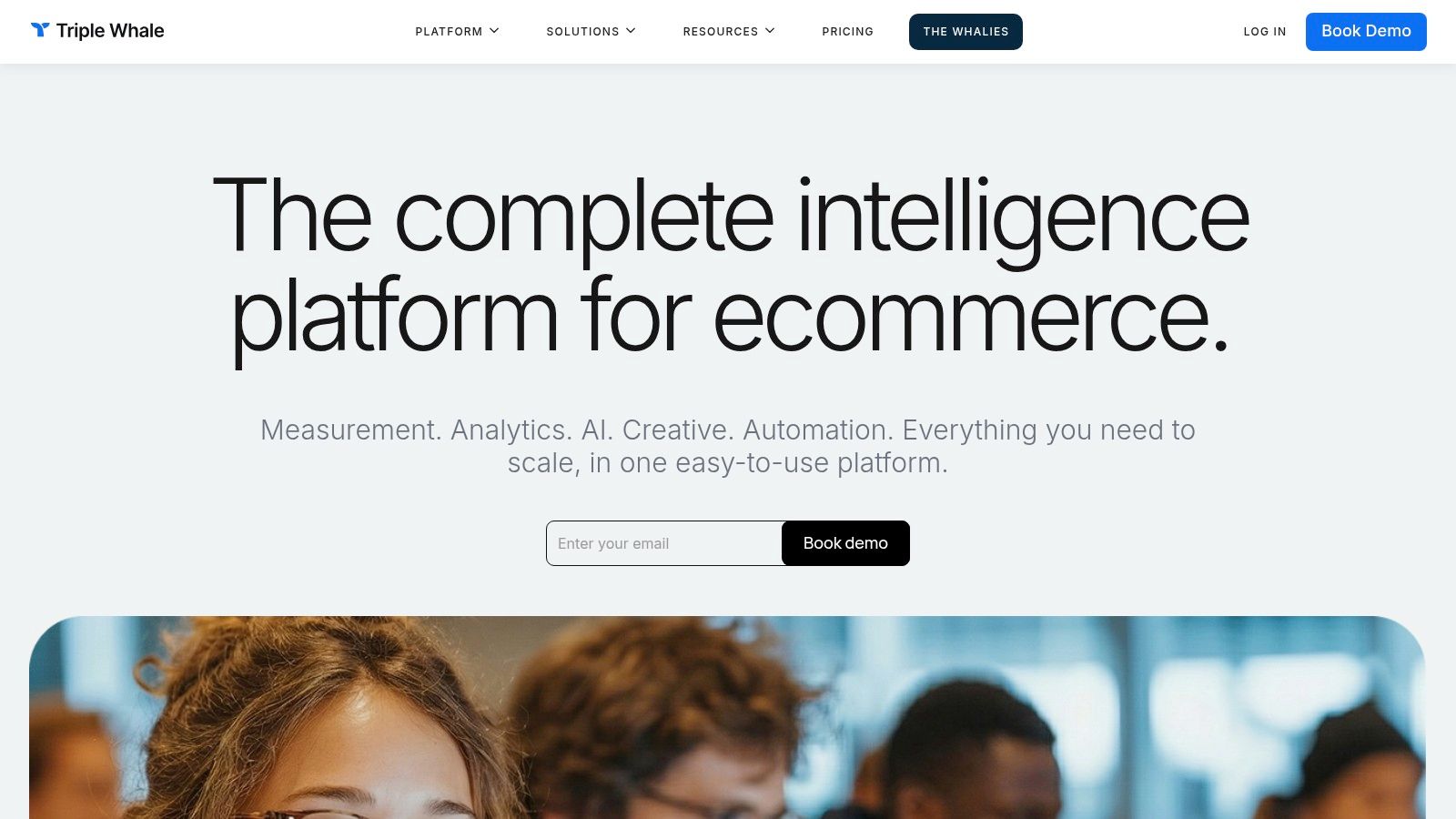
Triple Whale became popular for a reason. It speaks fluent DTC. If your world is Shopify, Meta, Google Ads, creative testing, and constant questions about attribution, it feels much closer to the actual workflow than a generic BI platform.

It pulls Shopify orders, ad data, and UTM or creative context into one place. That makes it useful for growth teams who need faster channel readouts than GA4 usually gives them.

Why marketers like it

Triple Whale is built around the questions paid media teams ask every day. Which campaign is working. Which creative is driving revenue. Which channel is influencing customer value. You don't need to wrestle a blank analytics canvas into shape to get there.

Its appeal usually comes down to three things:

  • Shopify-first setup: Feels purpose-built for DTC operators.

  • Unified marketing view: Revenue and ad performance sit closer together.

  • Workflow fit: The mobile app and marketer-friendly dashboards make it easy to check performance without opening three tools.

That focus is valuable because many ecommerce stacks are fragmented across ad platforms, the store platform, and spreadsheets. Specialized tools like Triple Whale exist because generic web analytics rarely solve that unification problem on their own.

What to watch

Attribution is never magic, no matter how slick the dashboard looks. Triple Whale can make marketing visibility much better, but teams still need disciplined UTM naming, realistic expectations, and a willingness to validate what they're seeing against orders and broader business context.

Pricing can also climb as the business grows. That's common for attribution-heavy tools, and it's worth planning for before the stack gets locked in.

If your marketing team argues about channel performance every Monday, a Shopify-first attribution tool usually pays for itself in clarity alone.

You can learn more at Triple Whale.

5. Northbeam


Northbeam

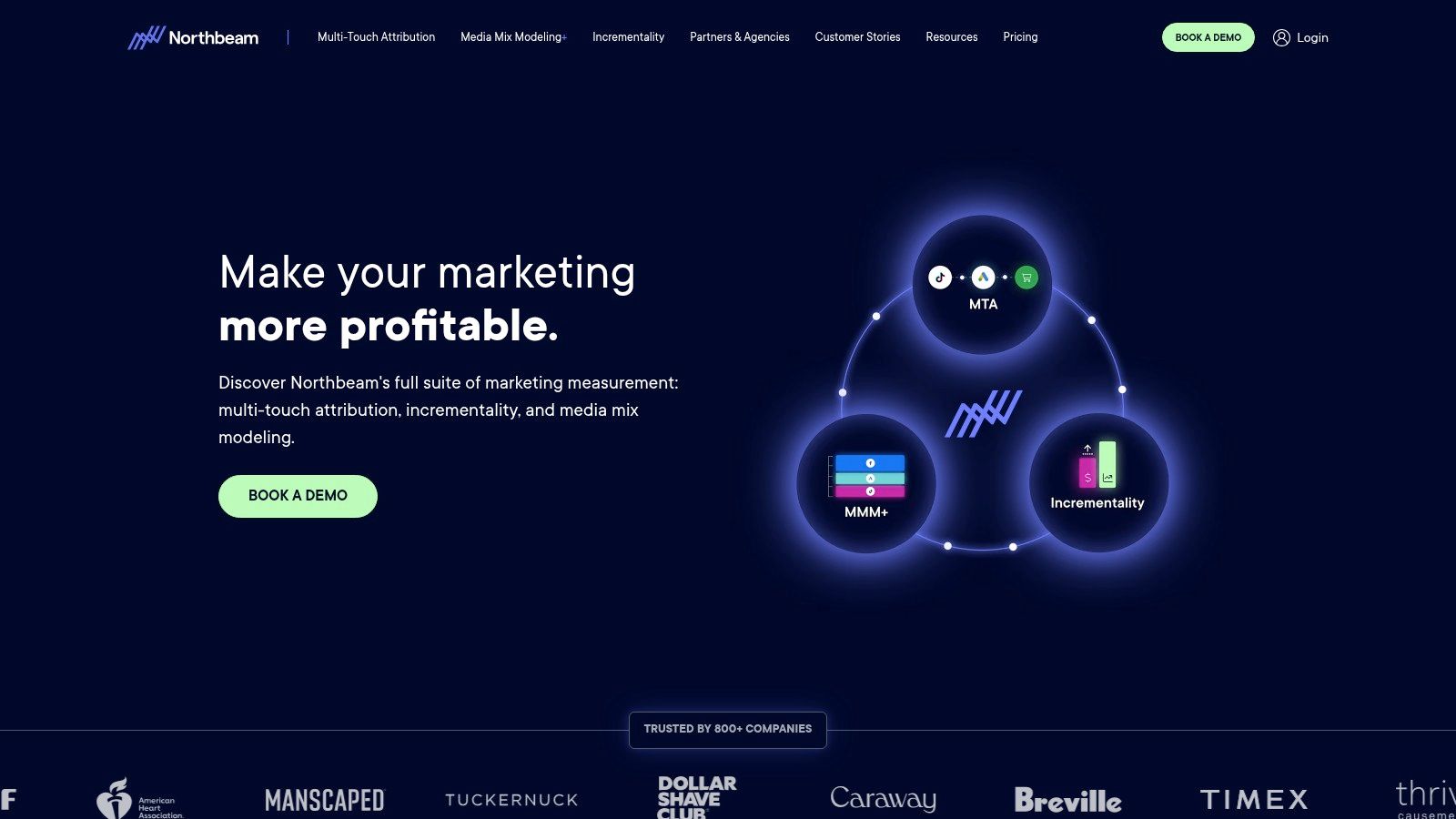
Northbeam is for teams that have moved past simple dashboarding and into serious measurement. If you're managing a larger paid media budget, running across multiple channels, and need more rigorous attribution logic, Northbeam is usually in the conversation.

This isn't the tool I'd hand to a small team that just wants easy reporting. It asks more of the business. In return, it offers stronger measurement options for complex channel mixes.

Where Northbeam earns its keep

Northbeam is designed around first-party-driven attribution and modeled views. That makes it attractive when the customer journey is messy, especially across video, in-app touchpoints, and broader paid media portfolios.

What stands out in practice:

  • Better for complex media mixes: Useful when the path to purchase isn't clean or linear.

  • Deeper analysis tools: Strong interfaces for channel, creative, cohort, and LTV views.

  • Serious measurement posture: A better fit for teams that want more than basic last-click reporting.

For experienced operators, this often matters more than ease of setup. They're less worried about getting a chart quickly and more worried about whether the chart reflects reality well enough to move budget.

The price of rigor

Northbeam usually isn't lightweight. It tends to require stronger data discipline, more implementation attention, and more internal analytics maturity than plug-and-play alternatives.

That's the trade-off. You can get a more rigorous view of media effectiveness, but you'll spend more effort earning that view.

For teams without a data partner, this is also where conversational analytics can complement attribution tools. You might use Northbeam for measurement and something like Statspresso for fast cross-functional questioning across commerce, product, and operational data.

You can evaluate the platform at Northbeam.

6. Polar Analytics


Polar Analytics

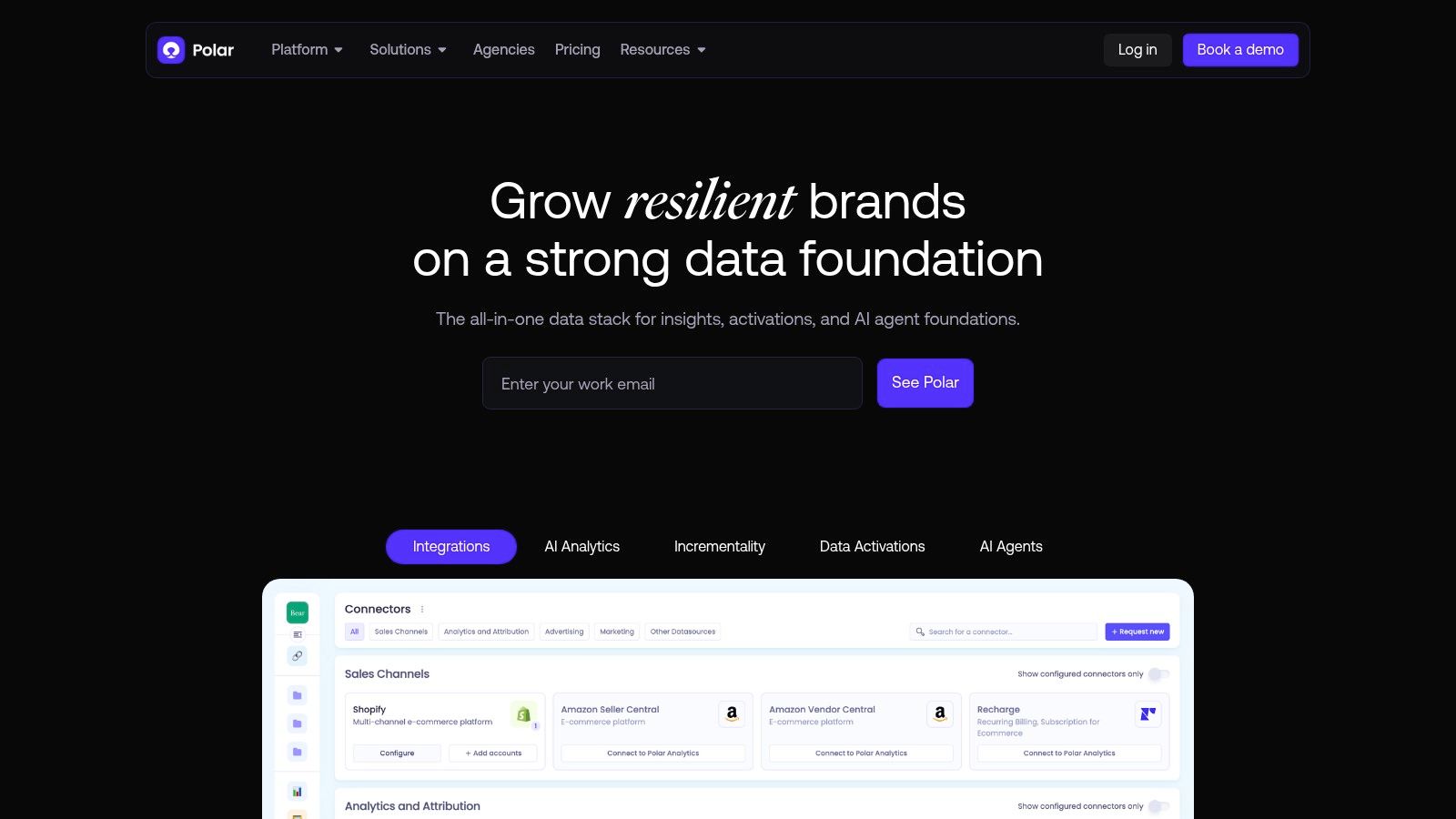
Polar Analytics works best for teams that are stuck between two bad options: bouncing across ad platforms and Shopify reports, or committing to a heavier BI project before they are ready. It gives DTC operators a connected view of store, marketing, subscription, and marketplace data without the overhead that usually comes with a warehouse-first setup.

That middle ground is its real value.

For busy leaders, the question is simple. Can the team get a usable answer fast, or will every decision still depend on an analyst cleaning exports and reconciling metrics in spreadsheets? Polar moves the workflow closer to answers. It does not fully replace a modern conversational layer, but it does reduce the dashboard sprawl that keeps teams in reporting mode instead of decision mode.

What it does well

Polar is a strong fit for Shopify-centric brands that want one place to monitor the business day to day. Its reporting covers the views operators check: LTV, cohorts, product performance, channel contribution, and store-level trends.

In practice, a few use cases stand out:

  • Cross-source reporting: Useful when paid media, ecommerce, and retention data live in separate tools.

  • Multi-store and agency workflows: Easier to manage when several brands or storefronts need consistent reporting.

  • Alerting and operational monitoring: Better for spotting problems early, especially when teams cannot watch every dashboard manually.

As noted earlier, the software stack keeps getting more crowded. More tools usually means more metric drift, more duplicated reporting, and slower decisions. Polar helps contain that problem for brands that want a packaged analytics layer instead of building one from scratch.

Where the trade-off shows up

Polar is still a dashboard product. If an executive wants to ask a plain-English question like why repeat purchase rate dropped in one region after a promotion, the team may still need to click through reports or ask an analyst to investigate. That is the main limitation compared with the newer conversational approach discussed throughout this guide.

Pricing can also take extra work to evaluate. Founders who want clear, self-serve pricing may find the buying process less direct than they would like.

Even with that, Polar is a credible option for brands that need broader visibility now and are not ready for a heavier data platform. You can check it out at Polar Analytics.

7. Daasity


Daasity

Daasity is what I'd call the grown-up option for commerce data. It isn't just a dashboard app. It's a commerce-focused data platform with ELT, warehouse support, and modeled reporting. That changes the conversation from “What chart do we need?” to “What metric definitions can we trust across the business?”

If your brand sells across DTC, marketplaces, retail, or wholesale, that matters a lot.

Why data-mature teams choose it

Daasity is strong when the business has outgrown app-only analytics. It centralizes commerce, marketing, and operations data into a governed structure, which makes repeatable reporting much more realistic.

Its practical strengths include:

  • Governed data model: Better for consistent metrics across departments.

  • Omnichannel coverage: Useful when Shopify is only one piece of the revenue picture.

  • Custom business logic: Teams can support metrics like custom LTV or contribution-style analysis.

Many scaling brands eventually land at a point where they stop asking for “more dashboards” and start asking for cleaner definitions, warehouse ownership, and a stable reporting layer.

Why smaller teams hesitate

Daasity usually takes more implementation effort than lighter SaaS analytics tools. That's not a flaw. It's the cost of getting a more durable data foundation. But if the team is tiny and mostly needs quick self-serve answers, a lighter tool can deliver value much sooner.

That's why stack design matters. Some brands need Daasity underneath and a conversational layer like Statspresso on top, so business users can ask questions without touching the underlying model.

You can explore the platform at Daasity.

8. Glew


Glew

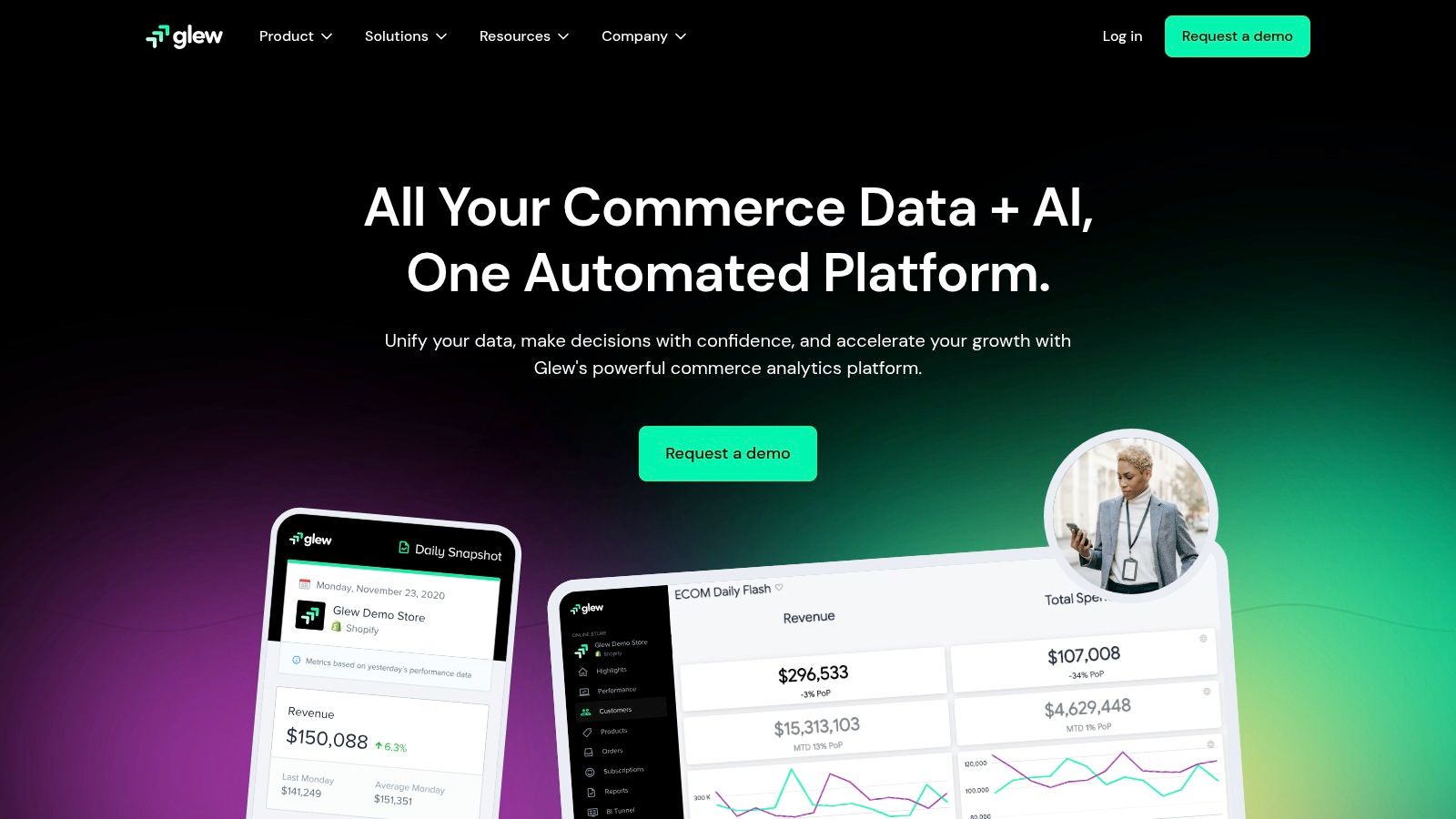
Glew is a good option when you want a faster start than a full data platform but don't want to stay boxed into simple native reports forever. It has long been attractive to brands and agencies because it offers out-of-the-box dashboards with a path toward more custom BI later.

That upgrade path is the primary selling point.

What makes Glew practical

Glew gives teams prebuilt dashboards, KPI tracking, segmentation, and scheduled reporting without forcing them to build everything from scratch. For agencies, the multi-store and reporting workflow can be especially useful.

A few strengths stand out:

  • Quick start: Easier to get running than warehouse-first approaches.

  • Agency fit: Helpful when reporting needs to scale across client accounts.

  • Future flexibility: There's a route from SaaS dashboards into custom BI environments.

This makes it attractive for teams that know they're growing, but aren't ready to invest in a heavier analytics architecture yet.

Where it gets fuzzy

Pricing and packaging often depend on the customer setup. That can make it harder to compare against more transparent products. Public pages also tend to emphasize capability more than exact cost.

That said, Glew solves a real problem. Many brands need something between spreadsheet chaos and a fully modeled warehouse. Glew lives in that middle layer.

You can find the product at Glew.

9. Peel


Peel (Peel Insights)

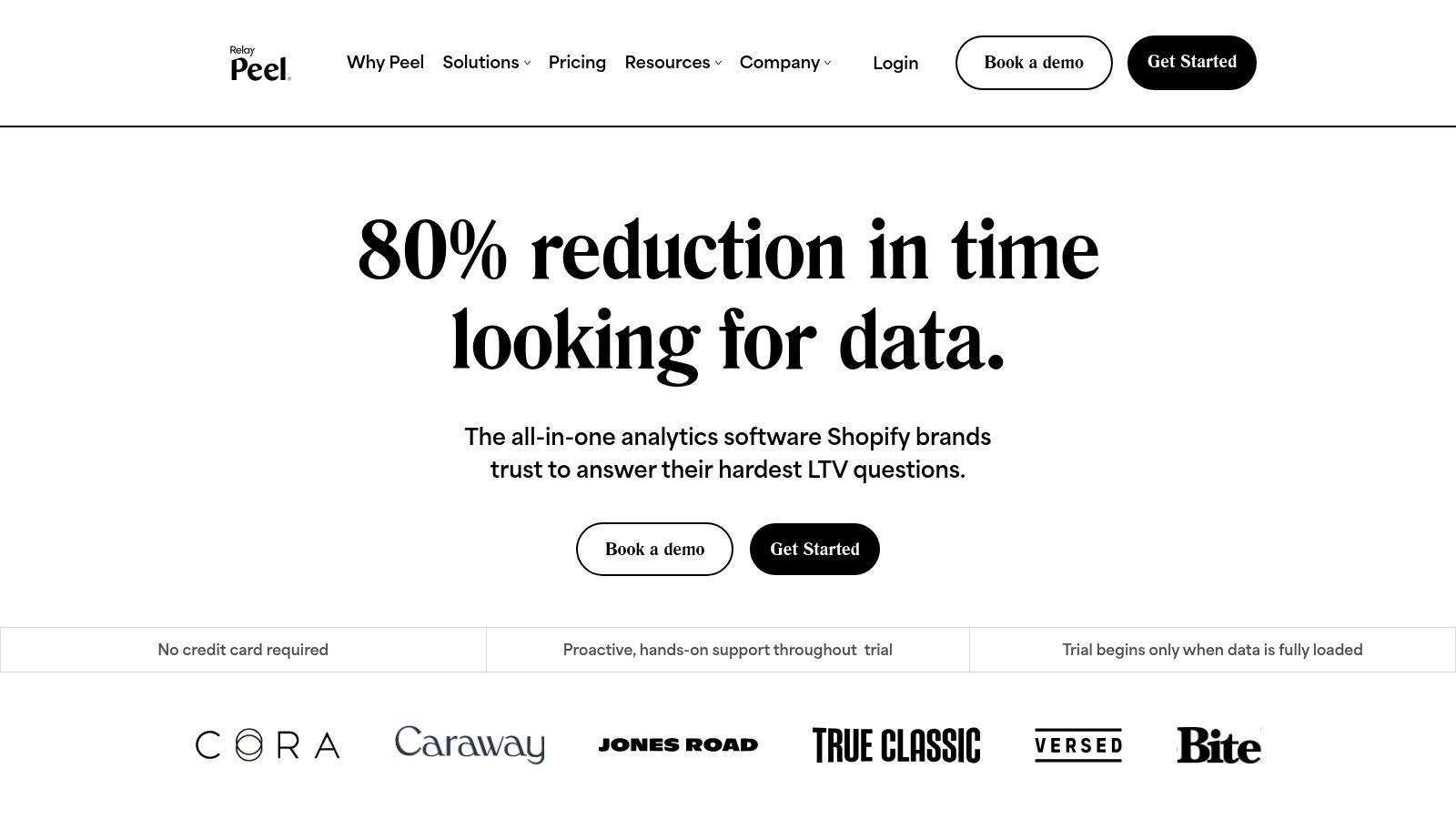
Peel is a specialist. That's why it works. It doesn't try to be everything. It focuses on retention, cohorts, subscriptions, and lifecycle segmentation for Shopify merchants who care about customer value over time.

If your biggest questions sound like “Which cohorts are weakening?” or “What's happening with subscription retention?” Peel is much closer to the mark than a generic analytics tool.

Best use case

Peel is strongest for brands that want fast insight into LTV-style questions without a long implementation process. It connects to Shopify and common retention or subscription tools, then gives teams prebuilt metrics and lifecycle views they can use right away.

That's appealing for lean operators because setup complexity is a real blocker. WeTracked points out that many ecommerce analytics tools still underserve non-technical teams when it comes to setup and learning curve. Peel's focused design helps avoid some of that pain.

  • Retention-first reporting: Strong for repeat purchase and cohort analysis.

  • Subscription visibility: Useful if recurring revenue behavior matters to the business.

  • Fast time to insight: Less setup than more general BI tools.

What it won't do

Peel isn't the tool for full paid media attribution or broad financial modeling. It's not trying to be. That focus is a strength as long as you buy it for the right reason.

Use Peel when retention is the pressing question. Don't use it as a catch-all replacement for every analytics need.

You can visit Peel Insights.

10. Amplitude


Amplitude

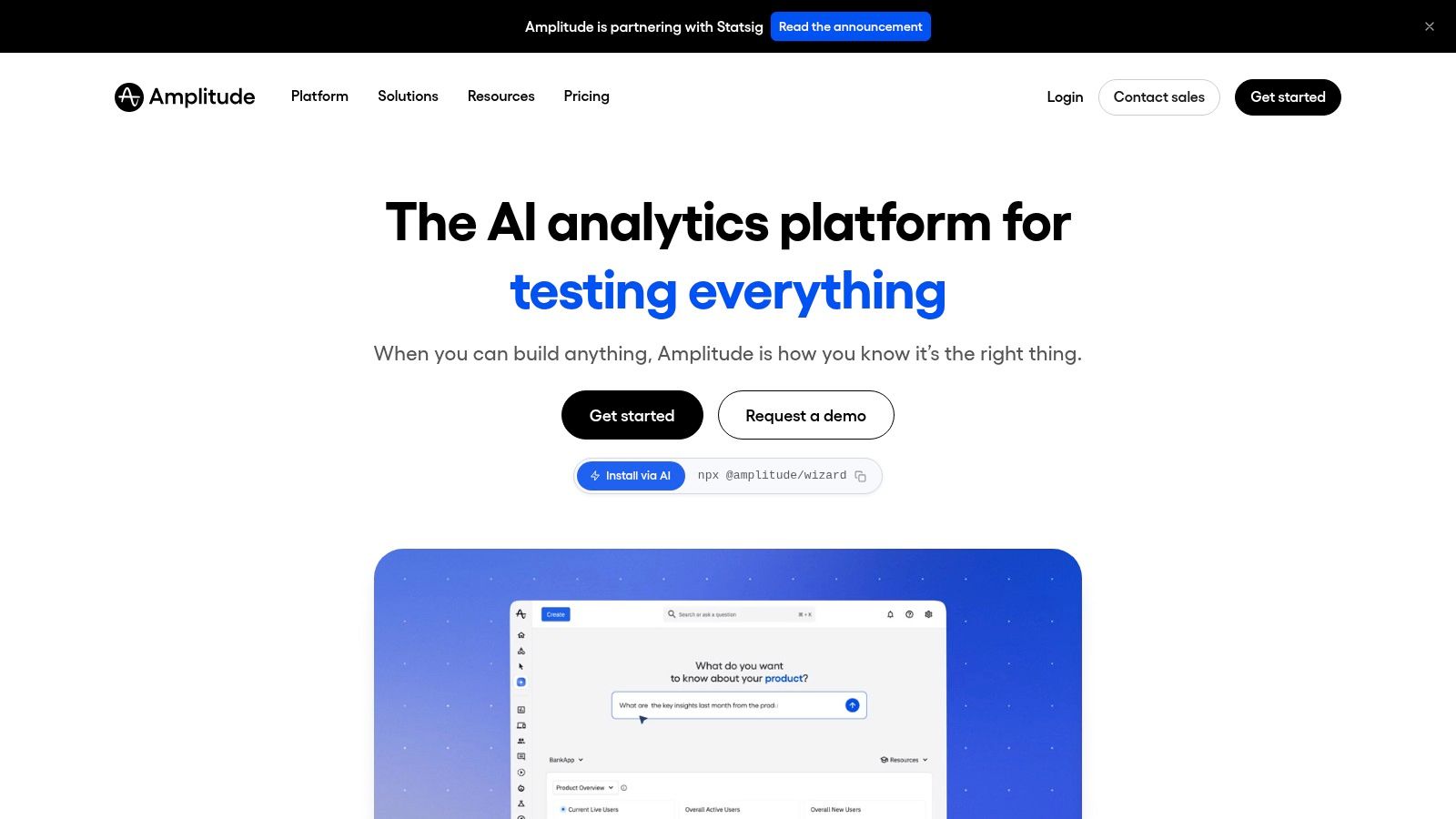
Amplitude is what I recommend when an ecommerce team needs to understand behavior, not just business totals. If GA4 tells you the checkout is leaking, Amplitude helps you inspect the leak in much more detail.

It comes from the product analytics world, and that shows. Funnels, pathing, cohorts, and journey analysis are where it shines.

Why teams adopt it

Amplitude is useful when product and growth teams need self-serve behavioral analysis. It can reveal where users stall, which journeys lead to conversion, and what patterns differ between cohorts.

That's valuable in ecommerce because customer behavior is rarely linear. Users browse on one device, return on another, and interact with merchandising, search, cart, and checkout in different sequences. Event-based product analytics handles that complexity better than simpler pageview reporting.

You also get a path into experimentation and activation features, which can be powerful for teams running ongoing optimization programs.

Better behavioral analytics won't fix bad instrumentation. It will just make the gaps more obvious.

The implementation warning

Amplitude is powerful, but only when the event design is good. Poor naming, inconsistent properties, or weak tracking plans will make analysis frustrating fast.

That's the biggest trade-off. It can be one of the strongest ecommerce analytics tools for behavioral diagnosis, but it's not magic. Teams need disciplined instrumentation to realize the value.

You can explore Amplitude.

Top 10 Ecommerce Analytics Tools Comparison

Tool

Core features

Ease & time-to-insight

Value / ROI

Best for

Price & unique strength

Statspresso (Recommended)

Conversational analytics, 50+ connectors (Shopify, HubSpot, Postgres), AI Insight Gallery, embeddable chat, real‑time dashboards

Instant plain‑English Q&A; no SQL; 14‑day free trial

Faster insights (reported ~3x), ~40% fewer reporting hours, higher decision confidence

PMs, growth teams, agencies, startups, BI practitioners

Starts $49/mo; scalable plans ($249/$499); automatic insights + embedding & branding

Google Analytics 4 (GA4)

Event‑based web/app analytics, explorations, BigQuery export

Free core product but requires correct instrumentation

Baseline traffic & conversion tracking; raw data export for custom modeling

Websites & apps, marketers, analysts

Free; GA4 360 for enterprise SLAs (quote)

Shopify Analytics

Store‑native dashboards (sales, channels, product), profitability fields, multi‑store rollups

Zero‑friction, built into Shopify Admin

Authoritative order data; quick executive snapshots

Shopify merchants & store owners

Included with Shopify plans; limited advanced modeling

Triple Whale

Shopify order & ad consolidation, multi‑touch attribution, AI guidance, mobile app

Marketer‑friendly dashboards; mobile access

Unified revenue/creative tracking; attribution visibility

DTC brands and growth marketers

Pricing scales with revenue/usage; deep Shopify ecosystem focus

Northbeam

Multi‑touch + modeled view attribution, incrementality, MMM

Powerful but higher setup & data requirements

Rigorous attribution for complex channel mixes and high spend

Performance marketing teams with large budgets

Premium pricing; strong support for complex stacks

Polar Analytics

Plug‑and‑play connectors (Shopify, ads, GA, email), LTV/cohort dashboards, alerts

Fast setup; quick time‑to‑value

Cross‑source dashboards and automated reporting

Shopify‑centric DTC teams & agencies

Sales‑handled pricing; fast plug‑in setup

Daasity

ELT + warehouse + prebuilt commerce model (300+ connectors), merchandising & reporting

Heavier implementation; warehouse setup required

Governed schema and repeatable metrics for advanced analytics

Omnichannel brands, data‑mature teams

Warehouse‑centric (Snowflake/BigQuery); suited for enterprise analytics

Glew

250+ KPIs, prebuilt dashboards, ELT + Looker bundle option

Quick start with clear upgrade path to BI

Fast insights + pathway to custom BI and Looker

Brands & agencies scaling to custom BI

Custom pricing; option to graduate to Looker

Peel (Peel Insights)

100+ metrics, cohort/retention & subscription analytics, native Shopify integrations

Very quick time‑to‑insight; minimal setup

Strong LTV, retention, and subscription visibility

Subscription merchants, DTC teams focused on retention

Pricing by monthly order volume; Shopify App availability

Amplitude

Funnels, cohorts, pathing, journey maps, experimentation integrations

Powerful self‑serve analysis; requires solid event schema

Deep behavioral insights; supports experimentation & activation

Product & growth teams, enterprises

Scales to enterprise; add‑ons for experimentation and activation

Your Data Has Answers. Are You Ready to Ask?

The best ecommerce analytics tool is the one that gets an answer into a decision-maker's hands before the window to act closes.

That standard rules out a lot of analytics setups that look impressive in a demo. Busy operators do not need another dashboard graveyard. They need a fast path from, “Why did repeat purchase rate dip last week?” to a usable answer they can trust.

Each tool in this list fits a different job. GA4 handles site behavior. Shopify Analytics covers core store reporting. Triple Whale and Northbeam focus on attribution. Peel is strong for retention and subscription analysis. Daasity and Glew support broader cross-channel reporting with more structure behind the scenes. Amplitude is the better fit when the central question is how customers move through the product or purchase journey.

The old way was to stack up BI tools, route every question through an analyst, and wait. That model breaks under normal operating pressure. Definitions drift across teams. Requests pile up. A simple follow-up question turns into another ticket, another meeting, another delay.

Conversational analytics changes that workflow. A tool like Statspresso lets a team ask a business question in plain English and get back a chart or answer quickly, without writing SQL or rebuilding a dashboard first. For non-technical leaders, that matters more than another polished interface. Speed and clarity beat dashboard volume.

I have seen this pattern repeatedly. Companies rarely struggle because they lack data. They struggle because the people who need the answer cannot get it without going through three systems and one overbooked analyst.

TL;DR

  • There is no single winner: The right choice depends on whether your bottleneck is attribution, retention, behavior analysis, native store reporting, or governed reporting across systems.

  • The bigger problem is access: Many teams already have the numbers. They do not have a fast way to ask better questions.

  • GA4 belongs in the stack, but it is rarely enough on its own: It covers web behavior, not the full operating picture for ecommerce.

  • Specialized tools solve specific problems: Triple Whale, Northbeam, Peel, Amplitude, Daasity, and others each earn their place for a different reason.

  • Conversational analytics is the practical shift: It helps non-technical teams get answers directly instead of waiting on a reporting queue.

A good first prompt is simple: “Show me which acquisition channels drive the highest repeat purchase revenue.”

If your team is stuck choosing between more dashboards and faster answers, choose the workflow that reduces delay. Connect a data source, ask a real business question, and see how quickly you can get to a decision.

If your store runs on Shopify specifically, see our dedicated guide to Shopify analytics without a dashboard — the five questions every Shopify founder should be able to answer instantly, and how to get those answers without SQL or a data analyst.

Connect your first data source with Statspresso and ask your first question in plain English. Skip the SQL, cut reporting overhead, and get a chart in seconds.

More ecommerce teams have analytics than clarity.

The problem is rarely a lack of data. Revenue sits in Shopify. Traffic lives in GA4. Spend is scattered across ad platforms. Finance has its own spreadsheet. Customer support has another system entirely. By the time someone stitches those sources together, the question that mattered on Monday is stale by Friday.

That is the old BI pattern, and it breaks down fast for busy operators. A founder, ecommerce lead, or marketing director should not need to file a ticket, wait for a dashboard update, then sit through a debate about which metric definition is correct. They need a usable answer now. Which channel is driving profitable new customers? Where did conversion rate drop? Which repeat-purchase cohort is weakening?

That shift matters more than another dashboard tab. The best ecommerce analytics tools now help teams ask better questions, get answers faster, and act before the next reporting cycle.

Some platforms in this list are built for attribution. Some are stronger on retention, merchandising, or warehouse-level reporting. Some still follow the classic BI model. Others, including conversational analytics tools like Statspresso, reduce the time between question and decision in a way older reporting stacks usually do not.

If you're also trying to clean up reporting chaos across channels, this piece on streamlining digital marketing metrics is worth a read.

1. Statspresso


Statspresso

Statspresso fits the new analytics model better than almost any tool in this category. Instead of starting with a dashboard spec, a ticket queue, or a pile of predefined reports, teams start with a question. A founder can ask why conversion dropped last week. A growth lead can ask which campaigns are bringing in repeat buyers instead of one-time discount shoppers. The tool returns an answer in plain English, with charts and supporting context, without forcing someone to write SQL first.

That distinction matters in ecommerce because speed beats report volume. Many businesses do not need another dashboard tab. They need a way to get from question to action while the issue still matters.

Why it stands out

Statspresso connects data sources such as Shopify, HubSpot, Linear, and Postgres, then lets users query that data conversationally. It also includes an AI Insight Gallery for surfaced findings, shared dashboards for recurring reporting, and embedding options for teams that want analytics inside products or client workflows.

In practice, that changes who can use analytics day to day.

  • Question-first workflow: Teams can ask for analysis directly instead of defining every chart ahead of time.

  • Useful output: Answers come back as numbers, visuals, and explanations, which makes them easier to share and sanity-check.

  • Operational fit: Saved findings, exports, and embedded chat help teams use answers in meetings, client updates, and internal tools.

Practical rule: If a simple margin or retention question requires Slack threads, spreadsheet exports, and a BI teammate, reporting is too far from the people making decisions.

There is one caveat with any conversational analytics product. The experience is only as trustworthy as the underlying tracking and metric definitions. Before handing self-serve access to a broader team, it helps to ensure analytics accuracy with audit software.

Best fit and trade-offs

Statspresso is a strong fit for operators who need answers fast and do not want analytics gated by technical bottlenecks. That includes startup teams, lean ecommerce brands, agencies, and cross-functional groups where marketing, product, and leadership all ask slightly different questions from the same data.

The trade-offs are real. Teams with strict governance requirements, complex warehouse modeling, or highly customized finance logic may still want a deeper BI layer behind the scenes. Smaller plans also have practical limits on connectors, dashboards, and usage, so the right setup depends on how many people will rely on it and how broad the reporting scope is.

A good test is to ask questions a dashboard usually handles badly:

“Show me revenue by month for the last year as a bar chart.”

“Which products generate strong revenue but show declining repeat purchase behavior?”

If those answers arrive quickly and make sense to the people running the business, the tool is doing its job.

2. Google Analytics 4

GA4 is still the baseline. Even when a brand uses three other ecommerce analytics tools on top, GA4 usually stays in the stack because it handles website behavior, acquisition, and conversion tracking in one familiar place.

Its biggest advantage is reach. Google Analytics holds 89.85% market share in ecommerce analytics tools according to 6sense data summarized by Spark Shipping. That level of dominance means documentation is everywhere, integrations are everywhere, and many professionals have at least touched it before.

What GA4 does well

GA4 works best as your foundational traffic and behavior layer. It shifted to event-based tracking in 2020, which makes it better suited for modern customer journeys across devices and sessions. When instrumented correctly, it can show product views, add-to-cart behavior, checkout drop-off points, traffic source performance, and device patterns.

It also gives you real-time dashboards, funnel analysis, conversion tracking, and native connections to Google Ads and Tag Manager. For startups and smaller stores, that's a lot of value from a free core product.

  • Best baseline: Great for traffic, sessions, events, and funnel visibility.

  • Strong ecosystem fit: Especially useful if you already rely on Google Ads and Tag Manager.

  • Raw data path: BigQuery export makes advanced modeling possible for teams that want to go deeper.

If your GA4 setup is messy, this guide on how to ensure analytics accuracy with audit software is a useful companion.

Where GA4 falls short

GA4 often gets over-assigned. People try to make it solve marketplace analytics, profitability analysis, and full-funnel cross-source reporting by itself. It usually can't.

As noted earlier, fragmented ecommerce stacks often span marketplaces, DTC data, and supporting tools. GA4 can cover the web behavior layer well, but many teams still need another tool for unified LTV, margin, or channel-level business reporting.

GA4 is excellent at telling you what happened on the site. It's much less reliable as the single home for all ecommerce decision-making.

You can use Google Analytics 4 as the foundation. Just don't confuse foundation with complete stack.

3. Shopify Analytics


Shopify Analytics

Shopify Analytics wins on one thing that matters a lot in practice: friction. There almost isn't any. If you run on Shopify, the reporting is already there, and the order data is native to the platform.

For many merchants, that's enough to make it the first analytics tool they trust. Sales, traffic, product performance, and channel reports all live inside the admin. You're not reconciling a third-party dashboard against store orders. You're looking at the store's own reporting layer.

Where it works best

Shopify Analytics is a strong fit for operators who need quick, reliable store snapshots without extra implementation work. It's especially useful for founders and ecommerce leads who care about sales trends, top products, and channel summaries more than advanced modeling.

The practical advantages are simple:

  • Native order truth: Numbers usually line up with what finance and operations expect.

  • Fast executive visibility: Good for daily check-ins and routine KPI reviews.

  • Low setup burden: No event schema project required to get value.

Shopify Plus users also get stronger rollup options for multi-store views, which matters when brands expand into separate storefronts or regions.

The limitations are real

Shopify Analytics starts to feel tight once the business asks cross-functional questions. Marketing wants blended acquisition reporting. Merchandising wants sell-through and product trends. Finance wants profitability. Operations wants inventory context. Native Shopify reporting doesn't unify all that by itself.

Many teams frequently get stuck. They have data, but definitions drift across teams. SellersCommerce highlights cross-functional metric alignment as an underestimated evaluation factor in ecommerce analytics tools. That's exactly the issue with relying only on native admin reports once the business gets more complex.

Try asking Statspresso after connecting Shopify: “Show revenue, returning customer orders, and top products by month.”

You can review the platform at Shopify Analytics.

4. Triple Whale


Triple Whale

Triple Whale became popular for a reason. It speaks fluent DTC. If your world is Shopify, Meta, Google Ads, creative testing, and constant questions about attribution, it feels much closer to the actual workflow than a generic BI platform.

It pulls Shopify orders, ad data, and UTM or creative context into one place. That makes it useful for growth teams who need faster channel readouts than GA4 usually gives them.

Why marketers like it

Triple Whale is built around the questions paid media teams ask every day. Which campaign is working. Which creative is driving revenue. Which channel is influencing customer value. You don't need to wrestle a blank analytics canvas into shape to get there.

Its appeal usually comes down to three things:

  • Shopify-first setup: Feels purpose-built for DTC operators.

  • Unified marketing view: Revenue and ad performance sit closer together.

  • Workflow fit: The mobile app and marketer-friendly dashboards make it easy to check performance without opening three tools.

That focus is valuable because many ecommerce stacks are fragmented across ad platforms, the store platform, and spreadsheets. Specialized tools like Triple Whale exist because generic web analytics rarely solve that unification problem on their own.

What to watch

Attribution is never magic, no matter how slick the dashboard looks. Triple Whale can make marketing visibility much better, but teams still need disciplined UTM naming, realistic expectations, and a willingness to validate what they're seeing against orders and broader business context.

Pricing can also climb as the business grows. That's common for attribution-heavy tools, and it's worth planning for before the stack gets locked in.

If your marketing team argues about channel performance every Monday, a Shopify-first attribution tool usually pays for itself in clarity alone.

You can learn more at Triple Whale.

5. Northbeam


Northbeam

Northbeam is for teams that have moved past simple dashboarding and into serious measurement. If you're managing a larger paid media budget, running across multiple channels, and need more rigorous attribution logic, Northbeam is usually in the conversation.

This isn't the tool I'd hand to a small team that just wants easy reporting. It asks more of the business. In return, it offers stronger measurement options for complex channel mixes.

Where Northbeam earns its keep

Northbeam is designed around first-party-driven attribution and modeled views. That makes it attractive when the customer journey is messy, especially across video, in-app touchpoints, and broader paid media portfolios.

What stands out in practice:

  • Better for complex media mixes: Useful when the path to purchase isn't clean or linear.

  • Deeper analysis tools: Strong interfaces for channel, creative, cohort, and LTV views.

  • Serious measurement posture: A better fit for teams that want more than basic last-click reporting.

For experienced operators, this often matters more than ease of setup. They're less worried about getting a chart quickly and more worried about whether the chart reflects reality well enough to move budget.

The price of rigor

Northbeam usually isn't lightweight. It tends to require stronger data discipline, more implementation attention, and more internal analytics maturity than plug-and-play alternatives.

That's the trade-off. You can get a more rigorous view of media effectiveness, but you'll spend more effort earning that view.

For teams without a data partner, this is also where conversational analytics can complement attribution tools. You might use Northbeam for measurement and something like Statspresso for fast cross-functional questioning across commerce, product, and operational data.

You can evaluate the platform at Northbeam.

6. Polar Analytics


Polar Analytics

Polar Analytics works best for teams that are stuck between two bad options: bouncing across ad platforms and Shopify reports, or committing to a heavier BI project before they are ready. It gives DTC operators a connected view of store, marketing, subscription, and marketplace data without the overhead that usually comes with a warehouse-first setup.

That middle ground is its real value.

For busy leaders, the question is simple. Can the team get a usable answer fast, or will every decision still depend on an analyst cleaning exports and reconciling metrics in spreadsheets? Polar moves the workflow closer to answers. It does not fully replace a modern conversational layer, but it does reduce the dashboard sprawl that keeps teams in reporting mode instead of decision mode.

What it does well

Polar is a strong fit for Shopify-centric brands that want one place to monitor the business day to day. Its reporting covers the views operators check: LTV, cohorts, product performance, channel contribution, and store-level trends.

In practice, a few use cases stand out:

  • Cross-source reporting: Useful when paid media, ecommerce, and retention data live in separate tools.

  • Multi-store and agency workflows: Easier to manage when several brands or storefronts need consistent reporting.

  • Alerting and operational monitoring: Better for spotting problems early, especially when teams cannot watch every dashboard manually.

As noted earlier, the software stack keeps getting more crowded. More tools usually means more metric drift, more duplicated reporting, and slower decisions. Polar helps contain that problem for brands that want a packaged analytics layer instead of building one from scratch.

Where the trade-off shows up

Polar is still a dashboard product. If an executive wants to ask a plain-English question like why repeat purchase rate dropped in one region after a promotion, the team may still need to click through reports or ask an analyst to investigate. That is the main limitation compared with the newer conversational approach discussed throughout this guide.

Pricing can also take extra work to evaluate. Founders who want clear, self-serve pricing may find the buying process less direct than they would like.

Even with that, Polar is a credible option for brands that need broader visibility now and are not ready for a heavier data platform. You can check it out at Polar Analytics.

7. Daasity


Daasity

Daasity is what I'd call the grown-up option for commerce data. It isn't just a dashboard app. It's a commerce-focused data platform with ELT, warehouse support, and modeled reporting. That changes the conversation from “What chart do we need?” to “What metric definitions can we trust across the business?”

If your brand sells across DTC, marketplaces, retail, or wholesale, that matters a lot.

Why data-mature teams choose it

Daasity is strong when the business has outgrown app-only analytics. It centralizes commerce, marketing, and operations data into a governed structure, which makes repeatable reporting much more realistic.

Its practical strengths include:

  • Governed data model: Better for consistent metrics across departments.

  • Omnichannel coverage: Useful when Shopify is only one piece of the revenue picture.

  • Custom business logic: Teams can support metrics like custom LTV or contribution-style analysis.

Many scaling brands eventually land at a point where they stop asking for “more dashboards” and start asking for cleaner definitions, warehouse ownership, and a stable reporting layer.

Why smaller teams hesitate

Daasity usually takes more implementation effort than lighter SaaS analytics tools. That's not a flaw. It's the cost of getting a more durable data foundation. But if the team is tiny and mostly needs quick self-serve answers, a lighter tool can deliver value much sooner.

That's why stack design matters. Some brands need Daasity underneath and a conversational layer like Statspresso on top, so business users can ask questions without touching the underlying model.

You can explore the platform at Daasity.

8. Glew


Glew

Glew is a good option when you want a faster start than a full data platform but don't want to stay boxed into simple native reports forever. It has long been attractive to brands and agencies because it offers out-of-the-box dashboards with a path toward more custom BI later.

That upgrade path is the primary selling point.

What makes Glew practical

Glew gives teams prebuilt dashboards, KPI tracking, segmentation, and scheduled reporting without forcing them to build everything from scratch. For agencies, the multi-store and reporting workflow can be especially useful.

A few strengths stand out:

  • Quick start: Easier to get running than warehouse-first approaches.

  • Agency fit: Helpful when reporting needs to scale across client accounts.

  • Future flexibility: There's a route from SaaS dashboards into custom BI environments.

This makes it attractive for teams that know they're growing, but aren't ready to invest in a heavier analytics architecture yet.

Where it gets fuzzy

Pricing and packaging often depend on the customer setup. That can make it harder to compare against more transparent products. Public pages also tend to emphasize capability more than exact cost.

That said, Glew solves a real problem. Many brands need something between spreadsheet chaos and a fully modeled warehouse. Glew lives in that middle layer.

You can find the product at Glew.

9. Peel


Peel (Peel Insights)

Peel is a specialist. That's why it works. It doesn't try to be everything. It focuses on retention, cohorts, subscriptions, and lifecycle segmentation for Shopify merchants who care about customer value over time.

If your biggest questions sound like “Which cohorts are weakening?” or “What's happening with subscription retention?” Peel is much closer to the mark than a generic analytics tool.

Best use case

Peel is strongest for brands that want fast insight into LTV-style questions without a long implementation process. It connects to Shopify and common retention or subscription tools, then gives teams prebuilt metrics and lifecycle views they can use right away.

That's appealing for lean operators because setup complexity is a real blocker. WeTracked points out that many ecommerce analytics tools still underserve non-technical teams when it comes to setup and learning curve. Peel's focused design helps avoid some of that pain.

  • Retention-first reporting: Strong for repeat purchase and cohort analysis.

  • Subscription visibility: Useful if recurring revenue behavior matters to the business.

  • Fast time to insight: Less setup than more general BI tools.

What it won't do

Peel isn't the tool for full paid media attribution or broad financial modeling. It's not trying to be. That focus is a strength as long as you buy it for the right reason.

Use Peel when retention is the pressing question. Don't use it as a catch-all replacement for every analytics need.

You can visit Peel Insights.

10. Amplitude


Amplitude

Amplitude is what I recommend when an ecommerce team needs to understand behavior, not just business totals. If GA4 tells you the checkout is leaking, Amplitude helps you inspect the leak in much more detail.

It comes from the product analytics world, and that shows. Funnels, pathing, cohorts, and journey analysis are where it shines.

Why teams adopt it

Amplitude is useful when product and growth teams need self-serve behavioral analysis. It can reveal where users stall, which journeys lead to conversion, and what patterns differ between cohorts.

That's valuable in ecommerce because customer behavior is rarely linear. Users browse on one device, return on another, and interact with merchandising, search, cart, and checkout in different sequences. Event-based product analytics handles that complexity better than simpler pageview reporting.

You also get a path into experimentation and activation features, which can be powerful for teams running ongoing optimization programs.

Better behavioral analytics won't fix bad instrumentation. It will just make the gaps more obvious.

The implementation warning

Amplitude is powerful, but only when the event design is good. Poor naming, inconsistent properties, or weak tracking plans will make analysis frustrating fast.

That's the biggest trade-off. It can be one of the strongest ecommerce analytics tools for behavioral diagnosis, but it's not magic. Teams need disciplined instrumentation to realize the value.

You can explore Amplitude.

Top 10 Ecommerce Analytics Tools Comparison

Tool

Core features

Ease & time-to-insight

Value / ROI

Best for

Price & unique strength

Statspresso (Recommended)

Conversational analytics, 50+ connectors (Shopify, HubSpot, Postgres), AI Insight Gallery, embeddable chat, real‑time dashboards

Instant plain‑English Q&A; no SQL; 14‑day free trial

Faster insights (reported ~3x), ~40% fewer reporting hours, higher decision confidence

PMs, growth teams, agencies, startups, BI practitioners

Starts $49/mo; scalable plans ($249/$499); automatic insights + embedding & branding

Google Analytics 4 (GA4)

Event‑based web/app analytics, explorations, BigQuery export

Free core product but requires correct instrumentation

Baseline traffic & conversion tracking; raw data export for custom modeling

Websites & apps, marketers, analysts

Free; GA4 360 for enterprise SLAs (quote)

Shopify Analytics

Store‑native dashboards (sales, channels, product), profitability fields, multi‑store rollups

Zero‑friction, built into Shopify Admin

Authoritative order data; quick executive snapshots

Shopify merchants & store owners

Included with Shopify plans; limited advanced modeling

Triple Whale

Shopify order & ad consolidation, multi‑touch attribution, AI guidance, mobile app

Marketer‑friendly dashboards; mobile access

Unified revenue/creative tracking; attribution visibility

DTC brands and growth marketers

Pricing scales with revenue/usage; deep Shopify ecosystem focus

Northbeam

Multi‑touch + modeled view attribution, incrementality, MMM

Powerful but higher setup & data requirements

Rigorous attribution for complex channel mixes and high spend

Performance marketing teams with large budgets

Premium pricing; strong support for complex stacks

Polar Analytics

Plug‑and‑play connectors (Shopify, ads, GA, email), LTV/cohort dashboards, alerts

Fast setup; quick time‑to‑value

Cross‑source dashboards and automated reporting

Shopify‑centric DTC teams & agencies

Sales‑handled pricing; fast plug‑in setup

Daasity

ELT + warehouse + prebuilt commerce model (300+ connectors), merchandising & reporting

Heavier implementation; warehouse setup required

Governed schema and repeatable metrics for advanced analytics

Omnichannel brands, data‑mature teams

Warehouse‑centric (Snowflake/BigQuery); suited for enterprise analytics

Glew

250+ KPIs, prebuilt dashboards, ELT + Looker bundle option

Quick start with clear upgrade path to BI

Fast insights + pathway to custom BI and Looker

Brands & agencies scaling to custom BI

Custom pricing; option to graduate to Looker

Peel (Peel Insights)

100+ metrics, cohort/retention & subscription analytics, native Shopify integrations

Very quick time‑to‑insight; minimal setup

Strong LTV, retention, and subscription visibility

Subscription merchants, DTC teams focused on retention

Pricing by monthly order volume; Shopify App availability

Amplitude

Funnels, cohorts, pathing, journey maps, experimentation integrations

Powerful self‑serve analysis; requires solid event schema

Deep behavioral insights; supports experimentation & activation

Product & growth teams, enterprises

Scales to enterprise; add‑ons for experimentation and activation

Your Data Has Answers. Are You Ready to Ask?

The best ecommerce analytics tool is the one that gets an answer into a decision-maker's hands before the window to act closes.

That standard rules out a lot of analytics setups that look impressive in a demo. Busy operators do not need another dashboard graveyard. They need a fast path from, “Why did repeat purchase rate dip last week?” to a usable answer they can trust.

Each tool in this list fits a different job. GA4 handles site behavior. Shopify Analytics covers core store reporting. Triple Whale and Northbeam focus on attribution. Peel is strong for retention and subscription analysis. Daasity and Glew support broader cross-channel reporting with more structure behind the scenes. Amplitude is the better fit when the central question is how customers move through the product or purchase journey.

The old way was to stack up BI tools, route every question through an analyst, and wait. That model breaks under normal operating pressure. Definitions drift across teams. Requests pile up. A simple follow-up question turns into another ticket, another meeting, another delay.

Conversational analytics changes that workflow. A tool like Statspresso lets a team ask a business question in plain English and get back a chart or answer quickly, without writing SQL or rebuilding a dashboard first. For non-technical leaders, that matters more than another polished interface. Speed and clarity beat dashboard volume.

I have seen this pattern repeatedly. Companies rarely struggle because they lack data. They struggle because the people who need the answer cannot get it without going through three systems and one overbooked analyst.

TL;DR

  • There is no single winner: The right choice depends on whether your bottleneck is attribution, retention, behavior analysis, native store reporting, or governed reporting across systems.

  • The bigger problem is access: Many teams already have the numbers. They do not have a fast way to ask better questions.

  • GA4 belongs in the stack, but it is rarely enough on its own: It covers web behavior, not the full operating picture for ecommerce.

  • Specialized tools solve specific problems: Triple Whale, Northbeam, Peel, Amplitude, Daasity, and others each earn their place for a different reason.

  • Conversational analytics is the practical shift: It helps non-technical teams get answers directly instead of waiting on a reporting queue.

A good first prompt is simple: “Show me which acquisition channels drive the highest repeat purchase revenue.”

If your team is stuck choosing between more dashboards and faster answers, choose the workflow that reduces delay. Connect a data source, ask a real business question, and see how quickly you can get to a decision.

If your store runs on Shopify specifically, see our dedicated guide to Shopify analytics without a dashboard — the five questions every Shopify founder should be able to answer instantly, and how to get those answers without SQL or a data analyst.

Connect your first data source with Statspresso and ask your first question in plain English. Skip the SQL, cut reporting overhead, and get a chart in seconds.

More ecommerce teams have analytics than clarity.

The problem is rarely a lack of data. Revenue sits in Shopify. Traffic lives in GA4. Spend is scattered across ad platforms. Finance has its own spreadsheet. Customer support has another system entirely. By the time someone stitches those sources together, the question that mattered on Monday is stale by Friday.

That is the old BI pattern, and it breaks down fast for busy operators. A founder, ecommerce lead, or marketing director should not need to file a ticket, wait for a dashboard update, then sit through a debate about which metric definition is correct. They need a usable answer now. Which channel is driving profitable new customers? Where did conversion rate drop? Which repeat-purchase cohort is weakening?

That shift matters more than another dashboard tab. The best ecommerce analytics tools now help teams ask better questions, get answers faster, and act before the next reporting cycle.

Some platforms in this list are built for attribution. Some are stronger on retention, merchandising, or warehouse-level reporting. Some still follow the classic BI model. Others, including conversational analytics tools like Statspresso, reduce the time between question and decision in a way older reporting stacks usually do not.

If you're also trying to clean up reporting chaos across channels, this piece on streamlining digital marketing metrics is worth a read.

1. Statspresso


Statspresso

Statspresso fits the new analytics model better than almost any tool in this category. Instead of starting with a dashboard spec, a ticket queue, or a pile of predefined reports, teams start with a question. A founder can ask why conversion dropped last week. A growth lead can ask which campaigns are bringing in repeat buyers instead of one-time discount shoppers. The tool returns an answer in plain English, with charts and supporting context, without forcing someone to write SQL first.

That distinction matters in ecommerce because speed beats report volume. Many businesses do not need another dashboard tab. They need a way to get from question to action while the issue still matters.

Why it stands out

Statspresso connects data sources such as Shopify, HubSpot, Linear, and Postgres, then lets users query that data conversationally. It also includes an AI Insight Gallery for surfaced findings, shared dashboards for recurring reporting, and embedding options for teams that want analytics inside products or client workflows.

In practice, that changes who can use analytics day to day.

  • Question-first workflow: Teams can ask for analysis directly instead of defining every chart ahead of time.

  • Useful output: Answers come back as numbers, visuals, and explanations, which makes them easier to share and sanity-check.

  • Operational fit: Saved findings, exports, and embedded chat help teams use answers in meetings, client updates, and internal tools.

Practical rule: If a simple margin or retention question requires Slack threads, spreadsheet exports, and a BI teammate, reporting is too far from the people making decisions.

There is one caveat with any conversational analytics product. The experience is only as trustworthy as the underlying tracking and metric definitions. Before handing self-serve access to a broader team, it helps to ensure analytics accuracy with audit software.

Best fit and trade-offs

Statspresso is a strong fit for operators who need answers fast and do not want analytics gated by technical bottlenecks. That includes startup teams, lean ecommerce brands, agencies, and cross-functional groups where marketing, product, and leadership all ask slightly different questions from the same data.

The trade-offs are real. Teams with strict governance requirements, complex warehouse modeling, or highly customized finance logic may still want a deeper BI layer behind the scenes. Smaller plans also have practical limits on connectors, dashboards, and usage, so the right setup depends on how many people will rely on it and how broad the reporting scope is.

A good test is to ask questions a dashboard usually handles badly:

“Show me revenue by month for the last year as a bar chart.”

“Which products generate strong revenue but show declining repeat purchase behavior?”

If those answers arrive quickly and make sense to the people running the business, the tool is doing its job.

2. Google Analytics 4

GA4 is still the baseline. Even when a brand uses three other ecommerce analytics tools on top, GA4 usually stays in the stack because it handles website behavior, acquisition, and conversion tracking in one familiar place.

Its biggest advantage is reach. Google Analytics holds 89.85% market share in ecommerce analytics tools according to 6sense data summarized by Spark Shipping. That level of dominance means documentation is everywhere, integrations are everywhere, and many professionals have at least touched it before.

What GA4 does well

GA4 works best as your foundational traffic and behavior layer. It shifted to event-based tracking in 2020, which makes it better suited for modern customer journeys across devices and sessions. When instrumented correctly, it can show product views, add-to-cart behavior, checkout drop-off points, traffic source performance, and device patterns.

It also gives you real-time dashboards, funnel analysis, conversion tracking, and native connections to Google Ads and Tag Manager. For startups and smaller stores, that's a lot of value from a free core product.

  • Best baseline: Great for traffic, sessions, events, and funnel visibility.

  • Strong ecosystem fit: Especially useful if you already rely on Google Ads and Tag Manager.

  • Raw data path: BigQuery export makes advanced modeling possible for teams that want to go deeper.

If your GA4 setup is messy, this guide on how to ensure analytics accuracy with audit software is a useful companion.

Where GA4 falls short

GA4 often gets over-assigned. People try to make it solve marketplace analytics, profitability analysis, and full-funnel cross-source reporting by itself. It usually can't.

As noted earlier, fragmented ecommerce stacks often span marketplaces, DTC data, and supporting tools. GA4 can cover the web behavior layer well, but many teams still need another tool for unified LTV, margin, or channel-level business reporting.

GA4 is excellent at telling you what happened on the site. It's much less reliable as the single home for all ecommerce decision-making.

You can use Google Analytics 4 as the foundation. Just don't confuse foundation with complete stack.

3. Shopify Analytics


Shopify Analytics

Shopify Analytics wins on one thing that matters a lot in practice: friction. There almost isn't any. If you run on Shopify, the reporting is already there, and the order data is native to the platform.

For many merchants, that's enough to make it the first analytics tool they trust. Sales, traffic, product performance, and channel reports all live inside the admin. You're not reconciling a third-party dashboard against store orders. You're looking at the store's own reporting layer.

Where it works best

Shopify Analytics is a strong fit for operators who need quick, reliable store snapshots without extra implementation work. It's especially useful for founders and ecommerce leads who care about sales trends, top products, and channel summaries more than advanced modeling.

The practical advantages are simple:

  • Native order truth: Numbers usually line up with what finance and operations expect.

  • Fast executive visibility: Good for daily check-ins and routine KPI reviews.

  • Low setup burden: No event schema project required to get value.

Shopify Plus users also get stronger rollup options for multi-store views, which matters when brands expand into separate storefronts or regions.

The limitations are real

Shopify Analytics starts to feel tight once the business asks cross-functional questions. Marketing wants blended acquisition reporting. Merchandising wants sell-through and product trends. Finance wants profitability. Operations wants inventory context. Native Shopify reporting doesn't unify all that by itself.

Many teams frequently get stuck. They have data, but definitions drift across teams. SellersCommerce highlights cross-functional metric alignment as an underestimated evaluation factor in ecommerce analytics tools. That's exactly the issue with relying only on native admin reports once the business gets more complex.

Try asking Statspresso after connecting Shopify: “Show revenue, returning customer orders, and top products by month.”

You can review the platform at Shopify Analytics.

4. Triple Whale


Triple Whale

Triple Whale became popular for a reason. It speaks fluent DTC. If your world is Shopify, Meta, Google Ads, creative testing, and constant questions about attribution, it feels much closer to the actual workflow than a generic BI platform.

It pulls Shopify orders, ad data, and UTM or creative context into one place. That makes it useful for growth teams who need faster channel readouts than GA4 usually gives them.

Why marketers like it

Triple Whale is built around the questions paid media teams ask every day. Which campaign is working. Which creative is driving revenue. Which channel is influencing customer value. You don't need to wrestle a blank analytics canvas into shape to get there.

Its appeal usually comes down to three things:

  • Shopify-first setup: Feels purpose-built for DTC operators.

  • Unified marketing view: Revenue and ad performance sit closer together.

  • Workflow fit: The mobile app and marketer-friendly dashboards make it easy to check performance without opening three tools.

That focus is valuable because many ecommerce stacks are fragmented across ad platforms, the store platform, and spreadsheets. Specialized tools like Triple Whale exist because generic web analytics rarely solve that unification problem on their own.

What to watch

Attribution is never magic, no matter how slick the dashboard looks. Triple Whale can make marketing visibility much better, but teams still need disciplined UTM naming, realistic expectations, and a willingness to validate what they're seeing against orders and broader business context.

Pricing can also climb as the business grows. That's common for attribution-heavy tools, and it's worth planning for before the stack gets locked in.

If your marketing team argues about channel performance every Monday, a Shopify-first attribution tool usually pays for itself in clarity alone.

You can learn more at Triple Whale.

5. Northbeam


Northbeam

Northbeam is for teams that have moved past simple dashboarding and into serious measurement. If you're managing a larger paid media budget, running across multiple channels, and need more rigorous attribution logic, Northbeam is usually in the conversation.

This isn't the tool I'd hand to a small team that just wants easy reporting. It asks more of the business. In return, it offers stronger measurement options for complex channel mixes.

Where Northbeam earns its keep

Northbeam is designed around first-party-driven attribution and modeled views. That makes it attractive when the customer journey is messy, especially across video, in-app touchpoints, and broader paid media portfolios.

What stands out in practice:

  • Better for complex media mixes: Useful when the path to purchase isn't clean or linear.

  • Deeper analysis tools: Strong interfaces for channel, creative, cohort, and LTV views.

  • Serious measurement posture: A better fit for teams that want more than basic last-click reporting.

For experienced operators, this often matters more than ease of setup. They're less worried about getting a chart quickly and more worried about whether the chart reflects reality well enough to move budget.

The price of rigor

Northbeam usually isn't lightweight. It tends to require stronger data discipline, more implementation attention, and more internal analytics maturity than plug-and-play alternatives.

That's the trade-off. You can get a more rigorous view of media effectiveness, but you'll spend more effort earning that view.

For teams without a data partner, this is also where conversational analytics can complement attribution tools. You might use Northbeam for measurement and something like Statspresso for fast cross-functional questioning across commerce, product, and operational data.

You can evaluate the platform at Northbeam.

6. Polar Analytics


Polar Analytics

Polar Analytics works best for teams that are stuck between two bad options: bouncing across ad platforms and Shopify reports, or committing to a heavier BI project before they are ready. It gives DTC operators a connected view of store, marketing, subscription, and marketplace data without the overhead that usually comes with a warehouse-first setup.

That middle ground is its real value.

For busy leaders, the question is simple. Can the team get a usable answer fast, or will every decision still depend on an analyst cleaning exports and reconciling metrics in spreadsheets? Polar moves the workflow closer to answers. It does not fully replace a modern conversational layer, but it does reduce the dashboard sprawl that keeps teams in reporting mode instead of decision mode.

What it does well

Polar is a strong fit for Shopify-centric brands that want one place to monitor the business day to day. Its reporting covers the views operators check: LTV, cohorts, product performance, channel contribution, and store-level trends.

In practice, a few use cases stand out:

  • Cross-source reporting: Useful when paid media, ecommerce, and retention data live in separate tools.

  • Multi-store and agency workflows: Easier to manage when several brands or storefronts need consistent reporting.

  • Alerting and operational monitoring: Better for spotting problems early, especially when teams cannot watch every dashboard manually.

As noted earlier, the software stack keeps getting more crowded. More tools usually means more metric drift, more duplicated reporting, and slower decisions. Polar helps contain that problem for brands that want a packaged analytics layer instead of building one from scratch.

Where the trade-off shows up

Polar is still a dashboard product. If an executive wants to ask a plain-English question like why repeat purchase rate dropped in one region after a promotion, the team may still need to click through reports or ask an analyst to investigate. That is the main limitation compared with the newer conversational approach discussed throughout this guide.

Pricing can also take extra work to evaluate. Founders who want clear, self-serve pricing may find the buying process less direct than they would like.

Even with that, Polar is a credible option for brands that need broader visibility now and are not ready for a heavier data platform. You can check it out at Polar Analytics.

7. Daasity


Daasity

Daasity is what I'd call the grown-up option for commerce data. It isn't just a dashboard app. It's a commerce-focused data platform with ELT, warehouse support, and modeled reporting. That changes the conversation from “What chart do we need?” to “What metric definitions can we trust across the business?”

If your brand sells across DTC, marketplaces, retail, or wholesale, that matters a lot.

Why data-mature teams choose it

Daasity is strong when the business has outgrown app-only analytics. It centralizes commerce, marketing, and operations data into a governed structure, which makes repeatable reporting much more realistic.

Its practical strengths include:

  • Governed data model: Better for consistent metrics across departments.

  • Omnichannel coverage: Useful when Shopify is only one piece of the revenue picture.

  • Custom business logic: Teams can support metrics like custom LTV or contribution-style analysis.

Many scaling brands eventually land at a point where they stop asking for “more dashboards” and start asking for cleaner definitions, warehouse ownership, and a stable reporting layer.

Why smaller teams hesitate

Daasity usually takes more implementation effort than lighter SaaS analytics tools. That's not a flaw. It's the cost of getting a more durable data foundation. But if the team is tiny and mostly needs quick self-serve answers, a lighter tool can deliver value much sooner.

That's why stack design matters. Some brands need Daasity underneath and a conversational layer like Statspresso on top, so business users can ask questions without touching the underlying model.

You can explore the platform at Daasity.

8. Glew


Glew

Glew is a good option when you want a faster start than a full data platform but don't want to stay boxed into simple native reports forever. It has long been attractive to brands and agencies because it offers out-of-the-box dashboards with a path toward more custom BI later.

That upgrade path is the primary selling point.

What makes Glew practical

Glew gives teams prebuilt dashboards, KPI tracking, segmentation, and scheduled reporting without forcing them to build everything from scratch. For agencies, the multi-store and reporting workflow can be especially useful.

A few strengths stand out:

  • Quick start: Easier to get running than warehouse-first approaches.

  • Agency fit: Helpful when reporting needs to scale across client accounts.

  • Future flexibility: There's a route from SaaS dashboards into custom BI environments.

This makes it attractive for teams that know they're growing, but aren't ready to invest in a heavier analytics architecture yet.

Where it gets fuzzy

Pricing and packaging often depend on the customer setup. That can make it harder to compare against more transparent products. Public pages also tend to emphasize capability more than exact cost.

That said, Glew solves a real problem. Many brands need something between spreadsheet chaos and a fully modeled warehouse. Glew lives in that middle layer.

You can find the product at Glew.

9. Peel


Peel (Peel Insights)

Peel is a specialist. That's why it works. It doesn't try to be everything. It focuses on retention, cohorts, subscriptions, and lifecycle segmentation for Shopify merchants who care about customer value over time.

If your biggest questions sound like “Which cohorts are weakening?” or “What's happening with subscription retention?” Peel is much closer to the mark than a generic analytics tool.

Best use case

Peel is strongest for brands that want fast insight into LTV-style questions without a long implementation process. It connects to Shopify and common retention or subscription tools, then gives teams prebuilt metrics and lifecycle views they can use right away.

That's appealing for lean operators because setup complexity is a real blocker. WeTracked points out that many ecommerce analytics tools still underserve non-technical teams when it comes to setup and learning curve. Peel's focused design helps avoid some of that pain.

  • Retention-first reporting: Strong for repeat purchase and cohort analysis.

  • Subscription visibility: Useful if recurring revenue behavior matters to the business.

  • Fast time to insight: Less setup than more general BI tools.

What it won't do

Peel isn't the tool for full paid media attribution or broad financial modeling. It's not trying to be. That focus is a strength as long as you buy it for the right reason.

Use Peel when retention is the pressing question. Don't use it as a catch-all replacement for every analytics need.

You can visit Peel Insights.

10. Amplitude


Amplitude

Amplitude is what I recommend when an ecommerce team needs to understand behavior, not just business totals. If GA4 tells you the checkout is leaking, Amplitude helps you inspect the leak in much more detail.

It comes from the product analytics world, and that shows. Funnels, pathing, cohorts, and journey analysis are where it shines.

Why teams adopt it

Amplitude is useful when product and growth teams need self-serve behavioral analysis. It can reveal where users stall, which journeys lead to conversion, and what patterns differ between cohorts.

That's valuable in ecommerce because customer behavior is rarely linear. Users browse on one device, return on another, and interact with merchandising, search, cart, and checkout in different sequences. Event-based product analytics handles that complexity better than simpler pageview reporting.

You also get a path into experimentation and activation features, which can be powerful for teams running ongoing optimization programs.

Better behavioral analytics won't fix bad instrumentation. It will just make the gaps more obvious.

The implementation warning

Amplitude is powerful, but only when the event design is good. Poor naming, inconsistent properties, or weak tracking plans will make analysis frustrating fast.

That's the biggest trade-off. It can be one of the strongest ecommerce analytics tools for behavioral diagnosis, but it's not magic. Teams need disciplined instrumentation to realize the value.

You can explore Amplitude.

Top 10 Ecommerce Analytics Tools Comparison

Tool

Core features

Ease & time-to-insight

Value / ROI

Best for

Price & unique strength

Statspresso (Recommended)

Conversational analytics, 50+ connectors (Shopify, HubSpot, Postgres), AI Insight Gallery, embeddable chat, real‑time dashboards

Instant plain‑English Q&A; no SQL; 14‑day free trial

Faster insights (reported ~3x), ~40% fewer reporting hours, higher decision confidence

PMs, growth teams, agencies, startups, BI practitioners

Starts $49/mo; scalable plans ($249/$499); automatic insights + embedding & branding

Google Analytics 4 (GA4)

Event‑based web/app analytics, explorations, BigQuery export

Free core product but requires correct instrumentation

Baseline traffic & conversion tracking; raw data export for custom modeling

Websites & apps, marketers, analysts

Free; GA4 360 for enterprise SLAs (quote)

Shopify Analytics

Store‑native dashboards (sales, channels, product), profitability fields, multi‑store rollups

Zero‑friction, built into Shopify Admin

Authoritative order data; quick executive snapshots

Shopify merchants & store owners

Included with Shopify plans; limited advanced modeling

Triple Whale

Shopify order & ad consolidation, multi‑touch attribution, AI guidance, mobile app

Marketer‑friendly dashboards; mobile access

Unified revenue/creative tracking; attribution visibility

DTC brands and growth marketers

Pricing scales with revenue/usage; deep Shopify ecosystem focus

Northbeam

Multi‑touch + modeled view attribution, incrementality, MMM

Powerful but higher setup & data requirements

Rigorous attribution for complex channel mixes and high spend

Performance marketing teams with large budgets

Premium pricing; strong support for complex stacks

Polar Analytics

Plug‑and‑play connectors (Shopify, ads, GA, email), LTV/cohort dashboards, alerts

Fast setup; quick time‑to‑value

Cross‑source dashboards and automated reporting

Shopify‑centric DTC teams & agencies

Sales‑handled pricing; fast plug‑in setup

Daasity

ELT + warehouse + prebuilt commerce model (300+ connectors), merchandising & reporting

Heavier implementation; warehouse setup required

Governed schema and repeatable metrics for advanced analytics

Omnichannel brands, data‑mature teams

Warehouse‑centric (Snowflake/BigQuery); suited for enterprise analytics

Glew

250+ KPIs, prebuilt dashboards, ELT + Looker bundle option

Quick start with clear upgrade path to BI

Fast insights + pathway to custom BI and Looker

Brands & agencies scaling to custom BI

Custom pricing; option to graduate to Looker

Peel (Peel Insights)

100+ metrics, cohort/retention & subscription analytics, native Shopify integrations

Very quick time‑to‑insight; minimal setup

Strong LTV, retention, and subscription visibility

Subscription merchants, DTC teams focused on retention

Pricing by monthly order volume; Shopify App availability

Amplitude

Funnels, cohorts, pathing, journey maps, experimentation integrations

Powerful self‑serve analysis; requires solid event schema

Deep behavioral insights; supports experimentation & activation

Product & growth teams, enterprises

Scales to enterprise; add‑ons for experimentation and activation

Your Data Has Answers. Are You Ready to Ask?

The best ecommerce analytics tool is the one that gets an answer into a decision-maker's hands before the window to act closes.

That standard rules out a lot of analytics setups that look impressive in a demo. Busy operators do not need another dashboard graveyard. They need a fast path from, “Why did repeat purchase rate dip last week?” to a usable answer they can trust.

Each tool in this list fits a different job. GA4 handles site behavior. Shopify Analytics covers core store reporting. Triple Whale and Northbeam focus on attribution. Peel is strong for retention and subscription analysis. Daasity and Glew support broader cross-channel reporting with more structure behind the scenes. Amplitude is the better fit when the central question is how customers move through the product or purchase journey.

The old way was to stack up BI tools, route every question through an analyst, and wait. That model breaks under normal operating pressure. Definitions drift across teams. Requests pile up. A simple follow-up question turns into another ticket, another meeting, another delay.

Conversational analytics changes that workflow. A tool like Statspresso lets a team ask a business question in plain English and get back a chart or answer quickly, without writing SQL or rebuilding a dashboard first. For non-technical leaders, that matters more than another polished interface. Speed and clarity beat dashboard volume.

I have seen this pattern repeatedly. Companies rarely struggle because they lack data. They struggle because the people who need the answer cannot get it without going through three systems and one overbooked analyst.

TL;DR

  • There is no single winner: The right choice depends on whether your bottleneck is attribution, retention, behavior analysis, native store reporting, or governed reporting across systems.

  • The bigger problem is access: Many teams already have the numbers. They do not have a fast way to ask better questions.

  • GA4 belongs in the stack, but it is rarely enough on its own: It covers web behavior, not the full operating picture for ecommerce.

  • Specialized tools solve specific problems: Triple Whale, Northbeam, Peel, Amplitude, Daasity, and others each earn their place for a different reason.

  • Conversational analytics is the practical shift: It helps non-technical teams get answers directly instead of waiting on a reporting queue.

A good first prompt is simple: “Show me which acquisition channels drive the highest repeat purchase revenue.”

If your team is stuck choosing between more dashboards and faster answers, choose the workflow that reduces delay. Connect a data source, ask a real business question, and see how quickly you can get to a decision.

If your store runs on Shopify specifically, see our dedicated guide to Shopify analytics without a dashboard — the five questions every Shopify founder should be able to answer instantly, and how to get those answers without SQL or a data analyst.

Connect your first data source with Statspresso and ask your first question in plain English. Skip the SQL, cut reporting overhead, and get a chart in seconds.