Feb 20, 2026
The Top 12 AI Data Analysis Tools: Ask a Question, Get a Chart


Waiting weeks for a data analyst to build a dashboard is a relic of the past. Your team has urgent questions, but the answers are locked away in databases. You need insights now, not next quarter. The bottleneck isn't a lack of data; it's the slow, manual process of translating a business question into SQL queries and static charts. This delay costs you momentum.
The solution is a new class of AI data analysis tools that turn data exploration into a simple conversation. Instead of writing code, you just ask a question and get a chart in seconds.
TL;DR: The Best AI Data Analysis Tools
For Non-Technical Teams: Statspresso is a Conversational AI Data Analyst that lets you ask questions in plain English and get charts instantly.
For Microsoft Shops: Power BI + Copilot integrates AI into the familiar Microsoft ecosystem.
For Visualization Experts: Tableau + Pulse adds an AI insights layer to its powerful visualization engine.
For Code-First Analysts: Hex and Mode embed AI assistants directly into SQL/Python notebooks.
For Cloud Data Warehouses: Snowflake Cortex, Databricks Assistant, and Google's Gemini in BigQuery bring AI directly to your data.
1. Statspresso: The Conversational AI Data Analyst
Statspresso is designed to eliminate the friction between raw data and actionable insights. It serves as a "Conversational AI Data Analyst," letting teams simply ask questions in plain English and receive instant charts. The entire premise is to skip the SQL and just ask your data a question. This approach is built for speed, empowering non-technical users to perform their own analysis.
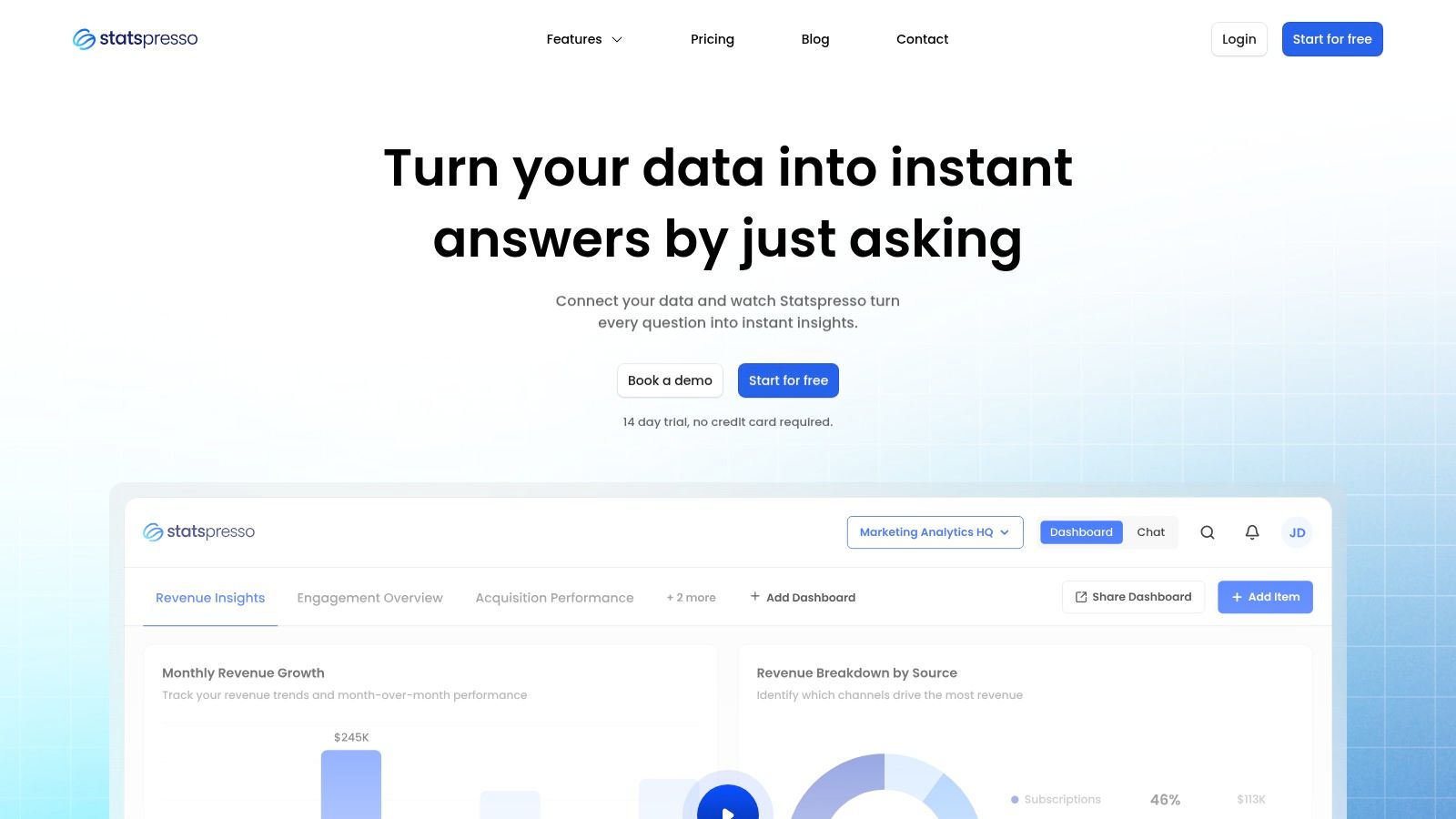
The platform connects directly to sources like Postgres, Shopify, and HubSpot. Its standout feature is the natural-language query interface, which behaves like ChatGPT but is grounded entirely in your secure data. For teams looking to move beyond simple Q&A, its AI Insight Gallery automatically surfaces hidden trends, turning data discovery from a chore into an automated process.
Why Statspresso Stands Out
Statspresso excels by combining powerful analytics with features tailored for agencies and product teams. Embeddable AI chat and white-label branding allow SaaS companies to integrate conversational analytics directly into their products. The ability to save findings and organize them into real-time, shareable dashboards stops the endless cycle of one-off reporting requests. According to internal benchmarks, users report getting insights 3x faster and cutting reporting hours by 40%. You can explore how teams are using AI for data analysis to drive similar outcomes.
Practical Use & Getting Started
After connecting a data source, a product manager can just ask:
"Try asking Statspresso: 'Show me my revenue by month for the last year as a bar chart.'"
An agency could generate polished, PDF-exported client reports from a live dashboard, saving hours of manual work. Getting started is fast, with a 14-day free trial that doesn’t require a credit card.
Key Details:
Ideal For: Product managers, agencies, startup founders, and SaaS companies needing embedded analytics.
Key Features: Natural-language queries, AI Insight Gallery, embeddable chat, branded PDF exports, collaborative dashboards.
Pricing: The Growth plan is $199/month, including 3 workspaces, 10 connectors, and 1,000 queries/month.
Pros: SQL-free analysis, automated insight discovery, powerful embedding features for client-facing analytics.
Cons: The Growth plan has query limits that high-volume teams may outgrow.
2. Microsoft Power BI
Microsoft Power BI has long been a heavyweight in business intelligence. Its integration of AI through Copilot keeps it a top contender among ai data analysis tools. For organizations already in the Microsoft ecosystem (Azure, Office 365), Power BI offers a familiar environment with powerful new capabilities. Users can now leverage natural language to generate insights instead of building complex reports from scratch.
Copilot allows users to ask questions like, “What were our top 5 products by sales last quarter?” and get an instant visualization. It can also auto-generate complex DAX calculations, lowering the technical barrier for business users. This makes it a formidable tool for teams that need both robust governance and agile, on-the-fly analysis.
Key Benefit: Power BI’s Copilot excels at grounding its AI-generated responses in your organization's approved data models. This ensures that while users get the speed of conversational AI, the insights remain accurate.
While its ubiquity is an advantage, setting up Copilot features can be a significant undertaking, often requiring administrator help and a clear understanding of your Microsoft Fabric capacity. That might be overkill for smaller startups.
Best For: Companies heavily invested in the Microsoft Azure and Office 365 ecosystems.
Pricing: Requires Power BI Pro license (from $10/user/month) plus Microsoft Fabric capacity for Copilot.
Website: https://powerbi.microsoft.com
3. Tableau (Tableau Cloud with Tableau Pulse)
Tableau is the gold standard for data visualization. With Tableau Pulse, it has firmly established itself as one of the leading ai data analysis tools. For teams that prioritize best-in-class visuals, Pulse adds an AI-powered insights layer to existing workflows. It’s designed to automatically surface important changes in your data, explain why they are happening, and make it easier for non-technical users to ask questions.
Tableau Pulse delivers personalized insights in a digest format and allows for a more conversational Q&A experience. Instead of just getting a chart, users get context, helping them understand the drivers behind their key metrics without needing an analyst to dig into the data. This automated business intelligence approach makes sophisticated analysis more accessible to the entire organization.
Key Benefit: Tableau Pulse excels at providing AI-generated, explainable insights on top of a governed metrics layer. This means users see what changed and understand the underlying factors.
While Pulse is a powerful addition, accessing the most advanced conversational AI features requires the Tableau+ license add-on. Furthermore, organizations using Tableau Server on-premises must migrate to the cloud to take advantage of these new AI capabilities.
Best For: Organizations that have already adopted Tableau and want to empower business users with proactive, AI-driven insights.
Pricing: Pulse is included with Tableau Cloud licenses (from $75/user/month). Advanced features require the Tableau+ add-on.
Website: https://www.tableau.com
4. ThoughtSpot
ThoughtSpot has carved out a niche in search-first BI. Its premise is simple: let any business user query massive datasets using a search bar. This makes it one of the most intuitive ai data analysis tools for organizations aiming for a true self-service data culture. The platform connects directly to modern cloud data warehouses, letting you ask questions in natural language and get back interactive charts instantly.
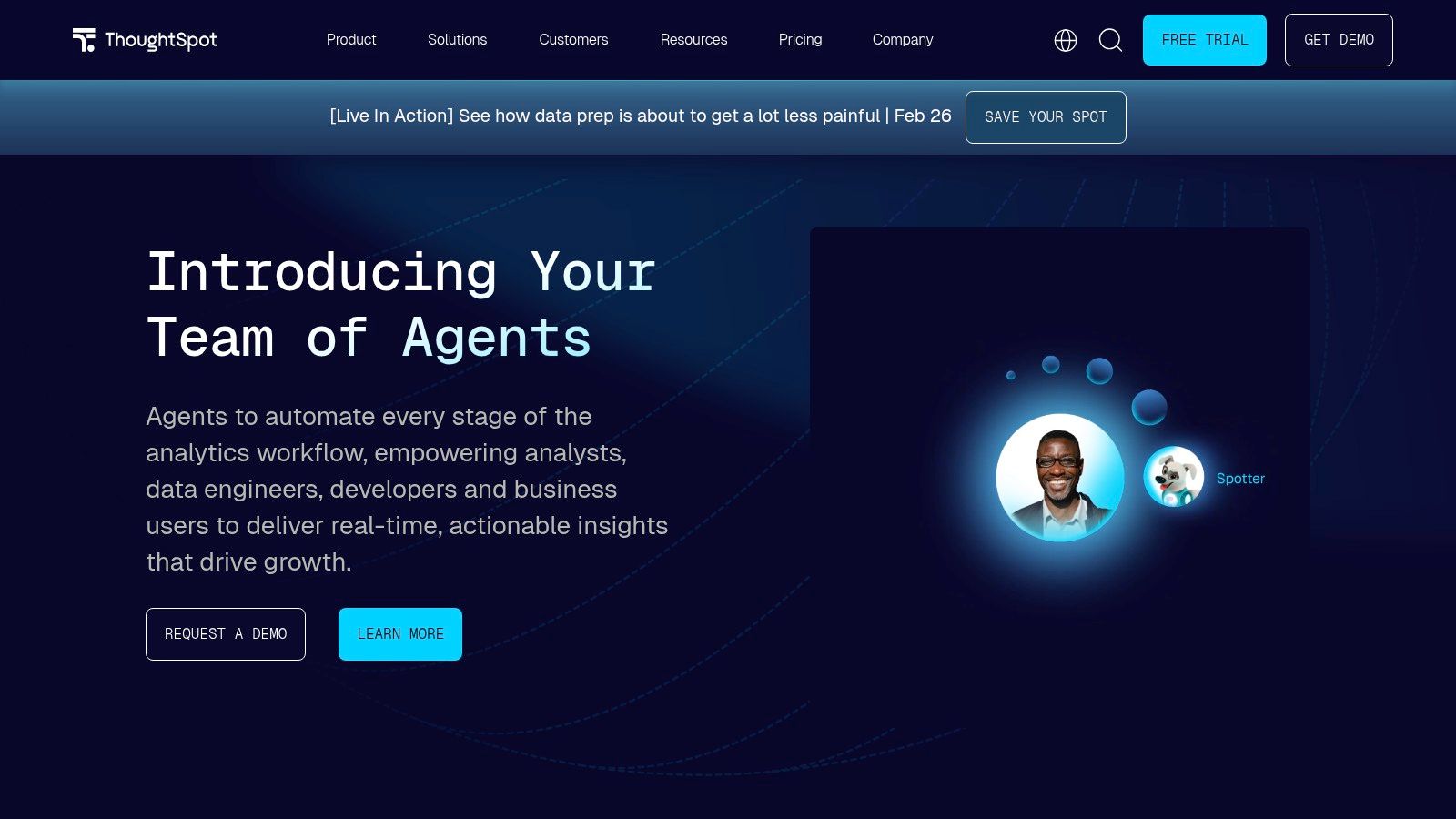
The platform has deepened its AI capabilities with Spotter, an AI agent that proactively surfaces anomalies and answers ambiguous questions. Instead of just returning a chart, Spotter can help a user refine their query or suggest related insights. This guided approach helps bridge the gap between a raw question and a useful business insight. It's built for scale, performing well against massive datasets in Snowflake or BigQuery.
Key Benefit: ThoughtSpot makes complex cloud data accessible to everyone through a familiar search interface. It empowers teams to explore without needing a data analyst as an intermediary.
While powerful, its pricing structure can be a significant investment. For smaller teams without a mature cloud data warehouse, the setup and cost might be more than necessary to get started with conversational analytics.
Best For: Enterprise and mid-market companies with a modern data stack that want to empower non-technical teams with search-based, self-service analytics.
Pricing: Offers tiered plans. Pricing is usage-based and typically requires a sales consultation.
Website: https://www.thoughtspot.com
5. Amazon QuickSight (with Amazon Q)
For organizations on Amazon Web Services (AWS), QuickSight is the native BI solution, now powered up with Amazon Q. This transforms it into a compelling ai data analysis tools for teams in the AWS cloud. It moves beyond traditional dashboarding by embedding generative BI capabilities, allowing both dashboard creators and viewers to use natural language to explore data.
QuickSight’s primary advantage is its seamless, serverless integration with the AWS ecosystem. With Amazon Q, authors can build entire dashboards simply by describing what they need. For end-users, it provides a conversational Q&A experience to ask follow-up questions. This makes it a powerful choice for companies that need a scalable, cloud-native analytics platform that doesn't require server management.
Key Benefit: QuickSight’s serverless architecture automatically scales to handle thousands of users without any infrastructure management. This is incredibly efficient for businesses already on AWS.
While the deep AWS integration is a huge plus, it can also be a barrier. The platform truly shines when your data already resides in AWS services like Redshift, S3, or Aurora. Leveraging the most advanced AI features requires the higher-priced Pro tiers.
Best For: Companies with their data infrastructure on AWS who need a scalable, serverless BI tool with embedded natural language AI.
Pricing: Starts with a Standard plan. Generative AI (Amazon Q) features require Author Pro ($24/user/month) and Reader Pro ($5/user/month).
Website: https://aws.amazon.com/quicksight
6. Google Cloud BigQuery + Gemini in BigQuery (and Looker)
For organizations in the Google Cloud ecosystem, integrating AI is a natural next step. Google is embedding its Gemini models directly into BigQuery Studio, turning its data warehouse into a formidable ai data analysis tools. This integration focuses on augmenting the developer and analyst workflow by generating and explaining SQL and Python code on command.
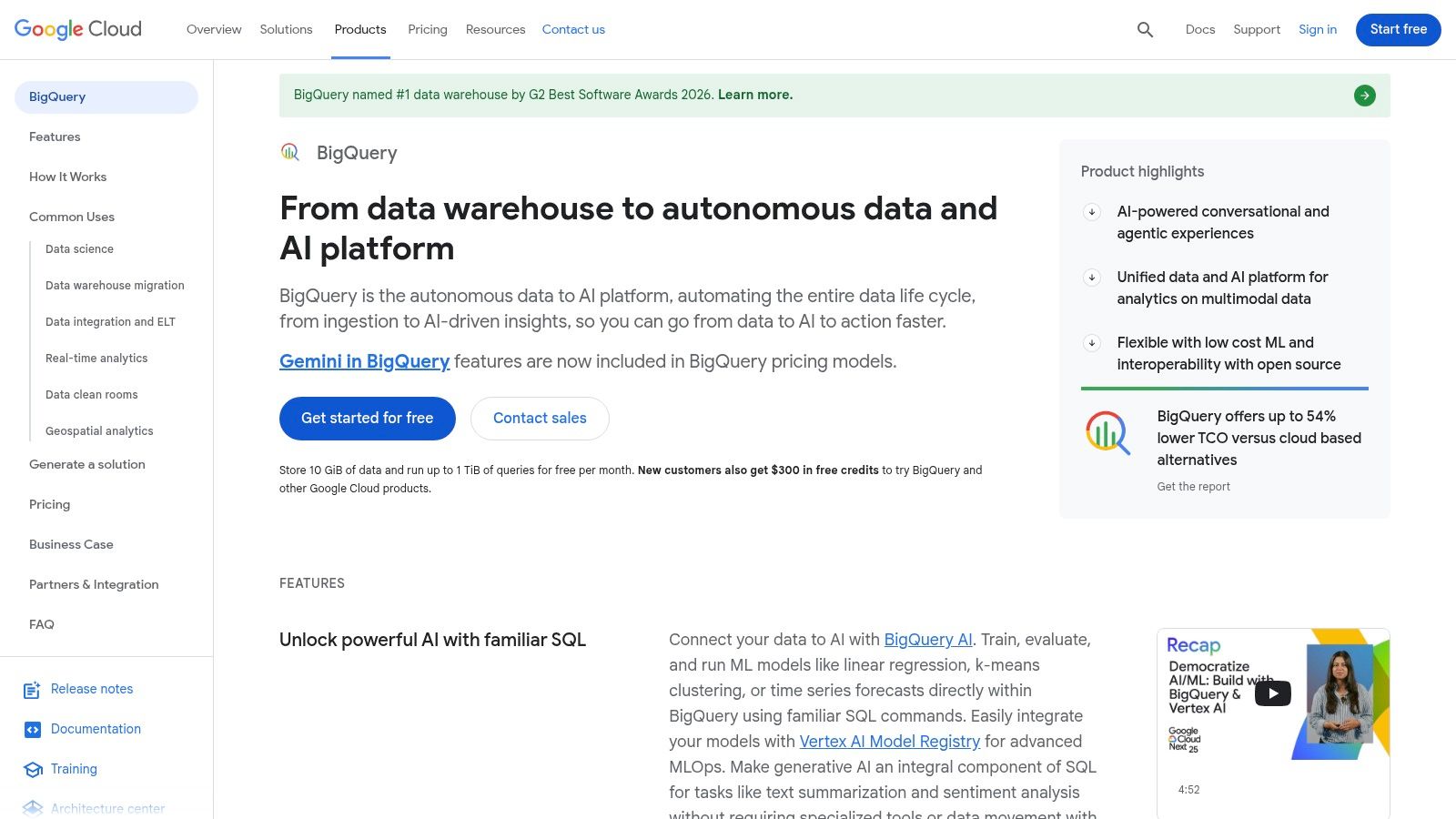
The primary advantage is enhancing productivity for technical users. An analyst can use natural language prompts in a chat-style canvas to generate code, get data insights, and perform multi-turn explorations. When paired with Looker, Google's BI platform, this extends to conversational analytics for business users, but it relies heavily on a governed Looker semantic layer for accuracy.
Key Benefit: Gemini in BigQuery excels at accelerating technical workflows. It empowers data professionals to build and debug complex SQL and Python code faster.
However, the cost structure can be complex. Gemini features have their own pricing, separate from BigQuery usage. Furthermore, Looker requires a custom sales quote, making it less accessible for smaller teams that need transparent pricing.
Best For: Companies integrated with Google Cloud Platform that want to enhance the productivity of their data teams with AI-powered code generation.
Pricing: Gemini features are subject to Gemini for Google Cloud pricing. Looker pricing is available only via a sales quote.
Website: https://cloud.google.com/bigquery
7. Snowflake (Snowflake Cortex)
For organizations with data in the Snowflake Data Cloud, Snowflake Cortex brings AI directly to the data. This built-in AI layer eliminates the complexity of moving massive datasets to external AI platforms. Cortex enables teams to leverage GenBI (Generative BI) directly within their existing Snowflake environment, turning the warehouse into an intelligence hub.
The platform’s power comes from functions like Cortex Analyst, which provides a text-to-SQL experience. An analyst can simply ask questions in natural language. Furthermore, Cortex Search allows for building Retrieval-Augmented Generation (RAG) applications on top of company documents stored in Snowflake. This is a powerful choice for businesses that want to keep analytics and AI unified and secure.
Key Benefit: Snowflake Cortex excels at keeping AI and data processing unified. By running LLM functions inside the warehouse, it minimizes data movement, enhancing security.
While the "in-warehouse" approach is a massive advantage, the credit and token-based pricing model can be complex. Forecasting costs across SQL execution and Cortex conversations requires careful monitoring.
Best For: Companies with an established Snowflake footprint that want to add secure AI and conversational analytics without moving data.
Pricing: Uses Snowflake’s credit-based model. AI functions are priced on a token/credit basis.
Website: https://www.snowflake.com
8. Databricks Data Intelligence Platform
Databricks is the go-to platform for large-scale data engineering on the lakehouse architecture. With the Databricks Assistant, it’s a powerful contender among ai data analysis tools, particularly for code-first teams. This AI co-pilot augments the workflow of data scientists and engineers directly within their notebooks and SQL editors.
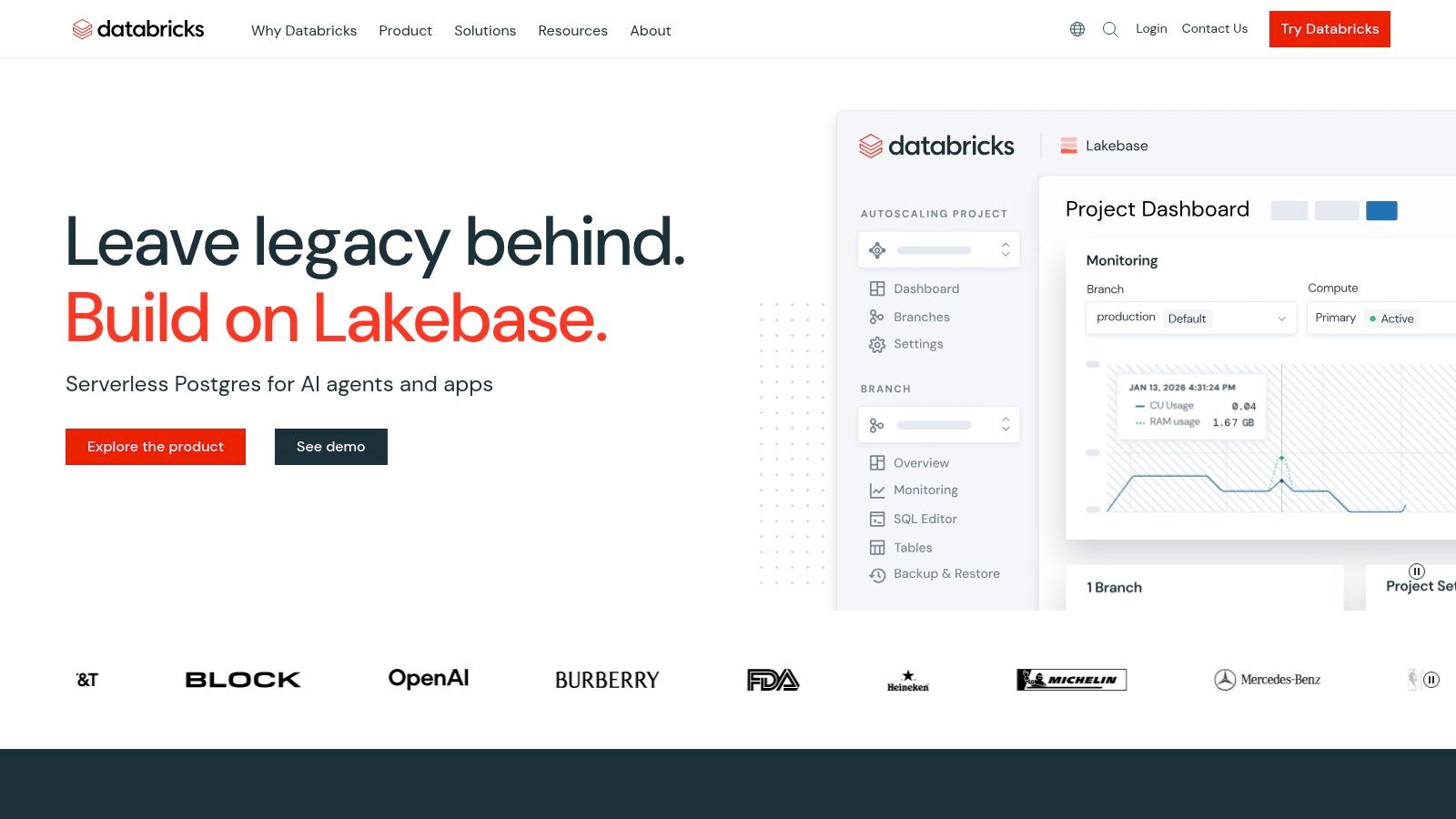
The Databricks Assistant helps users write and debug Python or SQL, diagnose errors, and understand complex code through natural language. It functions across the entire platform, from notebooks to BI dashboards, providing inline suggestions. This significantly speeds up development and lowers the barrier for less experienced users to work with massive datasets.
Key Benefit: Databricks Assistant is seamlessly integrated into the existing development environment at no extra license cost, making it accessible for technical teams to enhance productivity.
While powerful for technical users, Databricks can be intimidating for non-coders. The pricing model, based on Databricks Units (DBUs), can also be complex to forecast, which might be a challenge for startups.
Best For: Data-intensive organizations with strong engineering teams that need an AI assistant to accelerate code-first analytics.
Pricing: Assistant is included; customers pay for compute usage (DBUs).
Website: https://www.databricks.com
9. Hex
Hex is an AI-native analytics notebook that deeply integrates collaboration with powerful AI agents. For teams where SQL and Python are the languages of choice, Hex offers a modern environment where analysts can build complex models and publish them as interactive web apps. This dual-purpose nature makes it one of the more versatile ai data analysis tools for technical teams.
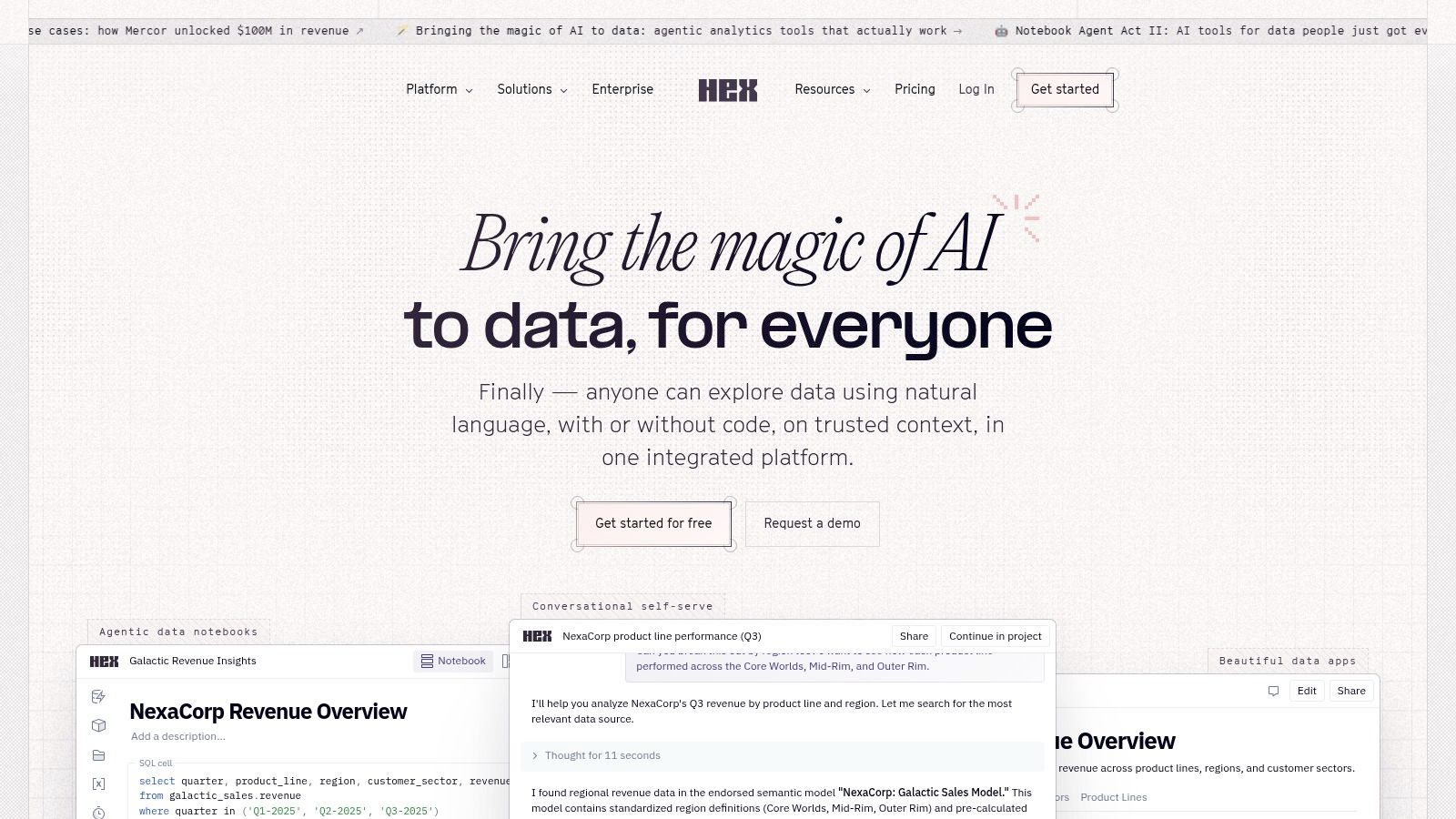
The platform's AI agents, called Hex Magic, are embedded directly within notebook cells. This allows users to generate, debug, and explain code using natural language without leaving their workflow. For example, an analyst can ask it to "refactor this SQL query for better performance." This streamlines the entire analysis process, from exploration to presentation.
Key Benefit: Hex excels at turning complex, code-based analysis into polished, interactive applications that anyone can use. This seamless transition from notebook to shareable app is its core differentiator.
While its user experience is a major plus, it's built for users comfortable with SQL and Python. Non-technical users looking for a purely no-code interface may find the notebook environment intimidating.
Best For: Data teams and product managers who need a collaborative, code-first environment to build and share analytics as interactive apps.
Pricing: Starts with a free plan. Team plans are seat-based, with AI features included.
Website: https://hex.tech
10. Mode
Mode is for teams where SQL is still the primary language of data analysis but who want to accelerate workflows with AI. It's an analyst-grade platform that integrates a SQL editor, Python/R notebooks, and visualizations. Mode’s AI Assist acts as a copilot directly within the SQL editor, helping analysts generate and refine queries using natural language. This approach supercharges existing skills, making it a practical ai data analysis tools for established data teams.
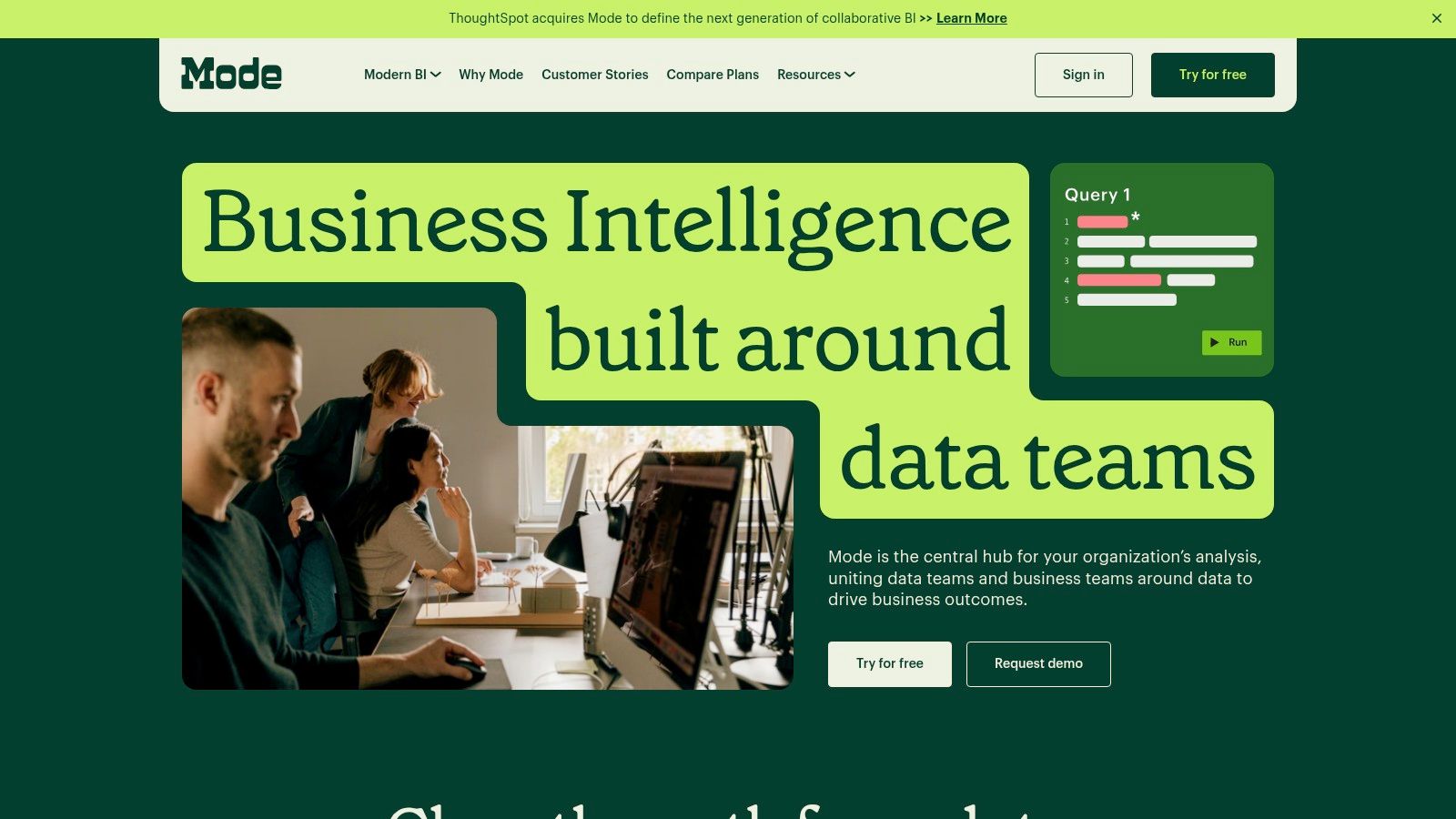
The platform shines in collaborative environments where analysts build foundational reports that business users can then explore. By combining governed datasets with an AI-powered query assistant, Mode helps reduce the time spent on repetitive SQL tasks, allowing analysts to focus on more complex challenges. It's a great middle-ground for organizations not ready to give up code but wanting AI efficiency.
Key Benefit: Mode’s AI Assist is deeply integrated into the native SQL workflow, allowing analysts to generate complex queries and fix errors without leaving the editor.
The primary limitation is that Mode is built for a technical audience. The core AI value is for those writing SQL. Additionally, AI features are part of higher-tier, sales-negotiated plans, which might be a barrier for smaller teams.
Best For: Data teams that want to augment their existing SQL and notebook-based workflows with AI-powered query assistance.
Pricing: Plus plan starts at $500/month. AI Assist features require a custom plan.
Website: https://mode.com
11. Dataiku
Dataiku is an end-to-end platform for "Everyday AI," designed for large-scale enterprise deployment where governance is paramount. It’s a comprehensive workbench that brings together data scientists and business analysts. Instead of focusing solely on conversational analytics, Dataiku provides a unified environment for data preparation, AutoML, MLOps, and creating custom AI agents.
This platform bridges the gap between code-first data science and visual, no-code workflows. A data engineer can prepare a dataset using Python, which a business analyst can then use in a visual flow to build a predictive model. Its LLM Guard Services provide critical safety and cost controls for teams building generative AI applications, making it a powerful choice for organizations that need to operationalize AI responsibly.
Key Benefit: Dataiku provides a centralized, governed environment that supports the entire data-to-insights lifecycle, from data prep to deploying complex AI applications.
While comprehensive, the platform can feel heavyweight for small startups. The enterprise-focused pricing model and need for significant enablement make it a substantial investment compared to more nimble ai data analysis tools.
Best For: Mature data teams in larger organizations that require a single platform for building and governing a wide range of AI and ML models.
Pricing: Custom enterprise pricing. Offers a self-hosted free edition and a 14-day cloud trial.
Website: https://www.dataiku.com
12. Alteryx
Alteryx focuses on repeatable, low-code data preparation and blending. With an AI Copilot and automated insights, it has solidified its position among modern ai data analysis tools. The platform shines where complex, multi-step data workflows need to be standardized, allowing analysts to build sophisticated pipelines without writing extensive code.
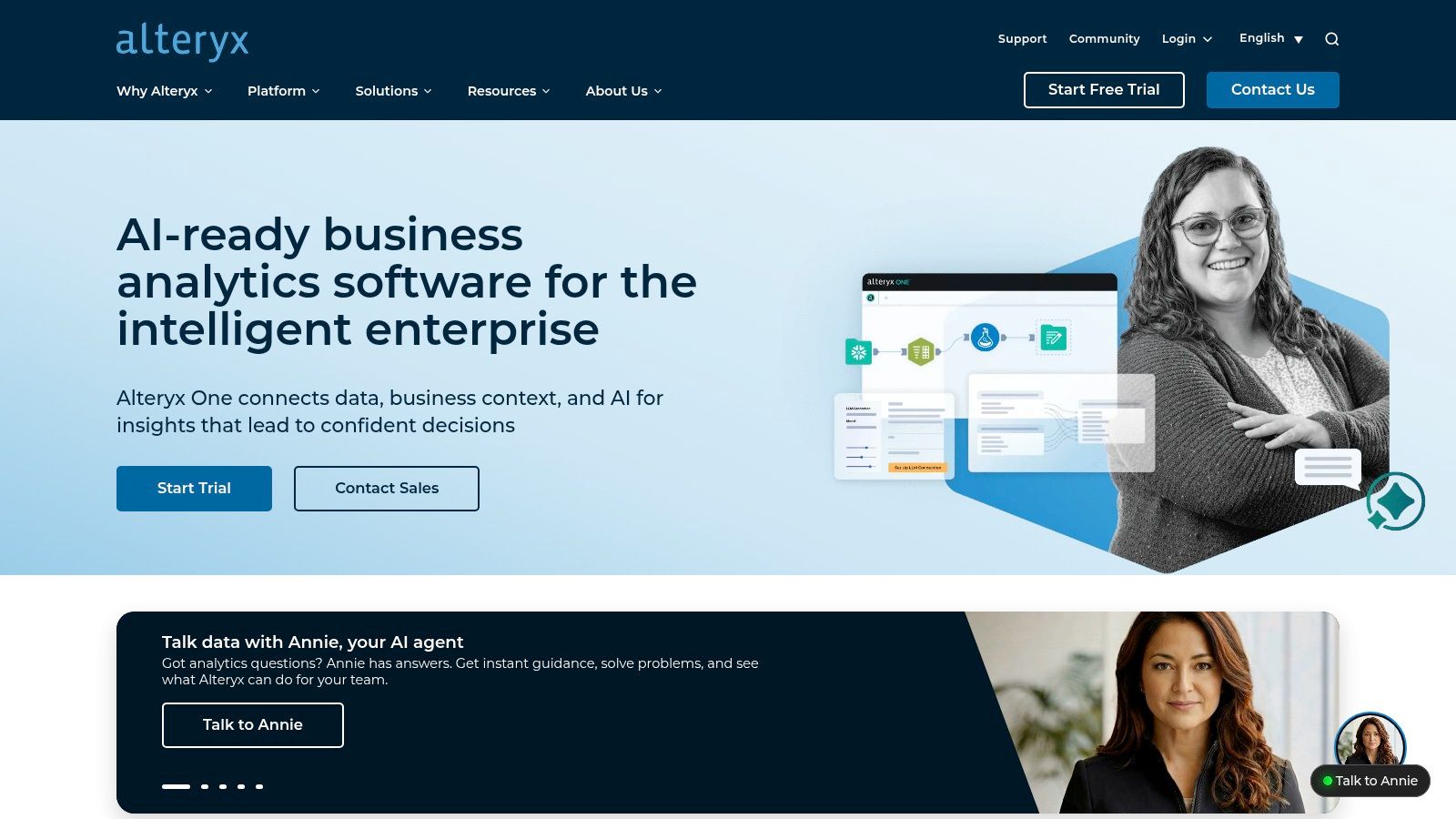
The core of Alteryx is its visual, drag-and-drop workflow designer. The AI Copilot helps users accelerate this process by suggesting next steps or generating formulas using natural language. This makes Alteryx a strong choice for teams focused on operational analytics where getting the data ready is just as critical as the final visualization.
Key Benefit: Alteryx excels at automating complex data prep and blending workflows. Its visual designer and AI empower analysts to build robust data pipelines that would otherwise require significant scripting.
While its no-code approach is a draw, Alteryx is an enterprise tool with a corresponding price tag. Pricing is sales-led and not publicly listed, and mastering its workflows requires a time investment. This makes it better suited for established teams than startups seeking quick answers.
Best For: Organizations that need to automate complex, repeatable data preparation and blending workflows.
Pricing: Pricing is sales-led and not fully public.
Website: https://www.alteryx.com
How It Works: The Old Way vs. The New Way
Task | Old Way (Manual SQL) | New Way (Statspresso) |
|---|---|---|
Get Revenue | Write a SQL query, wait for results, export to Excel, build a chart. | Ask: "What was our revenue last month?" |
User Segmentation | Join user and event tables, write complex | Ask: "Show me my top 10 users by purchase value." |
Team Reporting | Manually run weekly reports, paste into a slide deck, email the team. | Connect the database once, ask questions anytime. Get a live dashboard. |
Choosing the Right Tool: From Overwhelmed to Empowered
The common thread is clear: the era of waiting days for a simple chart is over. The right tool is the one that directly solves your team's specific bottleneck. Are you drowning in complex SQL queries and endless dashboard requests? Identifying your primary pain point is the first step toward clarity.
How to Make Your Choice: A Practical Framework
Filter your options through these three lenses:
Time-to-Insight: How many clicks or queries does it take to get a business question answered? For a product manager, the difference between waiting three minutes and three days is monumental. Tools with a direct conversational interface, like Statspresso, drastically shorten this cycle.
Implementation Overhead: What is the real cost of getting started? This includes engineering time for setup and training. For teams without that luxury, a tool that connects directly to your database and works out-of-the-box is non-negotiable.
Adoption vs. Obsolescence: Will your team actually use it? The most effective AI data analysis tools are those that allow non-technical users to self-serve. The "ask a question, get a chart" model is the gold standard for driving adoption.
Your Next Move: From Reading to Doing
Your goal now is to move from analysis paralysis to action. Prioritize a solution that removes the middleman between the question and the answer. The future of business intelligence isn't about building more complex dashboards; it's about having a direct, intelligent conversation with your data.
Ready to skip the SQL and complex dashboard builders? Statspresso is the Conversational AI Data Analyst built for teams that need answers, not another project. Connect your first data source for free and ask your first question. Start your free trial and ask your first question today.
Waiting weeks for a data analyst to build a dashboard is a relic of the past. Your team has urgent questions, but the answers are locked away in databases. You need insights now, not next quarter. The bottleneck isn't a lack of data; it's the slow, manual process of translating a business question into SQL queries and static charts. This delay costs you momentum.
The solution is a new class of AI data analysis tools that turn data exploration into a simple conversation. Instead of writing code, you just ask a question and get a chart in seconds.
TL;DR: The Best AI Data Analysis Tools
For Non-Technical Teams: Statspresso is a Conversational AI Data Analyst that lets you ask questions in plain English and get charts instantly.
For Microsoft Shops: Power BI + Copilot integrates AI into the familiar Microsoft ecosystem.
For Visualization Experts: Tableau + Pulse adds an AI insights layer to its powerful visualization engine.
For Code-First Analysts: Hex and Mode embed AI assistants directly into SQL/Python notebooks.
For Cloud Data Warehouses: Snowflake Cortex, Databricks Assistant, and Google's Gemini in BigQuery bring AI directly to your data.
1. Statspresso: The Conversational AI Data Analyst
Statspresso is designed to eliminate the friction between raw data and actionable insights. It serves as a "Conversational AI Data Analyst," letting teams simply ask questions in plain English and receive instant charts. The entire premise is to skip the SQL and just ask your data a question. This approach is built for speed, empowering non-technical users to perform their own analysis.

The platform connects directly to sources like Postgres, Shopify, and HubSpot. Its standout feature is the natural-language query interface, which behaves like ChatGPT but is grounded entirely in your secure data. For teams looking to move beyond simple Q&A, its AI Insight Gallery automatically surfaces hidden trends, turning data discovery from a chore into an automated process.
Why Statspresso Stands Out
Statspresso excels by combining powerful analytics with features tailored for agencies and product teams. Embeddable AI chat and white-label branding allow SaaS companies to integrate conversational analytics directly into their products. The ability to save findings and organize them into real-time, shareable dashboards stops the endless cycle of one-off reporting requests. According to internal benchmarks, users report getting insights 3x faster and cutting reporting hours by 40%. You can explore how teams are using AI for data analysis to drive similar outcomes.
Practical Use & Getting Started
After connecting a data source, a product manager can just ask:
"Try asking Statspresso: 'Show me my revenue by month for the last year as a bar chart.'"
An agency could generate polished, PDF-exported client reports from a live dashboard, saving hours of manual work. Getting started is fast, with a 14-day free trial that doesn’t require a credit card.
Key Details:
Ideal For: Product managers, agencies, startup founders, and SaaS companies needing embedded analytics.
Key Features: Natural-language queries, AI Insight Gallery, embeddable chat, branded PDF exports, collaborative dashboards.
Pricing: The Growth plan is $199/month, including 3 workspaces, 10 connectors, and 1,000 queries/month.
Pros: SQL-free analysis, automated insight discovery, powerful embedding features for client-facing analytics.
Cons: The Growth plan has query limits that high-volume teams may outgrow.
2. Microsoft Power BI
Microsoft Power BI has long been a heavyweight in business intelligence. Its integration of AI through Copilot keeps it a top contender among ai data analysis tools. For organizations already in the Microsoft ecosystem (Azure, Office 365), Power BI offers a familiar environment with powerful new capabilities. Users can now leverage natural language to generate insights instead of building complex reports from scratch.
Copilot allows users to ask questions like, “What were our top 5 products by sales last quarter?” and get an instant visualization. It can also auto-generate complex DAX calculations, lowering the technical barrier for business users. This makes it a formidable tool for teams that need both robust governance and agile, on-the-fly analysis.
Key Benefit: Power BI’s Copilot excels at grounding its AI-generated responses in your organization's approved data models. This ensures that while users get the speed of conversational AI, the insights remain accurate.
While its ubiquity is an advantage, setting up Copilot features can be a significant undertaking, often requiring administrator help and a clear understanding of your Microsoft Fabric capacity. That might be overkill for smaller startups.
Best For: Companies heavily invested in the Microsoft Azure and Office 365 ecosystems.
Pricing: Requires Power BI Pro license (from $10/user/month) plus Microsoft Fabric capacity for Copilot.
Website: https://powerbi.microsoft.com
3. Tableau (Tableau Cloud with Tableau Pulse)
Tableau is the gold standard for data visualization. With Tableau Pulse, it has firmly established itself as one of the leading ai data analysis tools. For teams that prioritize best-in-class visuals, Pulse adds an AI-powered insights layer to existing workflows. It’s designed to automatically surface important changes in your data, explain why they are happening, and make it easier for non-technical users to ask questions.

Tableau Pulse delivers personalized insights in a digest format and allows for a more conversational Q&A experience. Instead of just getting a chart, users get context, helping them understand the drivers behind their key metrics without needing an analyst to dig into the data. This automated business intelligence approach makes sophisticated analysis more accessible to the entire organization.
Key Benefit: Tableau Pulse excels at providing AI-generated, explainable insights on top of a governed metrics layer. This means users see what changed and understand the underlying factors.
While Pulse is a powerful addition, accessing the most advanced conversational AI features requires the Tableau+ license add-on. Furthermore, organizations using Tableau Server on-premises must migrate to the cloud to take advantage of these new AI capabilities.
Best For: Organizations that have already adopted Tableau and want to empower business users with proactive, AI-driven insights.
Pricing: Pulse is included with Tableau Cloud licenses (from $75/user/month). Advanced features require the Tableau+ add-on.
Website: https://www.tableau.com
4. ThoughtSpot
ThoughtSpot has carved out a niche in search-first BI. Its premise is simple: let any business user query massive datasets using a search bar. This makes it one of the most intuitive ai data analysis tools for organizations aiming for a true self-service data culture. The platform connects directly to modern cloud data warehouses, letting you ask questions in natural language and get back interactive charts instantly.

The platform has deepened its AI capabilities with Spotter, an AI agent that proactively surfaces anomalies and answers ambiguous questions. Instead of just returning a chart, Spotter can help a user refine their query or suggest related insights. This guided approach helps bridge the gap between a raw question and a useful business insight. It's built for scale, performing well against massive datasets in Snowflake or BigQuery.
Key Benefit: ThoughtSpot makes complex cloud data accessible to everyone through a familiar search interface. It empowers teams to explore without needing a data analyst as an intermediary.
While powerful, its pricing structure can be a significant investment. For smaller teams without a mature cloud data warehouse, the setup and cost might be more than necessary to get started with conversational analytics.
Best For: Enterprise and mid-market companies with a modern data stack that want to empower non-technical teams with search-based, self-service analytics.
Pricing: Offers tiered plans. Pricing is usage-based and typically requires a sales consultation.
Website: https://www.thoughtspot.com
5. Amazon QuickSight (with Amazon Q)
For organizations on Amazon Web Services (AWS), QuickSight is the native BI solution, now powered up with Amazon Q. This transforms it into a compelling ai data analysis tools for teams in the AWS cloud. It moves beyond traditional dashboarding by embedding generative BI capabilities, allowing both dashboard creators and viewers to use natural language to explore data.

QuickSight’s primary advantage is its seamless, serverless integration with the AWS ecosystem. With Amazon Q, authors can build entire dashboards simply by describing what they need. For end-users, it provides a conversational Q&A experience to ask follow-up questions. This makes it a powerful choice for companies that need a scalable, cloud-native analytics platform that doesn't require server management.
Key Benefit: QuickSight’s serverless architecture automatically scales to handle thousands of users without any infrastructure management. This is incredibly efficient for businesses already on AWS.
While the deep AWS integration is a huge plus, it can also be a barrier. The platform truly shines when your data already resides in AWS services like Redshift, S3, or Aurora. Leveraging the most advanced AI features requires the higher-priced Pro tiers.
Best For: Companies with their data infrastructure on AWS who need a scalable, serverless BI tool with embedded natural language AI.
Pricing: Starts with a Standard plan. Generative AI (Amazon Q) features require Author Pro ($24/user/month) and Reader Pro ($5/user/month).
Website: https://aws.amazon.com/quicksight
6. Google Cloud BigQuery + Gemini in BigQuery (and Looker)
For organizations in the Google Cloud ecosystem, integrating AI is a natural next step. Google is embedding its Gemini models directly into BigQuery Studio, turning its data warehouse into a formidable ai data analysis tools. This integration focuses on augmenting the developer and analyst workflow by generating and explaining SQL and Python code on command.

The primary advantage is enhancing productivity for technical users. An analyst can use natural language prompts in a chat-style canvas to generate code, get data insights, and perform multi-turn explorations. When paired with Looker, Google's BI platform, this extends to conversational analytics for business users, but it relies heavily on a governed Looker semantic layer for accuracy.
Key Benefit: Gemini in BigQuery excels at accelerating technical workflows. It empowers data professionals to build and debug complex SQL and Python code faster.
However, the cost structure can be complex. Gemini features have their own pricing, separate from BigQuery usage. Furthermore, Looker requires a custom sales quote, making it less accessible for smaller teams that need transparent pricing.
Best For: Companies integrated with Google Cloud Platform that want to enhance the productivity of their data teams with AI-powered code generation.
Pricing: Gemini features are subject to Gemini for Google Cloud pricing. Looker pricing is available only via a sales quote.
Website: https://cloud.google.com/bigquery
7. Snowflake (Snowflake Cortex)
For organizations with data in the Snowflake Data Cloud, Snowflake Cortex brings AI directly to the data. This built-in AI layer eliminates the complexity of moving massive datasets to external AI platforms. Cortex enables teams to leverage GenBI (Generative BI) directly within their existing Snowflake environment, turning the warehouse into an intelligence hub.

The platform’s power comes from functions like Cortex Analyst, which provides a text-to-SQL experience. An analyst can simply ask questions in natural language. Furthermore, Cortex Search allows for building Retrieval-Augmented Generation (RAG) applications on top of company documents stored in Snowflake. This is a powerful choice for businesses that want to keep analytics and AI unified and secure.
Key Benefit: Snowflake Cortex excels at keeping AI and data processing unified. By running LLM functions inside the warehouse, it minimizes data movement, enhancing security.
While the "in-warehouse" approach is a massive advantage, the credit and token-based pricing model can be complex. Forecasting costs across SQL execution and Cortex conversations requires careful monitoring.
Best For: Companies with an established Snowflake footprint that want to add secure AI and conversational analytics without moving data.
Pricing: Uses Snowflake’s credit-based model. AI functions are priced on a token/credit basis.
Website: https://www.snowflake.com
8. Databricks Data Intelligence Platform
Databricks is the go-to platform for large-scale data engineering on the lakehouse architecture. With the Databricks Assistant, it’s a powerful contender among ai data analysis tools, particularly for code-first teams. This AI co-pilot augments the workflow of data scientists and engineers directly within their notebooks and SQL editors.

The Databricks Assistant helps users write and debug Python or SQL, diagnose errors, and understand complex code through natural language. It functions across the entire platform, from notebooks to BI dashboards, providing inline suggestions. This significantly speeds up development and lowers the barrier for less experienced users to work with massive datasets.
Key Benefit: Databricks Assistant is seamlessly integrated into the existing development environment at no extra license cost, making it accessible for technical teams to enhance productivity.
While powerful for technical users, Databricks can be intimidating for non-coders. The pricing model, based on Databricks Units (DBUs), can also be complex to forecast, which might be a challenge for startups.
Best For: Data-intensive organizations with strong engineering teams that need an AI assistant to accelerate code-first analytics.
Pricing: Assistant is included; customers pay for compute usage (DBUs).
Website: https://www.databricks.com
9. Hex
Hex is an AI-native analytics notebook that deeply integrates collaboration with powerful AI agents. For teams where SQL and Python are the languages of choice, Hex offers a modern environment where analysts can build complex models and publish them as interactive web apps. This dual-purpose nature makes it one of the more versatile ai data analysis tools for technical teams.

The platform's AI agents, called Hex Magic, are embedded directly within notebook cells. This allows users to generate, debug, and explain code using natural language without leaving their workflow. For example, an analyst can ask it to "refactor this SQL query for better performance." This streamlines the entire analysis process, from exploration to presentation.
Key Benefit: Hex excels at turning complex, code-based analysis into polished, interactive applications that anyone can use. This seamless transition from notebook to shareable app is its core differentiator.
While its user experience is a major plus, it's built for users comfortable with SQL and Python. Non-technical users looking for a purely no-code interface may find the notebook environment intimidating.
Best For: Data teams and product managers who need a collaborative, code-first environment to build and share analytics as interactive apps.
Pricing: Starts with a free plan. Team plans are seat-based, with AI features included.
Website: https://hex.tech
10. Mode
Mode is for teams where SQL is still the primary language of data analysis but who want to accelerate workflows with AI. It's an analyst-grade platform that integrates a SQL editor, Python/R notebooks, and visualizations. Mode’s AI Assist acts as a copilot directly within the SQL editor, helping analysts generate and refine queries using natural language. This approach supercharges existing skills, making it a practical ai data analysis tools for established data teams.

The platform shines in collaborative environments where analysts build foundational reports that business users can then explore. By combining governed datasets with an AI-powered query assistant, Mode helps reduce the time spent on repetitive SQL tasks, allowing analysts to focus on more complex challenges. It's a great middle-ground for organizations not ready to give up code but wanting AI efficiency.
Key Benefit: Mode’s AI Assist is deeply integrated into the native SQL workflow, allowing analysts to generate complex queries and fix errors without leaving the editor.
The primary limitation is that Mode is built for a technical audience. The core AI value is for those writing SQL. Additionally, AI features are part of higher-tier, sales-negotiated plans, which might be a barrier for smaller teams.
Best For: Data teams that want to augment their existing SQL and notebook-based workflows with AI-powered query assistance.
Pricing: Plus plan starts at $500/month. AI Assist features require a custom plan.
Website: https://mode.com
11. Dataiku
Dataiku is an end-to-end platform for "Everyday AI," designed for large-scale enterprise deployment where governance is paramount. It’s a comprehensive workbench that brings together data scientists and business analysts. Instead of focusing solely on conversational analytics, Dataiku provides a unified environment for data preparation, AutoML, MLOps, and creating custom AI agents.
This platform bridges the gap between code-first data science and visual, no-code workflows. A data engineer can prepare a dataset using Python, which a business analyst can then use in a visual flow to build a predictive model. Its LLM Guard Services provide critical safety and cost controls for teams building generative AI applications, making it a powerful choice for organizations that need to operationalize AI responsibly.

Key Benefit: Dataiku provides a centralized, governed environment that supports the entire data-to-insights lifecycle, from data prep to deploying complex AI applications.
While comprehensive, the platform can feel heavyweight for small startups. The enterprise-focused pricing model and need for significant enablement make it a substantial investment compared to more nimble ai data analysis tools.
Best For: Mature data teams in larger organizations that require a single platform for building and governing a wide range of AI and ML models.
Pricing: Custom enterprise pricing. Offers a self-hosted free edition and a 14-day cloud trial.
Website: https://www.dataiku.com
12. Alteryx
Alteryx focuses on repeatable, low-code data preparation and blending. With an AI Copilot and automated insights, it has solidified its position among modern ai data analysis tools. The platform shines where complex, multi-step data workflows need to be standardized, allowing analysts to build sophisticated pipelines without writing extensive code.

The core of Alteryx is its visual, drag-and-drop workflow designer. The AI Copilot helps users accelerate this process by suggesting next steps or generating formulas using natural language. This makes Alteryx a strong choice for teams focused on operational analytics where getting the data ready is just as critical as the final visualization.
Key Benefit: Alteryx excels at automating complex data prep and blending workflows. Its visual designer and AI empower analysts to build robust data pipelines that would otherwise require significant scripting.
While its no-code approach is a draw, Alteryx is an enterprise tool with a corresponding price tag. Pricing is sales-led and not publicly listed, and mastering its workflows requires a time investment. This makes it better suited for established teams than startups seeking quick answers.
Best For: Organizations that need to automate complex, repeatable data preparation and blending workflows.
Pricing: Pricing is sales-led and not fully public.
Website: https://www.alteryx.com
How It Works: The Old Way vs. The New Way
Task | Old Way (Manual SQL) | New Way (Statspresso) |
|---|---|---|
Get Revenue | Write a SQL query, wait for results, export to Excel, build a chart. | Ask: "What was our revenue last month?" |
User Segmentation | Join user and event tables, write complex | Ask: "Show me my top 10 users by purchase value." |
Team Reporting | Manually run weekly reports, paste into a slide deck, email the team. | Connect the database once, ask questions anytime. Get a live dashboard. |
Choosing the Right Tool: From Overwhelmed to Empowered
The common thread is clear: the era of waiting days for a simple chart is over. The right tool is the one that directly solves your team's specific bottleneck. Are you drowning in complex SQL queries and endless dashboard requests? Identifying your primary pain point is the first step toward clarity.
How to Make Your Choice: A Practical Framework
Filter your options through these three lenses:
Time-to-Insight: How many clicks or queries does it take to get a business question answered? For a product manager, the difference between waiting three minutes and three days is monumental. Tools with a direct conversational interface, like Statspresso, drastically shorten this cycle.
Implementation Overhead: What is the real cost of getting started? This includes engineering time for setup and training. For teams without that luxury, a tool that connects directly to your database and works out-of-the-box is non-negotiable.
Adoption vs. Obsolescence: Will your team actually use it? The most effective AI data analysis tools are those that allow non-technical users to self-serve. The "ask a question, get a chart" model is the gold standard for driving adoption.
Your Next Move: From Reading to Doing
Your goal now is to move from analysis paralysis to action. Prioritize a solution that removes the middleman between the question and the answer. The future of business intelligence isn't about building more complex dashboards; it's about having a direct, intelligent conversation with your data.
Ready to skip the SQL and complex dashboard builders? Statspresso is the Conversational AI Data Analyst built for teams that need answers, not another project. Connect your first data source for free and ask your first question. Start your free trial and ask your first question today.
Waiting weeks for a data analyst to build a dashboard is a relic of the past. Your team has urgent questions, but the answers are locked away in databases. You need insights now, not next quarter. The bottleneck isn't a lack of data; it's the slow, manual process of translating a business question into SQL queries and static charts. This delay costs you momentum.
The solution is a new class of AI data analysis tools that turn data exploration into a simple conversation. Instead of writing code, you just ask a question and get a chart in seconds.
TL;DR: The Best AI Data Analysis Tools
For Non-Technical Teams: Statspresso is a Conversational AI Data Analyst that lets you ask questions in plain English and get charts instantly.
For Microsoft Shops: Power BI + Copilot integrates AI into the familiar Microsoft ecosystem.
For Visualization Experts: Tableau + Pulse adds an AI insights layer to its powerful visualization engine.
For Code-First Analysts: Hex and Mode embed AI assistants directly into SQL/Python notebooks.
For Cloud Data Warehouses: Snowflake Cortex, Databricks Assistant, and Google's Gemini in BigQuery bring AI directly to your data.
1. Statspresso: The Conversational AI Data Analyst
Statspresso is designed to eliminate the friction between raw data and actionable insights. It serves as a "Conversational AI Data Analyst," letting teams simply ask questions in plain English and receive instant charts. The entire premise is to skip the SQL and just ask your data a question. This approach is built for speed, empowering non-technical users to perform their own analysis.

The platform connects directly to sources like Postgres, Shopify, and HubSpot. Its standout feature is the natural-language query interface, which behaves like ChatGPT but is grounded entirely in your secure data. For teams looking to move beyond simple Q&A, its AI Insight Gallery automatically surfaces hidden trends, turning data discovery from a chore into an automated process.
Why Statspresso Stands Out
Statspresso excels by combining powerful analytics with features tailored for agencies and product teams. Embeddable AI chat and white-label branding allow SaaS companies to integrate conversational analytics directly into their products. The ability to save findings and organize them into real-time, shareable dashboards stops the endless cycle of one-off reporting requests. According to internal benchmarks, users report getting insights 3x faster and cutting reporting hours by 40%. You can explore how teams are using AI for data analysis to drive similar outcomes.
Practical Use & Getting Started
After connecting a data source, a product manager can just ask:
"Try asking Statspresso: 'Show me my revenue by month for the last year as a bar chart.'"
An agency could generate polished, PDF-exported client reports from a live dashboard, saving hours of manual work. Getting started is fast, with a 14-day free trial that doesn’t require a credit card.
Key Details:
Ideal For: Product managers, agencies, startup founders, and SaaS companies needing embedded analytics.
Key Features: Natural-language queries, AI Insight Gallery, embeddable chat, branded PDF exports, collaborative dashboards.
Pricing: The Growth plan is $199/month, including 3 workspaces, 10 connectors, and 1,000 queries/month.
Pros: SQL-free analysis, automated insight discovery, powerful embedding features for client-facing analytics.
Cons: The Growth plan has query limits that high-volume teams may outgrow.
2. Microsoft Power BI
Microsoft Power BI has long been a heavyweight in business intelligence. Its integration of AI through Copilot keeps it a top contender among ai data analysis tools. For organizations already in the Microsoft ecosystem (Azure, Office 365), Power BI offers a familiar environment with powerful new capabilities. Users can now leverage natural language to generate insights instead of building complex reports from scratch.
Copilot allows users to ask questions like, “What were our top 5 products by sales last quarter?” and get an instant visualization. It can also auto-generate complex DAX calculations, lowering the technical barrier for business users. This makes it a formidable tool for teams that need both robust governance and agile, on-the-fly analysis.
Key Benefit: Power BI’s Copilot excels at grounding its AI-generated responses in your organization's approved data models. This ensures that while users get the speed of conversational AI, the insights remain accurate.
While its ubiquity is an advantage, setting up Copilot features can be a significant undertaking, often requiring administrator help and a clear understanding of your Microsoft Fabric capacity. That might be overkill for smaller startups.
Best For: Companies heavily invested in the Microsoft Azure and Office 365 ecosystems.
Pricing: Requires Power BI Pro license (from $10/user/month) plus Microsoft Fabric capacity for Copilot.
Website: https://powerbi.microsoft.com
3. Tableau (Tableau Cloud with Tableau Pulse)
Tableau is the gold standard for data visualization. With Tableau Pulse, it has firmly established itself as one of the leading ai data analysis tools. For teams that prioritize best-in-class visuals, Pulse adds an AI-powered insights layer to existing workflows. It’s designed to automatically surface important changes in your data, explain why they are happening, and make it easier for non-technical users to ask questions.

Tableau Pulse delivers personalized insights in a digest format and allows for a more conversational Q&A experience. Instead of just getting a chart, users get context, helping them understand the drivers behind their key metrics without needing an analyst to dig into the data. This automated business intelligence approach makes sophisticated analysis more accessible to the entire organization.
Key Benefit: Tableau Pulse excels at providing AI-generated, explainable insights on top of a governed metrics layer. This means users see what changed and understand the underlying factors.
While Pulse is a powerful addition, accessing the most advanced conversational AI features requires the Tableau+ license add-on. Furthermore, organizations using Tableau Server on-premises must migrate to the cloud to take advantage of these new AI capabilities.
Best For: Organizations that have already adopted Tableau and want to empower business users with proactive, AI-driven insights.
Pricing: Pulse is included with Tableau Cloud licenses (from $75/user/month). Advanced features require the Tableau+ add-on.
Website: https://www.tableau.com
4. ThoughtSpot
ThoughtSpot has carved out a niche in search-first BI. Its premise is simple: let any business user query massive datasets using a search bar. This makes it one of the most intuitive ai data analysis tools for organizations aiming for a true self-service data culture. The platform connects directly to modern cloud data warehouses, letting you ask questions in natural language and get back interactive charts instantly.

The platform has deepened its AI capabilities with Spotter, an AI agent that proactively surfaces anomalies and answers ambiguous questions. Instead of just returning a chart, Spotter can help a user refine their query or suggest related insights. This guided approach helps bridge the gap between a raw question and a useful business insight. It's built for scale, performing well against massive datasets in Snowflake or BigQuery.
Key Benefit: ThoughtSpot makes complex cloud data accessible to everyone through a familiar search interface. It empowers teams to explore without needing a data analyst as an intermediary.
While powerful, its pricing structure can be a significant investment. For smaller teams without a mature cloud data warehouse, the setup and cost might be more than necessary to get started with conversational analytics.
Best For: Enterprise and mid-market companies with a modern data stack that want to empower non-technical teams with search-based, self-service analytics.
Pricing: Offers tiered plans. Pricing is usage-based and typically requires a sales consultation.
Website: https://www.thoughtspot.com
5. Amazon QuickSight (with Amazon Q)
For organizations on Amazon Web Services (AWS), QuickSight is the native BI solution, now powered up with Amazon Q. This transforms it into a compelling ai data analysis tools for teams in the AWS cloud. It moves beyond traditional dashboarding by embedding generative BI capabilities, allowing both dashboard creators and viewers to use natural language to explore data.

QuickSight’s primary advantage is its seamless, serverless integration with the AWS ecosystem. With Amazon Q, authors can build entire dashboards simply by describing what they need. For end-users, it provides a conversational Q&A experience to ask follow-up questions. This makes it a powerful choice for companies that need a scalable, cloud-native analytics platform that doesn't require server management.
Key Benefit: QuickSight’s serverless architecture automatically scales to handle thousands of users without any infrastructure management. This is incredibly efficient for businesses already on AWS.
While the deep AWS integration is a huge plus, it can also be a barrier. The platform truly shines when your data already resides in AWS services like Redshift, S3, or Aurora. Leveraging the most advanced AI features requires the higher-priced Pro tiers.
Best For: Companies with their data infrastructure on AWS who need a scalable, serverless BI tool with embedded natural language AI.
Pricing: Starts with a Standard plan. Generative AI (Amazon Q) features require Author Pro ($24/user/month) and Reader Pro ($5/user/month).
Website: https://aws.amazon.com/quicksight
6. Google Cloud BigQuery + Gemini in BigQuery (and Looker)
For organizations in the Google Cloud ecosystem, integrating AI is a natural next step. Google is embedding its Gemini models directly into BigQuery Studio, turning its data warehouse into a formidable ai data analysis tools. This integration focuses on augmenting the developer and analyst workflow by generating and explaining SQL and Python code on command.

The primary advantage is enhancing productivity for technical users. An analyst can use natural language prompts in a chat-style canvas to generate code, get data insights, and perform multi-turn explorations. When paired with Looker, Google's BI platform, this extends to conversational analytics for business users, but it relies heavily on a governed Looker semantic layer for accuracy.
Key Benefit: Gemini in BigQuery excels at accelerating technical workflows. It empowers data professionals to build and debug complex SQL and Python code faster.
However, the cost structure can be complex. Gemini features have their own pricing, separate from BigQuery usage. Furthermore, Looker requires a custom sales quote, making it less accessible for smaller teams that need transparent pricing.
Best For: Companies integrated with Google Cloud Platform that want to enhance the productivity of their data teams with AI-powered code generation.
Pricing: Gemini features are subject to Gemini for Google Cloud pricing. Looker pricing is available only via a sales quote.
Website: https://cloud.google.com/bigquery
7. Snowflake (Snowflake Cortex)
For organizations with data in the Snowflake Data Cloud, Snowflake Cortex brings AI directly to the data. This built-in AI layer eliminates the complexity of moving massive datasets to external AI platforms. Cortex enables teams to leverage GenBI (Generative BI) directly within their existing Snowflake environment, turning the warehouse into an intelligence hub.

The platform’s power comes from functions like Cortex Analyst, which provides a text-to-SQL experience. An analyst can simply ask questions in natural language. Furthermore, Cortex Search allows for building Retrieval-Augmented Generation (RAG) applications on top of company documents stored in Snowflake. This is a powerful choice for businesses that want to keep analytics and AI unified and secure.
Key Benefit: Snowflake Cortex excels at keeping AI and data processing unified. By running LLM functions inside the warehouse, it minimizes data movement, enhancing security.
While the "in-warehouse" approach is a massive advantage, the credit and token-based pricing model can be complex. Forecasting costs across SQL execution and Cortex conversations requires careful monitoring.
Best For: Companies with an established Snowflake footprint that want to add secure AI and conversational analytics without moving data.
Pricing: Uses Snowflake’s credit-based model. AI functions are priced on a token/credit basis.
Website: https://www.snowflake.com
8. Databricks Data Intelligence Platform
Databricks is the go-to platform for large-scale data engineering on the lakehouse architecture. With the Databricks Assistant, it’s a powerful contender among ai data analysis tools, particularly for code-first teams. This AI co-pilot augments the workflow of data scientists and engineers directly within their notebooks and SQL editors.

The Databricks Assistant helps users write and debug Python or SQL, diagnose errors, and understand complex code through natural language. It functions across the entire platform, from notebooks to BI dashboards, providing inline suggestions. This significantly speeds up development and lowers the barrier for less experienced users to work with massive datasets.
Key Benefit: Databricks Assistant is seamlessly integrated into the existing development environment at no extra license cost, making it accessible for technical teams to enhance productivity.
While powerful for technical users, Databricks can be intimidating for non-coders. The pricing model, based on Databricks Units (DBUs), can also be complex to forecast, which might be a challenge for startups.
Best For: Data-intensive organizations with strong engineering teams that need an AI assistant to accelerate code-first analytics.
Pricing: Assistant is included; customers pay for compute usage (DBUs).
Website: https://www.databricks.com
9. Hex
Hex is an AI-native analytics notebook that deeply integrates collaboration with powerful AI agents. For teams where SQL and Python are the languages of choice, Hex offers a modern environment where analysts can build complex models and publish them as interactive web apps. This dual-purpose nature makes it one of the more versatile ai data analysis tools for technical teams.

The platform's AI agents, called Hex Magic, are embedded directly within notebook cells. This allows users to generate, debug, and explain code using natural language without leaving their workflow. For example, an analyst can ask it to "refactor this SQL query for better performance." This streamlines the entire analysis process, from exploration to presentation.
Key Benefit: Hex excels at turning complex, code-based analysis into polished, interactive applications that anyone can use. This seamless transition from notebook to shareable app is its core differentiator.
While its user experience is a major plus, it's built for users comfortable with SQL and Python. Non-technical users looking for a purely no-code interface may find the notebook environment intimidating.
Best For: Data teams and product managers who need a collaborative, code-first environment to build and share analytics as interactive apps.
Pricing: Starts with a free plan. Team plans are seat-based, with AI features included.
Website: https://hex.tech
10. Mode
Mode is for teams where SQL is still the primary language of data analysis but who want to accelerate workflows with AI. It's an analyst-grade platform that integrates a SQL editor, Python/R notebooks, and visualizations. Mode’s AI Assist acts as a copilot directly within the SQL editor, helping analysts generate and refine queries using natural language. This approach supercharges existing skills, making it a practical ai data analysis tools for established data teams.

The platform shines in collaborative environments where analysts build foundational reports that business users can then explore. By combining governed datasets with an AI-powered query assistant, Mode helps reduce the time spent on repetitive SQL tasks, allowing analysts to focus on more complex challenges. It's a great middle-ground for organizations not ready to give up code but wanting AI efficiency.
Key Benefit: Mode’s AI Assist is deeply integrated into the native SQL workflow, allowing analysts to generate complex queries and fix errors without leaving the editor.
The primary limitation is that Mode is built for a technical audience. The core AI value is for those writing SQL. Additionally, AI features are part of higher-tier, sales-negotiated plans, which might be a barrier for smaller teams.
Best For: Data teams that want to augment their existing SQL and notebook-based workflows with AI-powered query assistance.
Pricing: Plus plan starts at $500/month. AI Assist features require a custom plan.
Website: https://mode.com
11. Dataiku
Dataiku is an end-to-end platform for "Everyday AI," designed for large-scale enterprise deployment where governance is paramount. It’s a comprehensive workbench that brings together data scientists and business analysts. Instead of focusing solely on conversational analytics, Dataiku provides a unified environment for data preparation, AutoML, MLOps, and creating custom AI agents.
This platform bridges the gap between code-first data science and visual, no-code workflows. A data engineer can prepare a dataset using Python, which a business analyst can then use in a visual flow to build a predictive model. Its LLM Guard Services provide critical safety and cost controls for teams building generative AI applications, making it a powerful choice for organizations that need to operationalize AI responsibly.

Key Benefit: Dataiku provides a centralized, governed environment that supports the entire data-to-insights lifecycle, from data prep to deploying complex AI applications.
While comprehensive, the platform can feel heavyweight for small startups. The enterprise-focused pricing model and need for significant enablement make it a substantial investment compared to more nimble ai data analysis tools.
Best For: Mature data teams in larger organizations that require a single platform for building and governing a wide range of AI and ML models.
Pricing: Custom enterprise pricing. Offers a self-hosted free edition and a 14-day cloud trial.
Website: https://www.dataiku.com
12. Alteryx
Alteryx focuses on repeatable, low-code data preparation and blending. With an AI Copilot and automated insights, it has solidified its position among modern ai data analysis tools. The platform shines where complex, multi-step data workflows need to be standardized, allowing analysts to build sophisticated pipelines without writing extensive code.

The core of Alteryx is its visual, drag-and-drop workflow designer. The AI Copilot helps users accelerate this process by suggesting next steps or generating formulas using natural language. This makes Alteryx a strong choice for teams focused on operational analytics where getting the data ready is just as critical as the final visualization.
Key Benefit: Alteryx excels at automating complex data prep and blending workflows. Its visual designer and AI empower analysts to build robust data pipelines that would otherwise require significant scripting.
While its no-code approach is a draw, Alteryx is an enterprise tool with a corresponding price tag. Pricing is sales-led and not publicly listed, and mastering its workflows requires a time investment. This makes it better suited for established teams than startups seeking quick answers.
Best For: Organizations that need to automate complex, repeatable data preparation and blending workflows.
Pricing: Pricing is sales-led and not fully public.
Website: https://www.alteryx.com
How It Works: The Old Way vs. The New Way
Task | Old Way (Manual SQL) | New Way (Statspresso) |
|---|---|---|
Get Revenue | Write a SQL query, wait for results, export to Excel, build a chart. | Ask: "What was our revenue last month?" |
User Segmentation | Join user and event tables, write complex | Ask: "Show me my top 10 users by purchase value." |
Team Reporting | Manually run weekly reports, paste into a slide deck, email the team. | Connect the database once, ask questions anytime. Get a live dashboard. |
Choosing the Right Tool: From Overwhelmed to Empowered
The common thread is clear: the era of waiting days for a simple chart is over. The right tool is the one that directly solves your team's specific bottleneck. Are you drowning in complex SQL queries and endless dashboard requests? Identifying your primary pain point is the first step toward clarity.
How to Make Your Choice: A Practical Framework
Filter your options through these three lenses:
Time-to-Insight: How many clicks or queries does it take to get a business question answered? For a product manager, the difference between waiting three minutes and three days is monumental. Tools with a direct conversational interface, like Statspresso, drastically shorten this cycle.
Implementation Overhead: What is the real cost of getting started? This includes engineering time for setup and training. For teams without that luxury, a tool that connects directly to your database and works out-of-the-box is non-negotiable.
Adoption vs. Obsolescence: Will your team actually use it? The most effective AI data analysis tools are those that allow non-technical users to self-serve. The "ask a question, get a chart" model is the gold standard for driving adoption.
Your Next Move: From Reading to Doing
Your goal now is to move from analysis paralysis to action. Prioritize a solution that removes the middleman between the question and the answer. The future of business intelligence isn't about building more complex dashboards; it's about having a direct, intelligent conversation with your data.
Ready to skip the SQL and complex dashboard builders? Statspresso is the Conversational AI Data Analyst built for teams that need answers, not another project. Connect your first data source for free and ask your first question. Start your free trial and ask your first question today.