Feb 27, 2026

The Top 12 AI Business Intelligence Tools for 2026

Waiting weeks for a data analyst to build a dashboard is a relic of the past. Your data holds the answers you need right now, but it's often locked behind complex BI software and slow SQL queries. For busy founders, product managers, and marketing leads, this delay is a bottleneck to growth. Skip the SQL. Just ask your data a question and get a chart in seconds.

This guide cuts through the marketing noise to compare the top AI business intelligence tools designed to give you insights in seconds, not sprints. We’ve analyzed the leading platforms, from enterprise giants to agile newcomers like Statspresso, our Conversational AI Data Analyst, to help you find the right fit. Let's find the tool that turns your data into your most valuable advisor.

TL;DR: Key Takeaways

  • The Big Shift: The best AI business intelligence tools are moving from complex dashboard builders to conversational, chat-based interfaces.

  • Two Paths: Choose between traditional BI platforms with AI features (like Power BI, Tableau) or AI-native tools built for instant answers (like Statspresso).

  • The Goal: True self-serve analytics means anyone on your team can ask a new question and get an instant, reliable answer without needing a data expert.

  • Our Pick for Speed: For non-technical teams, a Conversational AI Data Analyst like Statspresso offers the fastest path from question to insight.

The Old Way vs. The New Way

Old Way (Manual SQL & Dashboards)

New Way (Conversational AI Analytics)

Submit a ticket to the data team.

Ask a question in plain English.

Wait days or weeks for a new report.

Get a chart and insights in seconds.

Try to filter a rigid, pre-built dashboard.

Drill down and ask follow-up questions.

Requires learning SQL or complex BI software.

No coding skills required.

Insights are slow and often outdated.

Answers are real-time and actionable.

1. Statspresso

Statspresso is a Conversational AI Data Analyst. You don't build dashboards; you ask questions. For non-technical teams, it’s designed to eliminate the friction between having a business question and getting a data-backed answer. Instead of waiting for a developer to write a SQL query, you connect your data sources (like Postgres or HubSpot) and simply ask.
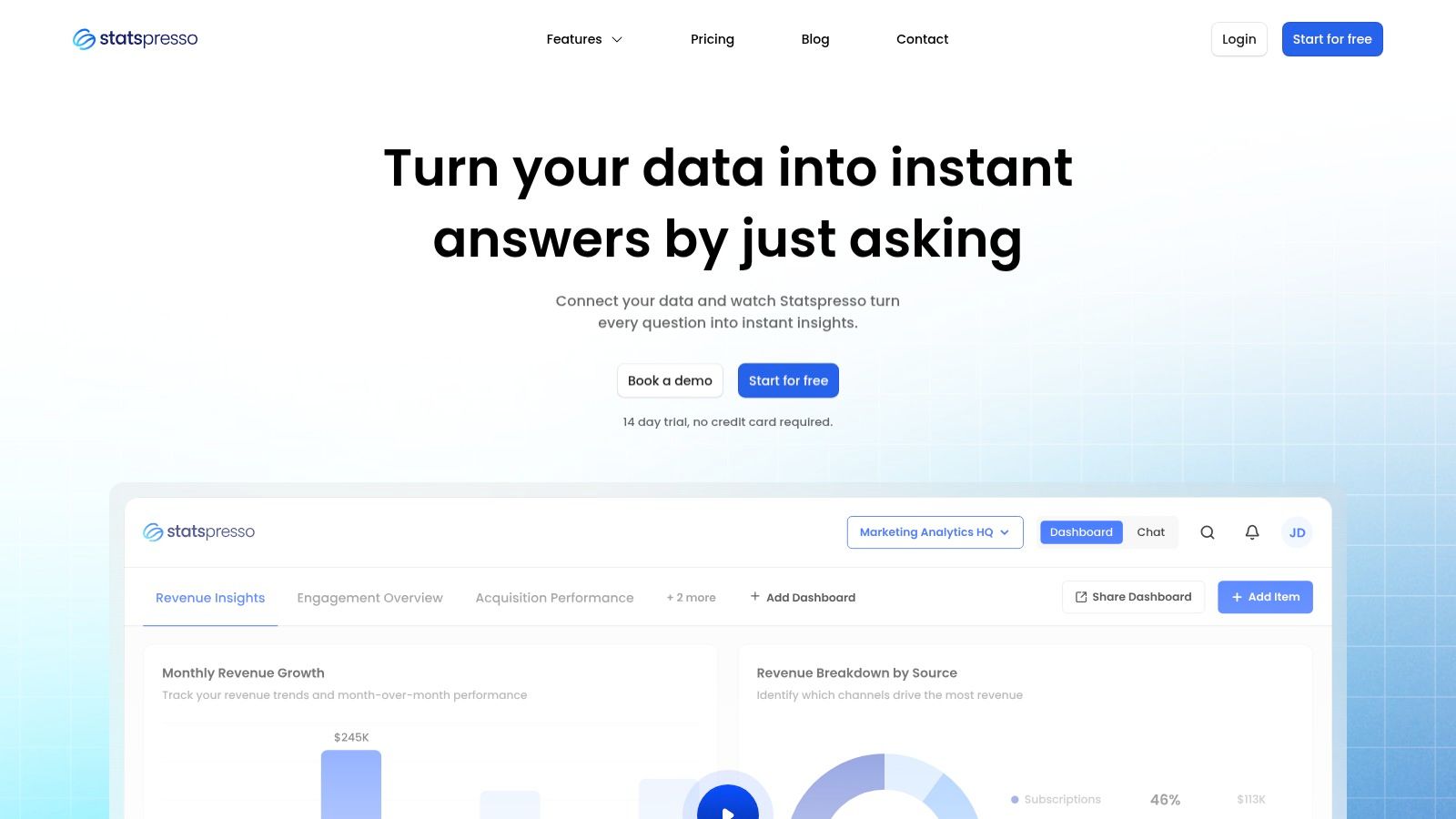
A dashboard in Statspresso showing various charts and metrics, illustrating its AI-powered business intelligence capabilities.

This tool stands out among other ai business intelligence tools by focusing relentlessly on speed and accessibility. It's built for founders, product managers, and ops leaders who need answers now, not next week.

Try asking Statspresso: “Show me our monthly recurring revenue by customer cohort for the last 12 months as a line chart.”

Key Strengths & Use Cases

What makes Statspresso a strong choice is its practical application of AI, moving beyond novelty to solve real reporting bottlenecks.

  • AI Insight Gallery: This feature automatically surfaces interesting patterns and anomalies in your data that you might not have thought to look for. It’s a proactive approach that helps teams discover "unknown unknowns," like a sudden dip in user engagement.

  • Embeddable & Brandable Chat: Agencies and SaaS companies can embed the conversational analytics chat directly into their own products, providing a powerful self-serve reporting experience for clients.

  • Rapid Dashboarding: While the core is conversational, you can pin any useful chart to a live, shareable dashboard with a single click. This bridges the gap between ad-hoc analysis and routine monitoring.

The platform is particularly effective for growth teams tracking campaign performance, product managers analyzing feature adoption, and founders who need a quick pulse on key business metrics without maintaining a dedicated analytics team.

Pricing & Access

Statspresso offers a 14-day free trial without requiring a credit card, making it easy to test with your own data.

  • Starter: $49/month

  • Growth: $249/month

  • Advanced: $499/month

Website: https://www.statspresso.com

2. Microsoft Power BI with Copilot

For organizations already embedded in the Microsoft ecosystem, Power BI with Copilot is a powerful extension of a familiar tool. It integrates generative AI directly into the BI workflow, from creating complex DAX calculations to generating narrative summaries of your dashboards. Users can literally "chat with your data" through a Copilot interface, asking it to create specific visuals or explain trends.
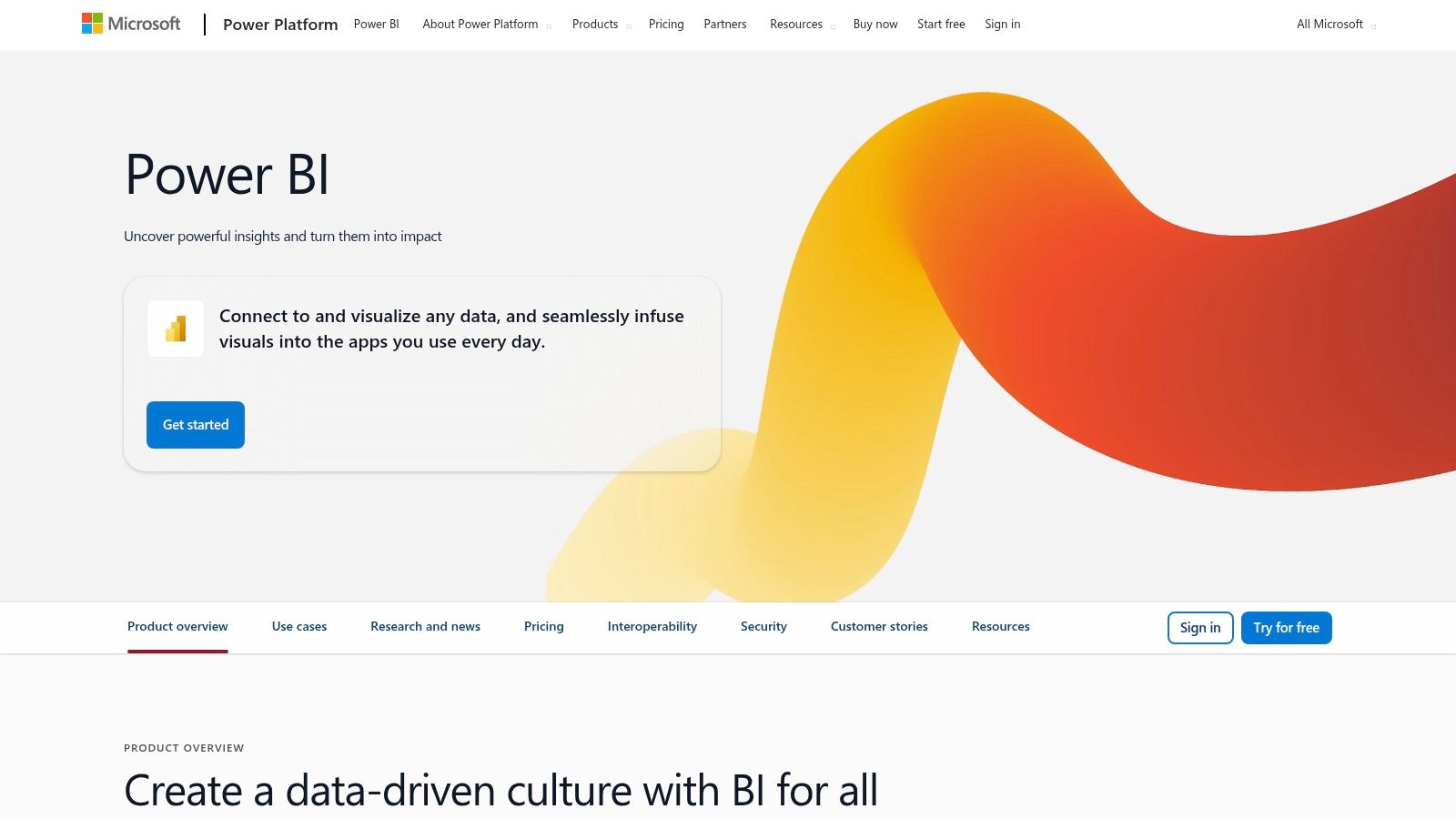
Microsoft Power BI with Copilot

This tool stands out for its deep integration with Microsoft 365 and Fabric, providing a single, governed environment for data and analytics. The AI assistance extends across the entire platform, making it one of the most cohesive AI business intelligence tools for enterprise use.

Key Considerations

Accessing this AI layer comes at a cost. The Copilot features require a Microsoft Fabric or Power BI Premium capacity, a significant step up from standard licenses. This pricing model positions it squarely for larger teams or enterprises. According to Gartner, the Generative BI market is expected to be a major driver of analytics adoption by 2026, and Microsoft is positioning Copilot to lead in the enterprise space.

  • Best For: Enterprises deeply invested in the Microsoft Azure and Office 365 ecosystem.

  • Pricing: Requires Fabric or Premium capacity (F64/P1+).

  • Website: powerbi.microsoft.com

3. Tableau (Tableau Cloud with Pulse and Tableau Next)

For teams who value world-class data visualization, Tableau is layering generative AI into its mature platform. Tableau Pulse proactively delivers personalized KPI insights directly to users in natural language. This moves beyond traditional dashboards, creating automated, digestible narratives about the metrics that matter most to each user, integrated directly into Slack and email.
Tableau (Tableau Cloud with Pulse and Tableau Next)

The platform separates its AI offerings. Pulse focuses on automating insight delivery, while the upcoming Tableau Next introduces more advanced agentic AI for complex analysis. This approach allows organizations to adopt automated BI at their own pace.

Key Considerations

A significant advantage is that Tableau Pulse is included with all Tableau Cloud editions, making entry-level AI accessible. However, the more powerful features previewed in Tableau Next will consume "Flex credits," a consumption-based model that adds a layer of cost complexity. This positions Tableau's AI as an incremental upgrade path for its existing, loyal user base.

  • Best For: Organizations with a mature Tableau deployment wanting to add automated KPI narratives.

  • Pricing: Pulse is included in Tableau Cloud. Advanced features (Tableau+) require add-ons or Flex credit consumption.

  • Website: www.tableau.com

4. Google Looker

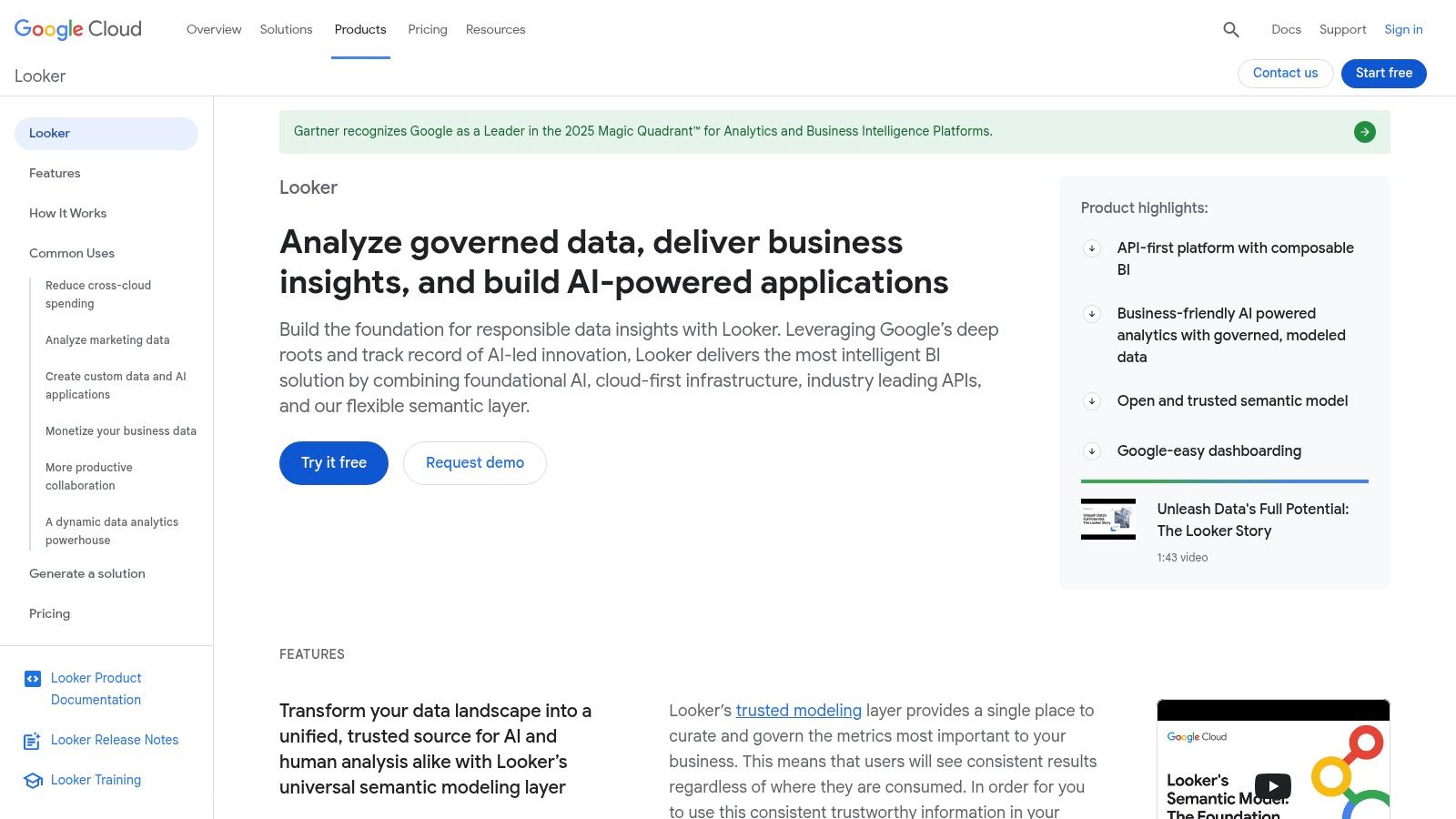
Google Looker approaches AI by layering conversational analytics on top of its renowned governed semantic model, LookML. This isn't just a bolt-on chatbot. Users can ask questions in a chat-style interface, and the system translates natural language into queries that respect the pre-defined business logic, ensuring every answer is consistent and trustworthy.
Google Looker

The platform stands out for its enterprise-grade governance and powerful embedding capabilities. The LookML layer acts as a single source of truth, preventing the "wild west" of inconsistent metrics that can plague less-structured BI tools.

Key Considerations

Looker’s primary strength, its reliance on the LookML modeling layer, can also be its biggest hurdle. It requires upfront development work to build and maintain the semantic model, a significant investment. Furthermore, its pricing is entirely sales-negotiated with no public tiers, making it difficult to budget for without an official quote.

  • Best For: Companies needing a highly governed, single-source-of-truth BI platform with strong embedding capabilities.

  • Pricing: Custom pricing via sales negotiation.

  • Website: cloud.google.com/looker

5. Amazon QuickSight with Amazon Q

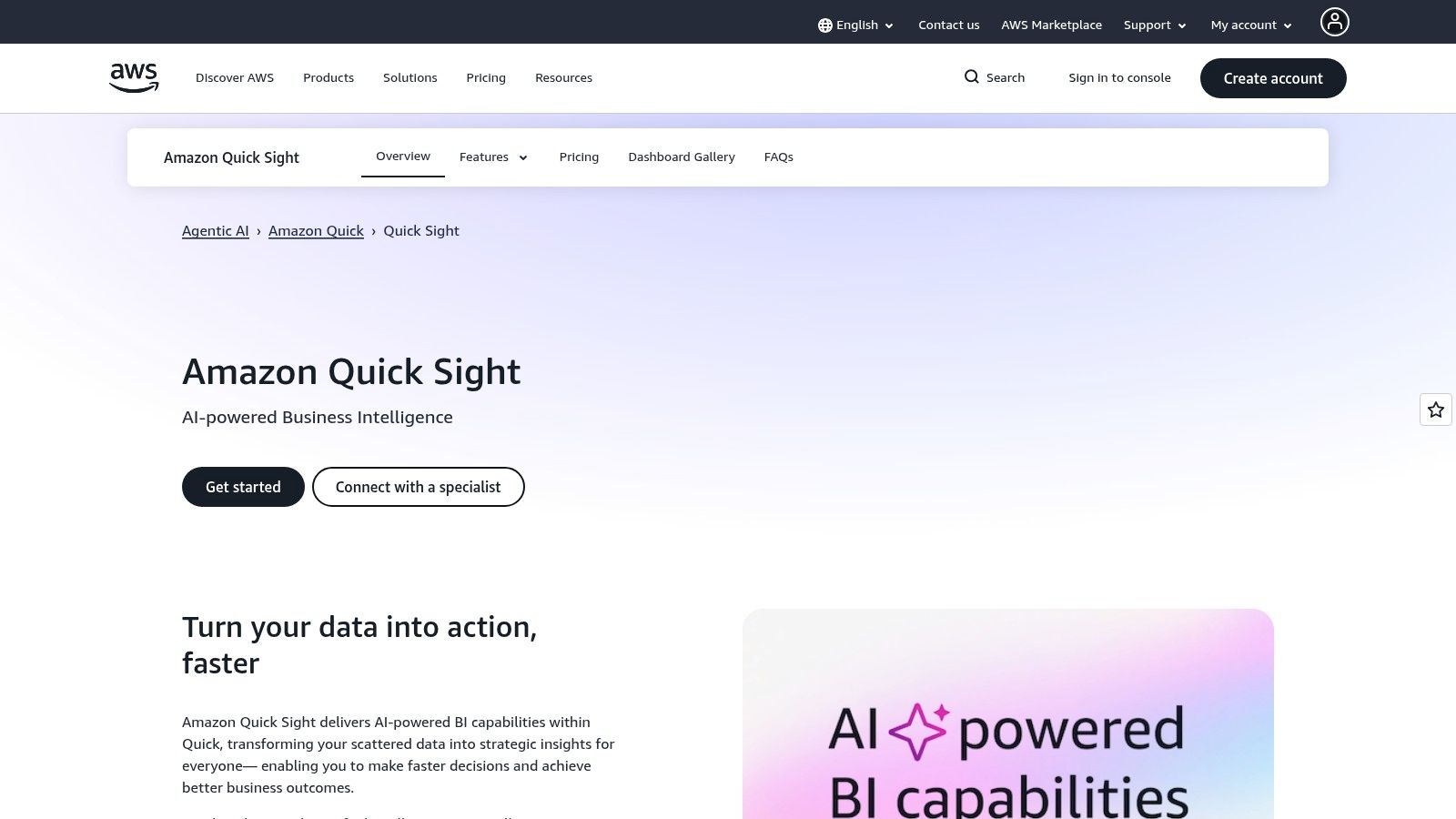
For organizations in the Amazon Web Services (AWS) ecosystem, QuickSight with Amazon Q is the native, serverless BI solution. Its key differentiator is the deep integration with the entire AWS data stack. The introduction of Amazon Q, a GenAI assistant, lets users build dashboards, create calculations, and get narrative summaries by simply typing in natural language questions.
Amazon QuickSight with Amazon Q

This platform stands out for its serverless architecture and pay-per-session pricing model for dashboard readers, which can be highly cost-effective. As one of the prominent ai business intelligence tools, it excels at embedding analytics directly into applications.

Key Considerations

While the pay-as-you-go reader model is attractive, accessing the full suite of Amazon Q's generative BI capabilities requires "Pro" user licenses or a specific add-on. This can introduce complexity to the pricing structure. It's an excellent choice for AWS-native companies, but less so for those with multi-cloud data strategies.

  • Best For: Companies heavily invested in the AWS ecosystem needing scalable, embeddable analytics.

  • Pricing: Author pricing is per user/month; Reader pricing is pay-per-session. GenAI features require add-ons.

  • Website: aws.amazon.com/quicksight

6. ThoughtSpot

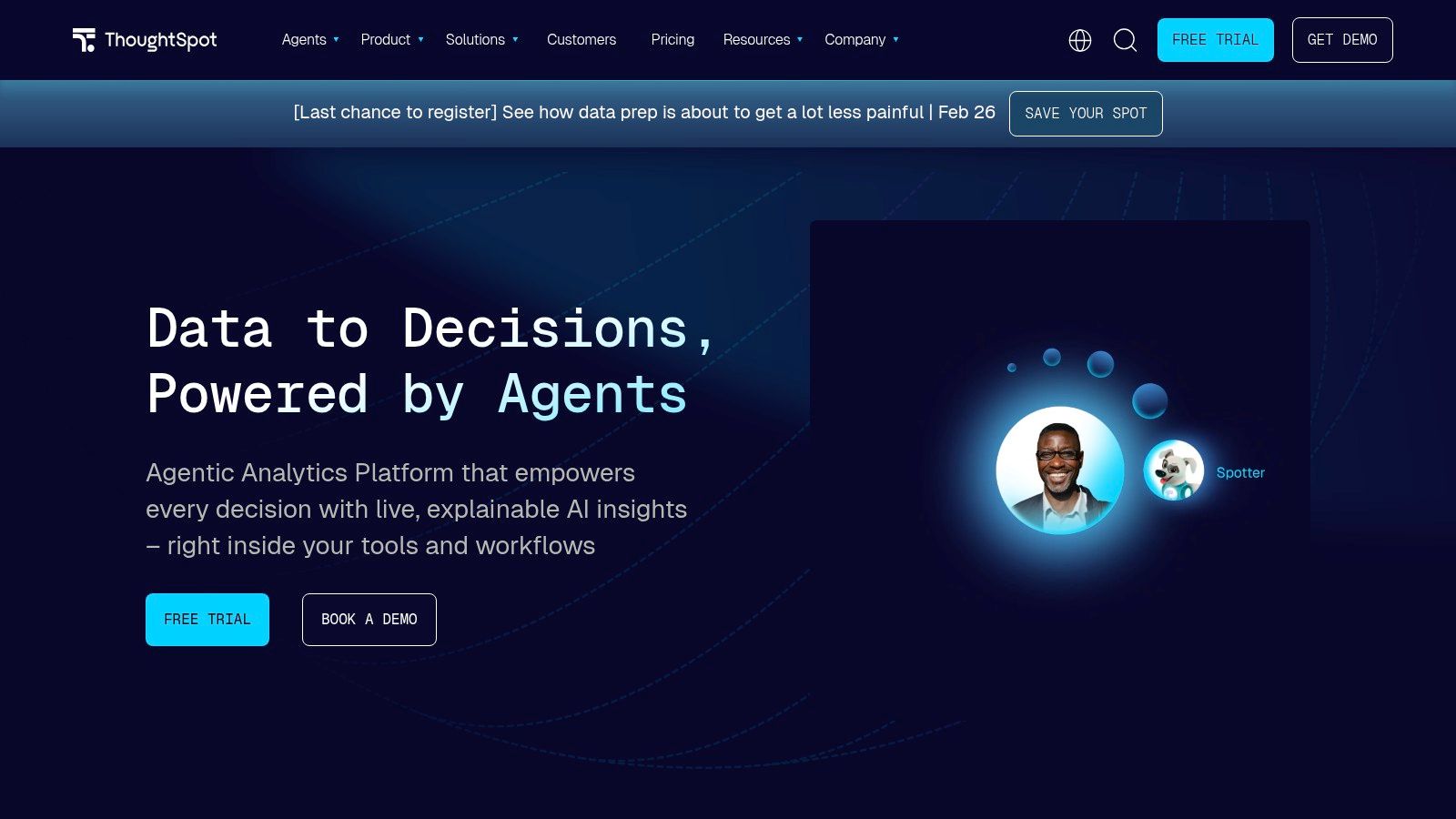
ThoughtSpot centers its entire platform on a search-first, natural language experience. Instead of building dashboards, users simply ask questions of their data as if they were using a search engine. Its Spotter AI Analyst not only interprets queries but also automates the discovery of underlying trends and anomalies, acting as an automated data analyst.
ThoughtSpot

This tool stands out for its deployment flexibility. Organizations can use it as their primary internal BI platform or embed its powerful search capabilities directly into their own applications. As one of the most mature ai business intelligence tools in the search-based analytics space, its reputation for an intuitive user experience is well-established.

Key Considerations

While ThoughtSpot democratizes data access, its real power is unlocked in well-governed data environments. The quality of the search experience depends heavily on the underlying data model. Advanced features can also drive up costs, often requiring enterprise-tier plans or consumption-based add-ons.

  • Best For: Companies wanting to embed powerful search-based analytics or empower non-technical teams with self-service data exploration.

  • Pricing: Offers both user-based and consumption-based (per-query) plans; custom quoting is typically required.

  • Website: www.thoughtspot.com

7. Qlik Sense (with Insight Advisor)

Qlik Sense stands apart with its patented Associative Engine, which powers its AI assistant, Insight Advisor. This technology allows users to explore data in a non-linear fashion, revealing connections that traditional, query-based BI tools often miss. The Insight Advisor then builds on this foundation, letting you use natural language to generate charts and get narrative summaries.

This tool excels at associative exploration combined with AI guidance, making it one of the more robust AI business intelligence tools for teams that need to understand complex relationships in their data. Its ability to create a business logic layer also helps guide the AI, ensuring generated insights align with established company rules.

Key Considerations

The primary hurdle with Qlik is its opaque pricing model. Public list pricing is not available, which means you must engage with their sales team for a custom quote. This sales-driven process can be a barrier for smaller teams or those who prefer straightforward, self-service purchasing.

  • Best For: Analytics teams needing to uncover non-obvious relationships in complex datasets.

  • Pricing: Custom quote required.

  • Website: www.qlik.com

8. Sigma Computing

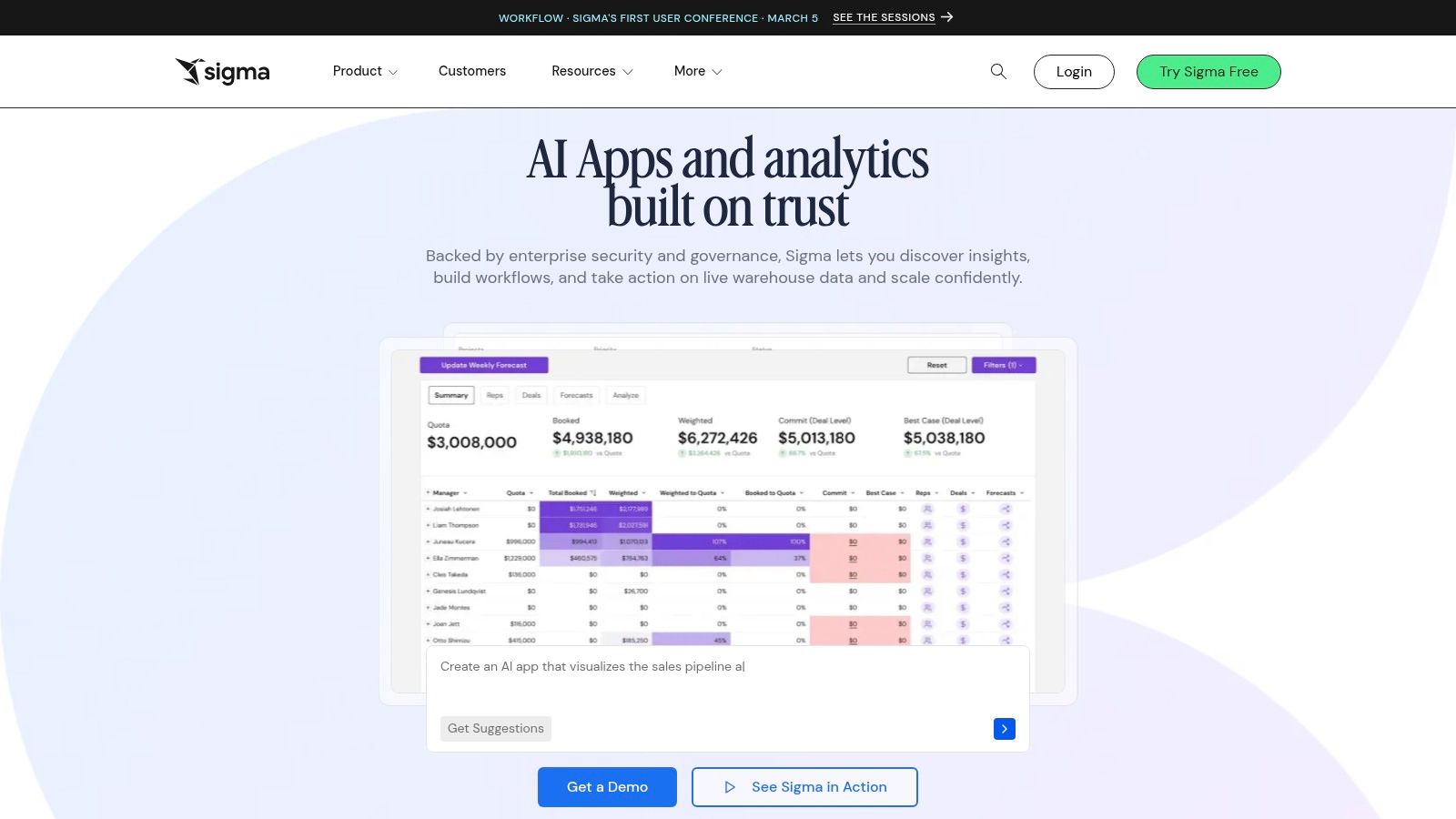
For teams where the spreadsheet is king, Sigma Computing offers a familiar interface directly on top of modern cloud data warehouses. It bridges the gap between the flexibility of Excel and the governance of enterprise BI. The platform's AI features, like its Formula Assistant and chart explanations, are designed to make complex data work accessible to a broader business audience.
Sigma Computing

What makes Sigma a standout among AI business intelligence tools is its warehouse-native, spreadsheet-style experience. Instead of importing data, every calculation runs live queries against the warehouse. This gives analysts governed self-serve capabilities, while business users get an intuitive, Excel-like environment.

Key Considerations

Sigma is built for the enterprise, and its pricing reflects that. Access is typically handled through sales-quoted contracts, meaning there is no public pricing page. The platform is best suited for organizations that have already invested in a cloud data warehouse like Snowflake or BigQuery and need to empower their business teams with direct data access.

  • Best For: Organizations with a strong spreadsheet culture looking for a scalable solution on top of their cloud data warehouse.

  • Pricing: Not publicly listed; requires a sales quote.

  • Website: www.sigmacomputing.com

9. Domo

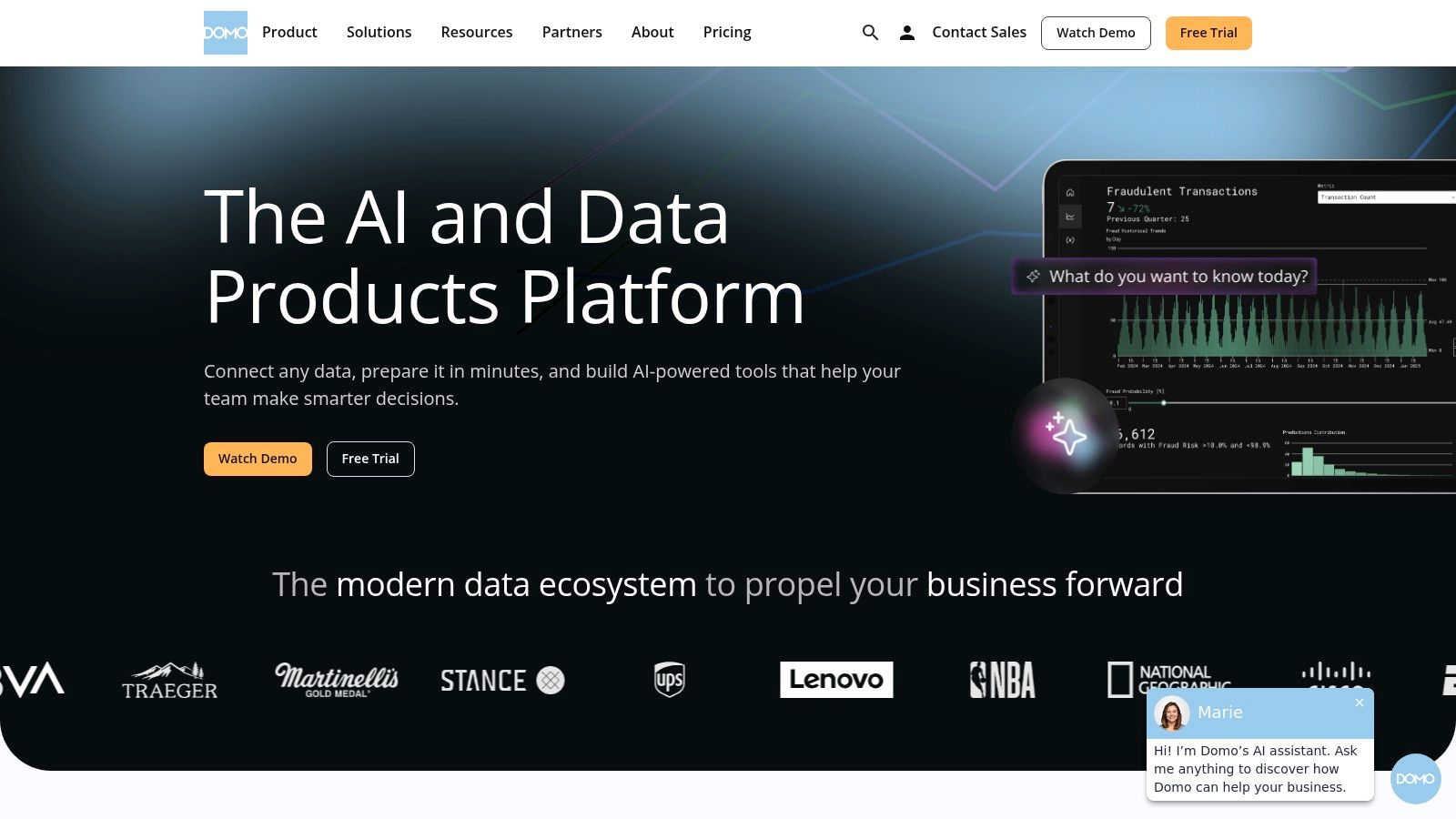
Domo positions itself as a complete, end-to-end platform where AI is woven into every step of the data journey. From AI-assisted ETL for data preparation to a natural language chat interface for exploration, Domo aims to automate the entire analytics lifecycle. Users can ask questions in plain English, get help writing SQL, and connect to external models like OpenAI.
Domo

This tool stands out for its holistic integration of AI across the data stack. Instead of being just a visualization layer, Domo’s AI capabilities assist with data ingestion, transformation, and application building. This makes it one of the more comprehensive AI business intelligence tools for organizations that want a single, governed solution.

Key Considerations

Domo's power as an all-in-one platform comes with a less transparent pricing model. Costs are quote-based, and access to advanced features like AI Pro is tied to consumption credits, which can make budgeting unpredictable. This structure is best suited for mid-market or enterprise teams.

  • Best For: Teams needing a single, end-to-end platform with strong AI governance.

  • Pricing: Quote-based. Advanced AI features are often tied to consumption credits.

  • Website: www.domo.com

10. Zoho Analytics

For small and mid-sized businesses (SMBs), Zoho Analytics offers an accessible entry point into AI-driven BI. The platform’s conversational assistant, Ask Zia, allows users to pose questions in natural language and receive instant visualizations. This functionality democratizes data analysis, enabling team members without technical skills to explore data on their own.

Zoho’s key differentiator is its strong price-to-capability ratio and rapid deployment. With numerous pre-built connectors, teams can get value almost immediately. Its integration with OpenAI makes its embedded analytics particularly powerful, positioning it as one of the most practical AI business intelligence tools for SaaS companies.

Key Considerations

While Zoho Analytics provides impressive value, some of its most advanced GenAI features are reserved for the Premium or Enterprise tiers. Features like diagnostic analysis and predictive forecasting require upgrading from the entry-level plans.

  • Best For: SMBs and product teams seeking a cost-effective, embeddable conversational AI analytics solution.

  • Pricing: Offers a free plan. Paid plans start at $24/month (billed annually).

  • Website: www.zoho.com/analytics

11. Tellius

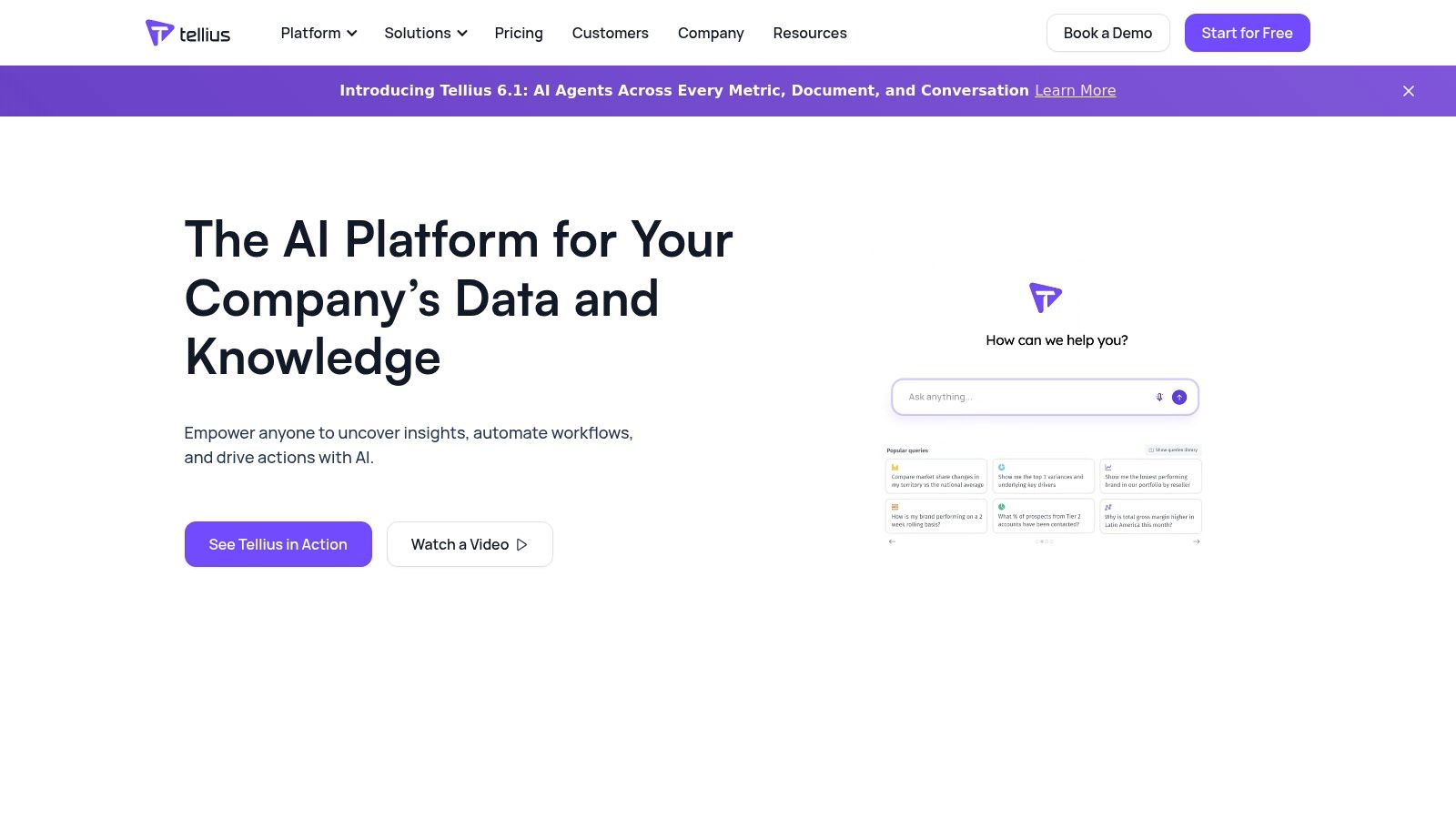
Tellius positions itself as a decision-intelligence platform, moving beyond standard dashboards to answer the "why" behind the data. It combines natural language search, automated insights, and built-in machine learning (AutoML). This allows business users to ask questions like, "What were the key drivers of customer churn last quarter?" and receive a prioritized list of factors, not just a simple chart.
Tellius

The platform stands out by integrating diagnostic analytics directly with predictive modeling. Users can seamlessly move from identifying a trend to running an AutoML model to predict future outcomes, all without switching tools. Tellius is one of the more versatile AI business intelligence tools for companies that need to offer sophisticated analytics to their own clients.

Key Considerations

Tellius is not an entry-level BI tool. The company focuses on enterprise-level deployments, which means pricing is customized and typically requires a proof-of-concept engagement. This sales-led approach can be a barrier for smaller teams looking for immediate, self-serve access.

  • Best For: Analytics teams needing to combine diagnostic and predictive analytics in a single platform.

  • Pricing: Custom pricing; requires contacting the sales team.

  • Website: www.tellius.com

12. Akkio

Akkio is an AI-native analytics platform built for speed, helping teams move from raw data to actionable predictions with minimal friction. It carves out a niche by focusing on domain-specific agents, particularly for marketing and media, enabling users to generate forecasts and optimize campaigns without deep data science expertise.
Akkio

The platform stands out for its accessibility, making it a strong contender for SMBs and agencies that need predictive power without enterprise overhead. Its deployment flexibility makes it one of the more versatile AI business intelligence tools for teams that need to integrate insights directly into their workflows.

Key Considerations

Akkio's product messaging is heavily skewed toward media and marketing agencies. This clear focus is a strength for its target audience but may require businesses in other sectors to more carefully evaluate if the platform’s agents and models align with their specific use cases.

  • Best For: Marketing and media agencies, SMBs, and growth teams needing fast, predictive insights.

  • Pricing: Offers a free plan, with paid plans starting at $2,000/month (billed annually).

  • Website: www.akkio.com

Top 12 AI Business Intelligence Tools Comparison

Product

Core features

UX & speed (quality metrics)

Best for / Target audience

Unique strengths

Pricing & notes

Statspresso

Conversational no‑SQL analytics, connectors (Shopify, HubSpot, Postgres), AI Insight Gallery, embeddable chat, real‑time dashboards, PDF export

Instant charts & explanations, claims up to 3x faster insights, 40% fewer reporting hours, 60% higher decision confidence

Analysts, PMs, growth teams, agencies, ops leaders, founders

ChatGPT‑for‑your‑data UX, one‑click findings, brandable/embed options, lightweight collaboration

Starter $49/mo, Growth $249/mo, Advanced $499/mo; 14‑day free trial

Microsoft Power BI with Copilot

Copilot chat across reports, AI DAX help, Fabric capacity, embedded & mobile Copilot

Enterprise performance; strong admin controls; some Copilot features in preview

Large orgs using Microsoft 365 / Fabric

Deep M365/Fabric integration and governance

Copilot requires Fabric or Premium capacity (F2+/P1+); licensing complex

Tableau (Cloud + Pulse/Next)

Tableau Pulse personalized KPI feeds, Tableau Next agentic analytics, Slack/email integration

Mature viz UX; personalized KPI narratives; integrated workflows

Teams wanting advanced narratives inside a proven viz ecosystem

Best‑in‑class visualizations, Pulse included in Cloud editions

Advanced AI may use Flex credits; higher tiers may be required

Google Looker

Conversational analytics, governed semantic layer (LookML), rich embedding & APIs

Tokenized GenAI usage model; enterprise embed readiness

Organizations needing semantic governance and heavy embedding

Strong semantic modeling (LookML) and embedding/APIs

Sales‑quoted pricing; token overage billing planned post‑promo

Amazon QuickSight with Amazon Q

Natural‑language Q&A (Amazon Q), anomaly detection, serverless SPICE engine

Scalable serverless performance; pay‑as‑you‑go reader pricing

Teams in AWS ecosystem needing scalable, cost‑efficient BI

Tight AWS stack integration, simple reader model

Some GenAI features need Pro tiers; token/usage add‑ons possible

ThoughtSpot

Spotter AI Analyst, search/NLQ driven analytics, enterprise or embedded deployment

Fast search‑led insights; automated insight generation

Organizations favoring search‑first analytics or embedded BI

Excellent NLQ, flexible per‑user or per‑query pricing options

Pricing often custom; advanced features may require add‑ons

Qlik Sense (Insight Advisor)

Insight Advisor chat/NLQ, auto‑analysis, associative engine for relationship discovery

Explainable auto visuals, associative exploration uncovers non‑obvious links

Teams needing associative modeling plus AI assistance

Unique associative engine, strong governance & multi‑cloud

Sales‑driven quotes; public pricing limited

Sigma Computing

Warehouse‑native spreadsheet UX, Formula Assistant, Explain this chart, Ask Sigma embed

Familiar spreadsheet interface accelerates authoring; governed self‑serve

Analysts who prefer spreadsheet workflows on cloud warehouses

Spreadsheet‑style BI with AI helpers and embedding

Pricing custom / sales‑quoted; enterprise contracts common

Domo

AI Chat, AI‑assisted ETL, document intelligence, external model hosting (OpenAI/Bedrock)

End‑to‑end ingest→analytics; governed model hosting options

Teams that want full data lifecycle platform with governed AI

Full pipeline (ingest, ETL, apps) with flexible model integrations

Quote‑based pricing; AI features by consumption credits

Zoho Analytics

Ask Zia conversational queries, automated narratives, diagnostic analysis, OpenAI integration

Cost‑effective with many connectors; rapid time‑to‑value

SMBs and teams needing affordable embedded GenAI BI

Strong price‑to‑capability, BYOK and multiple LLM options

Affordable tiers; some GenAI limited to Premium/Enterprise

Tellius

NLQ, guided insights & Vizpads, AutoML with explainability, embedding

Integrated what/why/how analyses and root‑cause diagnostics

Teams needing diagnostic analytics + AutoML in one UI

Combined AutoML + explainable diagnostics, flexible deployment

Custom pricing; often requires POC and sales scoping

Akkio

Domain‑specific agents (forecasting/optimization), fast model training & serving, embed

Very fast time‑to‑value for predictive tasks, lightweight setup

SMBs, agencies, teams focused on marketing/media forecasting

Fast predictive workflows and domain agents for marketing

SaaS or embedded; pricing varies (targeted at SMBs/agencies)

The Real Choice: Platform vs. Analyst

You’ve just reviewed a dozen of the top ai business intelligence tools. The common thread is clear: the era of waiting for a data analyst to write SQL is over. The goal has shifted from building complex reporting systems to getting immediate, trustworthy answers from your data.

This isn't a niche trend; GenBI is the new standard. For massive organizations in ecosystems like Microsoft or AWS, tools like Power BI with Copilot and Amazon QuickSight with Q are logical extensions. They add AI layers onto a familiar foundation but often carry the weight of their enterprise heritage.

However, for startups, product teams, and agencies, the calculus is different. Your primary bottleneck isn't data governance; it's speed. It's the friction between having a question and getting an answer. This is where the new breed of automated BI tools changes the game.

Two Different Approaches

Your choice isn't just about features. It's a strategic decision between two fundamentally different ways of working:

  • The Platform Approach: Tools like Power BI and Looker are analytics platforms. They are immensely capable, but they still require a "builder" mindset. Someone needs to define data models and construct dashboards. The AI features assist this builder, but the end-user still consumes pre-built reports.

  • The Analyst Approach: A tool like Statspresso operates differently. It’s a Conversational AI Data Analyst you talk to. It collapses the distance between question and answer. The primary interface is a chat box, designed for the business user who needs an answer now, not next week.

For founders, marketers, and product managers, the "Analyst Approach" is a direct line to action. You don't need to learn a new interface or wait for a data expert. You just ask.

Try asking Statspresso: “Compare sign-up to conversion rates for users who came from Google Ads vs. organic search last quarter. Show it as a funnel chart.”

This immediacy moves data from a passive resource in a database to an active collaborator in your daily decisions.

Your Next Move

  • Define Your User: Are you buying a tool for a data team to build reports faster? Or for non-technical team members to get their own answers? This is the most critical question.

  • Evaluate True "Self-Serve": Many tools claim self-service, but it often means filtering a pre-built dashboard. True self-serve means anyone can ask a new question and get a reliable answer.

  • Prioritize Speed to First Insight: How long does it take to connect a data source and ask your first meaningful question? A lengthy implementation defeats the purpose of agile, AI-driven analytics.

The landscape of ai business intelligence tools is no longer just about visualizing data. It's about conversing with it. The best tool for your team will be the one that removes the most friction between curiosity and clarity.

Ready to stop managing dashboards and start getting answers? Statspresso is the Conversational AI Data Analyst built for teams that move fast. Connect your first data source for free at Statspresso and ask your first question. Get your first chart in seconds.

Waiting weeks for a data analyst to build a dashboard is a relic of the past. Your data holds the answers you need right now, but it's often locked behind complex BI software and slow SQL queries. For busy founders, product managers, and marketing leads, this delay is a bottleneck to growth. Skip the SQL. Just ask your data a question and get a chart in seconds.

This guide cuts through the marketing noise to compare the top AI business intelligence tools designed to give you insights in seconds, not sprints. We’ve analyzed the leading platforms, from enterprise giants to agile newcomers like Statspresso, our Conversational AI Data Analyst, to help you find the right fit. Let's find the tool that turns your data into your most valuable advisor.

TL;DR: Key Takeaways

  • The Big Shift: The best AI business intelligence tools are moving from complex dashboard builders to conversational, chat-based interfaces.

  • Two Paths: Choose between traditional BI platforms with AI features (like Power BI, Tableau) or AI-native tools built for instant answers (like Statspresso).

  • The Goal: True self-serve analytics means anyone on your team can ask a new question and get an instant, reliable answer without needing a data expert.

  • Our Pick for Speed: For non-technical teams, a Conversational AI Data Analyst like Statspresso offers the fastest path from question to insight.

The Old Way vs. The New Way

Old Way (Manual SQL & Dashboards)

New Way (Conversational AI Analytics)

Submit a ticket to the data team.

Ask a question in plain English.

Wait days or weeks for a new report.

Get a chart and insights in seconds.

Try to filter a rigid, pre-built dashboard.

Drill down and ask follow-up questions.

Requires learning SQL or complex BI software.

No coding skills required.

Insights are slow and often outdated.

Answers are real-time and actionable.

1. Statspresso

Statspresso is a Conversational AI Data Analyst. You don't build dashboards; you ask questions. For non-technical teams, it’s designed to eliminate the friction between having a business question and getting a data-backed answer. Instead of waiting for a developer to write a SQL query, you connect your data sources (like Postgres or HubSpot) and simply ask.

A dashboard in Statspresso showing various charts and metrics, illustrating its AI-powered business intelligence capabilities.

This tool stands out among other ai business intelligence tools by focusing relentlessly on speed and accessibility. It's built for founders, product managers, and ops leaders who need answers now, not next week.

Try asking Statspresso: “Show me our monthly recurring revenue by customer cohort for the last 12 months as a line chart.”

Key Strengths & Use Cases

What makes Statspresso a strong choice is its practical application of AI, moving beyond novelty to solve real reporting bottlenecks.

  • AI Insight Gallery: This feature automatically surfaces interesting patterns and anomalies in your data that you might not have thought to look for. It’s a proactive approach that helps teams discover "unknown unknowns," like a sudden dip in user engagement.

  • Embeddable & Brandable Chat: Agencies and SaaS companies can embed the conversational analytics chat directly into their own products, providing a powerful self-serve reporting experience for clients.

  • Rapid Dashboarding: While the core is conversational, you can pin any useful chart to a live, shareable dashboard with a single click. This bridges the gap between ad-hoc analysis and routine monitoring.

The platform is particularly effective for growth teams tracking campaign performance, product managers analyzing feature adoption, and founders who need a quick pulse on key business metrics without maintaining a dedicated analytics team.

Pricing & Access

Statspresso offers a 14-day free trial without requiring a credit card, making it easy to test with your own data.

  • Starter: $49/month

  • Growth: $249/month

  • Advanced: $499/month

Website: https://www.statspresso.com

2. Microsoft Power BI with Copilot

For organizations already embedded in the Microsoft ecosystem, Power BI with Copilot is a powerful extension of a familiar tool. It integrates generative AI directly into the BI workflow, from creating complex DAX calculations to generating narrative summaries of your dashboards. Users can literally "chat with your data" through a Copilot interface, asking it to create specific visuals or explain trends.

Microsoft Power BI with Copilot

This tool stands out for its deep integration with Microsoft 365 and Fabric, providing a single, governed environment for data and analytics. The AI assistance extends across the entire platform, making it one of the most cohesive AI business intelligence tools for enterprise use.

Key Considerations

Accessing this AI layer comes at a cost. The Copilot features require a Microsoft Fabric or Power BI Premium capacity, a significant step up from standard licenses. This pricing model positions it squarely for larger teams or enterprises. According to Gartner, the Generative BI market is expected to be a major driver of analytics adoption by 2026, and Microsoft is positioning Copilot to lead in the enterprise space.

  • Best For: Enterprises deeply invested in the Microsoft Azure and Office 365 ecosystem.

  • Pricing: Requires Fabric or Premium capacity (F64/P1+).

  • Website: powerbi.microsoft.com

3. Tableau (Tableau Cloud with Pulse and Tableau Next)

For teams who value world-class data visualization, Tableau is layering generative AI into its mature platform. Tableau Pulse proactively delivers personalized KPI insights directly to users in natural language. This moves beyond traditional dashboards, creating automated, digestible narratives about the metrics that matter most to each user, integrated directly into Slack and email.

Tableau (Tableau Cloud with Pulse and Tableau Next)

The platform separates its AI offerings. Pulse focuses on automating insight delivery, while the upcoming Tableau Next introduces more advanced agentic AI for complex analysis. This approach allows organizations to adopt automated BI at their own pace.

Key Considerations

A significant advantage is that Tableau Pulse is included with all Tableau Cloud editions, making entry-level AI accessible. However, the more powerful features previewed in Tableau Next will consume "Flex credits," a consumption-based model that adds a layer of cost complexity. This positions Tableau's AI as an incremental upgrade path for its existing, loyal user base.

  • Best For: Organizations with a mature Tableau deployment wanting to add automated KPI narratives.

  • Pricing: Pulse is included in Tableau Cloud. Advanced features (Tableau+) require add-ons or Flex credit consumption.

  • Website: www.tableau.com

4. Google Looker

Google Looker approaches AI by layering conversational analytics on top of its renowned governed semantic model, LookML. This isn't just a bolt-on chatbot. Users can ask questions in a chat-style interface, and the system translates natural language into queries that respect the pre-defined business logic, ensuring every answer is consistent and trustworthy.

Google Looker

The platform stands out for its enterprise-grade governance and powerful embedding capabilities. The LookML layer acts as a single source of truth, preventing the "wild west" of inconsistent metrics that can plague less-structured BI tools.

Key Considerations

Looker’s primary strength, its reliance on the LookML modeling layer, can also be its biggest hurdle. It requires upfront development work to build and maintain the semantic model, a significant investment. Furthermore, its pricing is entirely sales-negotiated with no public tiers, making it difficult to budget for without an official quote.

  • Best For: Companies needing a highly governed, single-source-of-truth BI platform with strong embedding capabilities.

  • Pricing: Custom pricing via sales negotiation.

  • Website: cloud.google.com/looker

5. Amazon QuickSight with Amazon Q

For organizations in the Amazon Web Services (AWS) ecosystem, QuickSight with Amazon Q is the native, serverless BI solution. Its key differentiator is the deep integration with the entire AWS data stack. The introduction of Amazon Q, a GenAI assistant, lets users build dashboards, create calculations, and get narrative summaries by simply typing in natural language questions.

Amazon QuickSight with Amazon Q

This platform stands out for its serverless architecture and pay-per-session pricing model for dashboard readers, which can be highly cost-effective. As one of the prominent ai business intelligence tools, it excels at embedding analytics directly into applications.

Key Considerations

While the pay-as-you-go reader model is attractive, accessing the full suite of Amazon Q's generative BI capabilities requires "Pro" user licenses or a specific add-on. This can introduce complexity to the pricing structure. It's an excellent choice for AWS-native companies, but less so for those with multi-cloud data strategies.

  • Best For: Companies heavily invested in the AWS ecosystem needing scalable, embeddable analytics.

  • Pricing: Author pricing is per user/month; Reader pricing is pay-per-session. GenAI features require add-ons.

  • Website: aws.amazon.com/quicksight

6. ThoughtSpot

ThoughtSpot centers its entire platform on a search-first, natural language experience. Instead of building dashboards, users simply ask questions of their data as if they were using a search engine. Its Spotter AI Analyst not only interprets queries but also automates the discovery of underlying trends and anomalies, acting as an automated data analyst.

ThoughtSpot

This tool stands out for its deployment flexibility. Organizations can use it as their primary internal BI platform or embed its powerful search capabilities directly into their own applications. As one of the most mature ai business intelligence tools in the search-based analytics space, its reputation for an intuitive user experience is well-established.

Key Considerations

While ThoughtSpot democratizes data access, its real power is unlocked in well-governed data environments. The quality of the search experience depends heavily on the underlying data model. Advanced features can also drive up costs, often requiring enterprise-tier plans or consumption-based add-ons.

  • Best For: Companies wanting to embed powerful search-based analytics or empower non-technical teams with self-service data exploration.

  • Pricing: Offers both user-based and consumption-based (per-query) plans; custom quoting is typically required.

  • Website: www.thoughtspot.com

7. Qlik Sense (with Insight Advisor)

Qlik Sense stands apart with its patented Associative Engine, which powers its AI assistant, Insight Advisor. This technology allows users to explore data in a non-linear fashion, revealing connections that traditional, query-based BI tools often miss. The Insight Advisor then builds on this foundation, letting you use natural language to generate charts and get narrative summaries.

This tool excels at associative exploration combined with AI guidance, making it one of the more robust AI business intelligence tools for teams that need to understand complex relationships in their data. Its ability to create a business logic layer also helps guide the AI, ensuring generated insights align with established company rules.

Key Considerations

The primary hurdle with Qlik is its opaque pricing model. Public list pricing is not available, which means you must engage with their sales team for a custom quote. This sales-driven process can be a barrier for smaller teams or those who prefer straightforward, self-service purchasing.

  • Best For: Analytics teams needing to uncover non-obvious relationships in complex datasets.

  • Pricing: Custom quote required.

  • Website: www.qlik.com

8. Sigma Computing

For teams where the spreadsheet is king, Sigma Computing offers a familiar interface directly on top of modern cloud data warehouses. It bridges the gap between the flexibility of Excel and the governance of enterprise BI. The platform's AI features, like its Formula Assistant and chart explanations, are designed to make complex data work accessible to a broader business audience.

Sigma Computing

What makes Sigma a standout among AI business intelligence tools is its warehouse-native, spreadsheet-style experience. Instead of importing data, every calculation runs live queries against the warehouse. This gives analysts governed self-serve capabilities, while business users get an intuitive, Excel-like environment.

Key Considerations

Sigma is built for the enterprise, and its pricing reflects that. Access is typically handled through sales-quoted contracts, meaning there is no public pricing page. The platform is best suited for organizations that have already invested in a cloud data warehouse like Snowflake or BigQuery and need to empower their business teams with direct data access.

  • Best For: Organizations with a strong spreadsheet culture looking for a scalable solution on top of their cloud data warehouse.

  • Pricing: Not publicly listed; requires a sales quote.

  • Website: www.sigmacomputing.com

9. Domo

Domo positions itself as a complete, end-to-end platform where AI is woven into every step of the data journey. From AI-assisted ETL for data preparation to a natural language chat interface for exploration, Domo aims to automate the entire analytics lifecycle. Users can ask questions in plain English, get help writing SQL, and connect to external models like OpenAI.

Domo

This tool stands out for its holistic integration of AI across the data stack. Instead of being just a visualization layer, Domo’s AI capabilities assist with data ingestion, transformation, and application building. This makes it one of the more comprehensive AI business intelligence tools for organizations that want a single, governed solution.

Key Considerations

Domo's power as an all-in-one platform comes with a less transparent pricing model. Costs are quote-based, and access to advanced features like AI Pro is tied to consumption credits, which can make budgeting unpredictable. This structure is best suited for mid-market or enterprise teams.

  • Best For: Teams needing a single, end-to-end platform with strong AI governance.

  • Pricing: Quote-based. Advanced AI features are often tied to consumption credits.

  • Website: www.domo.com

10. Zoho Analytics

For small and mid-sized businesses (SMBs), Zoho Analytics offers an accessible entry point into AI-driven BI. The platform’s conversational assistant, Ask Zia, allows users to pose questions in natural language and receive instant visualizations. This functionality democratizes data analysis, enabling team members without technical skills to explore data on their own.

Zoho’s key differentiator is its strong price-to-capability ratio and rapid deployment. With numerous pre-built connectors, teams can get value almost immediately. Its integration with OpenAI makes its embedded analytics particularly powerful, positioning it as one of the most practical AI business intelligence tools for SaaS companies.

Key Considerations

While Zoho Analytics provides impressive value, some of its most advanced GenAI features are reserved for the Premium or Enterprise tiers. Features like diagnostic analysis and predictive forecasting require upgrading from the entry-level plans.

  • Best For: SMBs and product teams seeking a cost-effective, embeddable conversational AI analytics solution.

  • Pricing: Offers a free plan. Paid plans start at $24/month (billed annually).

  • Website: www.zoho.com/analytics

11. Tellius

Tellius positions itself as a decision-intelligence platform, moving beyond standard dashboards to answer the "why" behind the data. It combines natural language search, automated insights, and built-in machine learning (AutoML). This allows business users to ask questions like, "What were the key drivers of customer churn last quarter?" and receive a prioritized list of factors, not just a simple chart.

Tellius

The platform stands out by integrating diagnostic analytics directly with predictive modeling. Users can seamlessly move from identifying a trend to running an AutoML model to predict future outcomes, all without switching tools. Tellius is one of the more versatile AI business intelligence tools for companies that need to offer sophisticated analytics to their own clients.

Key Considerations

Tellius is not an entry-level BI tool. The company focuses on enterprise-level deployments, which means pricing is customized and typically requires a proof-of-concept engagement. This sales-led approach can be a barrier for smaller teams looking for immediate, self-serve access.

  • Best For: Analytics teams needing to combine diagnostic and predictive analytics in a single platform.

  • Pricing: Custom pricing; requires contacting the sales team.

  • Website: www.tellius.com

12. Akkio

Akkio is an AI-native analytics platform built for speed, helping teams move from raw data to actionable predictions with minimal friction. It carves out a niche by focusing on domain-specific agents, particularly for marketing and media, enabling users to generate forecasts and optimize campaigns without deep data science expertise.

Akkio

The platform stands out for its accessibility, making it a strong contender for SMBs and agencies that need predictive power without enterprise overhead. Its deployment flexibility makes it one of the more versatile AI business intelligence tools for teams that need to integrate insights directly into their workflows.

Key Considerations

Akkio's product messaging is heavily skewed toward media and marketing agencies. This clear focus is a strength for its target audience but may require businesses in other sectors to more carefully evaluate if the platform’s agents and models align with their specific use cases.

  • Best For: Marketing and media agencies, SMBs, and growth teams needing fast, predictive insights.

  • Pricing: Offers a free plan, with paid plans starting at $2,000/month (billed annually).

  • Website: www.akkio.com

Top 12 AI Business Intelligence Tools Comparison

Product

Core features

UX & speed (quality metrics)

Best for / Target audience

Unique strengths

Pricing & notes

Statspresso

Conversational no‑SQL analytics, connectors (Shopify, HubSpot, Postgres), AI Insight Gallery, embeddable chat, real‑time dashboards, PDF export

Instant charts & explanations, claims up to 3x faster insights, 40% fewer reporting hours, 60% higher decision confidence

Analysts, PMs, growth teams, agencies, ops leaders, founders

ChatGPT‑for‑your‑data UX, one‑click findings, brandable/embed options, lightweight collaboration

Starter $49/mo, Growth $249/mo, Advanced $499/mo; 14‑day free trial

Microsoft Power BI with Copilot

Copilot chat across reports, AI DAX help, Fabric capacity, embedded & mobile Copilot

Enterprise performance; strong admin controls; some Copilot features in preview

Large orgs using Microsoft 365 / Fabric

Deep M365/Fabric integration and governance

Copilot requires Fabric or Premium capacity (F2+/P1+); licensing complex

Tableau (Cloud + Pulse/Next)

Tableau Pulse personalized KPI feeds, Tableau Next agentic analytics, Slack/email integration

Mature viz UX; personalized KPI narratives; integrated workflows

Teams wanting advanced narratives inside a proven viz ecosystem

Best‑in‑class visualizations, Pulse included in Cloud editions

Advanced AI may use Flex credits; higher tiers may be required

Google Looker

Conversational analytics, governed semantic layer (LookML), rich embedding & APIs

Tokenized GenAI usage model; enterprise embed readiness

Organizations needing semantic governance and heavy embedding

Strong semantic modeling (LookML) and embedding/APIs

Sales‑quoted pricing; token overage billing planned post‑promo

Amazon QuickSight with Amazon Q

Natural‑language Q&A (Amazon Q), anomaly detection, serverless SPICE engine

Scalable serverless performance; pay‑as‑you‑go reader pricing

Teams in AWS ecosystem needing scalable, cost‑efficient BI

Tight AWS stack integration, simple reader model

Some GenAI features need Pro tiers; token/usage add‑ons possible

ThoughtSpot

Spotter AI Analyst, search/NLQ driven analytics, enterprise or embedded deployment

Fast search‑led insights; automated insight generation

Organizations favoring search‑first analytics or embedded BI

Excellent NLQ, flexible per‑user or per‑query pricing options

Pricing often custom; advanced features may require add‑ons

Qlik Sense (Insight Advisor)

Insight Advisor chat/NLQ, auto‑analysis, associative engine for relationship discovery

Explainable auto visuals, associative exploration uncovers non‑obvious links

Teams needing associative modeling plus AI assistance

Unique associative engine, strong governance & multi‑cloud

Sales‑driven quotes; public pricing limited

Sigma Computing

Warehouse‑native spreadsheet UX, Formula Assistant, Explain this chart, Ask Sigma embed

Familiar spreadsheet interface accelerates authoring; governed self‑serve

Analysts who prefer spreadsheet workflows on cloud warehouses

Spreadsheet‑style BI with AI helpers and embedding

Pricing custom / sales‑quoted; enterprise contracts common

Domo

AI Chat, AI‑assisted ETL, document intelligence, external model hosting (OpenAI/Bedrock)

End‑to‑end ingest→analytics; governed model hosting options

Teams that want full data lifecycle platform with governed AI

Full pipeline (ingest, ETL, apps) with flexible model integrations

Quote‑based pricing; AI features by consumption credits

Zoho Analytics

Ask Zia conversational queries, automated narratives, diagnostic analysis, OpenAI integration

Cost‑effective with many connectors; rapid time‑to‑value

SMBs and teams needing affordable embedded GenAI BI

Strong price‑to‑capability, BYOK and multiple LLM options

Affordable tiers; some GenAI limited to Premium/Enterprise

Tellius

NLQ, guided insights & Vizpads, AutoML with explainability, embedding

Integrated what/why/how analyses and root‑cause diagnostics

Teams needing diagnostic analytics + AutoML in one UI

Combined AutoML + explainable diagnostics, flexible deployment

Custom pricing; often requires POC and sales scoping

Akkio

Domain‑specific agents (forecasting/optimization), fast model training & serving, embed

Very fast time‑to‑value for predictive tasks, lightweight setup

SMBs, agencies, teams focused on marketing/media forecasting

Fast predictive workflows and domain agents for marketing

SaaS or embedded; pricing varies (targeted at SMBs/agencies)

The Real Choice: Platform vs. Analyst

You’ve just reviewed a dozen of the top ai business intelligence tools. The common thread is clear: the era of waiting for a data analyst to write SQL is over. The goal has shifted from building complex reporting systems to getting immediate, trustworthy answers from your data.

This isn't a niche trend; GenBI is the new standard. For massive organizations in ecosystems like Microsoft or AWS, tools like Power BI with Copilot and Amazon QuickSight with Q are logical extensions. They add AI layers onto a familiar foundation but often carry the weight of their enterprise heritage.

However, for startups, product teams, and agencies, the calculus is different. Your primary bottleneck isn't data governance; it's speed. It's the friction between having a question and getting an answer. This is where the new breed of automated BI tools changes the game.

Two Different Approaches

Your choice isn't just about features. It's a strategic decision between two fundamentally different ways of working:

  • The Platform Approach: Tools like Power BI and Looker are analytics platforms. They are immensely capable, but they still require a "builder" mindset. Someone needs to define data models and construct dashboards. The AI features assist this builder, but the end-user still consumes pre-built reports.

  • The Analyst Approach: A tool like Statspresso operates differently. It’s a Conversational AI Data Analyst you talk to. It collapses the distance between question and answer. The primary interface is a chat box, designed for the business user who needs an answer now, not next week.

For founders, marketers, and product managers, the "Analyst Approach" is a direct line to action. You don't need to learn a new interface or wait for a data expert. You just ask.

Try asking Statspresso: “Compare sign-up to conversion rates for users who came from Google Ads vs. organic search last quarter. Show it as a funnel chart.”

This immediacy moves data from a passive resource in a database to an active collaborator in your daily decisions.

Your Next Move

  • Define Your User: Are you buying a tool for a data team to build reports faster? Or for non-technical team members to get their own answers? This is the most critical question.

  • Evaluate True "Self-Serve": Many tools claim self-service, but it often means filtering a pre-built dashboard. True self-serve means anyone can ask a new question and get a reliable answer.

  • Prioritize Speed to First Insight: How long does it take to connect a data source and ask your first meaningful question? A lengthy implementation defeats the purpose of agile, AI-driven analytics.

The landscape of ai business intelligence tools is no longer just about visualizing data. It's about conversing with it. The best tool for your team will be the one that removes the most friction between curiosity and clarity.

Ready to stop managing dashboards and start getting answers? Statspresso is the Conversational AI Data Analyst built for teams that move fast. Connect your first data source for free at Statspresso and ask your first question. Get your first chart in seconds.

Waiting weeks for a data analyst to build a dashboard is a relic of the past. Your data holds the answers you need right now, but it's often locked behind complex BI software and slow SQL queries. For busy founders, product managers, and marketing leads, this delay is a bottleneck to growth. Skip the SQL. Just ask your data a question and get a chart in seconds.

This guide cuts through the marketing noise to compare the top AI business intelligence tools designed to give you insights in seconds, not sprints. We’ve analyzed the leading platforms, from enterprise giants to agile newcomers like Statspresso, our Conversational AI Data Analyst, to help you find the right fit. Let's find the tool that turns your data into your most valuable advisor.

TL;DR: Key Takeaways

  • The Big Shift: The best AI business intelligence tools are moving from complex dashboard builders to conversational, chat-based interfaces.

  • Two Paths: Choose between traditional BI platforms with AI features (like Power BI, Tableau) or AI-native tools built for instant answers (like Statspresso).

  • The Goal: True self-serve analytics means anyone on your team can ask a new question and get an instant, reliable answer without needing a data expert.

  • Our Pick for Speed: For non-technical teams, a Conversational AI Data Analyst like Statspresso offers the fastest path from question to insight.

The Old Way vs. The New Way

Old Way (Manual SQL & Dashboards)

New Way (Conversational AI Analytics)

Submit a ticket to the data team.

Ask a question in plain English.

Wait days or weeks for a new report.

Get a chart and insights in seconds.

Try to filter a rigid, pre-built dashboard.

Drill down and ask follow-up questions.

Requires learning SQL or complex BI software.

No coding skills required.

Insights are slow and often outdated.

Answers are real-time and actionable.

1. Statspresso

Statspresso is a Conversational AI Data Analyst. You don't build dashboards; you ask questions. For non-technical teams, it’s designed to eliminate the friction between having a business question and getting a data-backed answer. Instead of waiting for a developer to write a SQL query, you connect your data sources (like Postgres or HubSpot) and simply ask.

A dashboard in Statspresso showing various charts and metrics, illustrating its AI-powered business intelligence capabilities.

This tool stands out among other ai business intelligence tools by focusing relentlessly on speed and accessibility. It's built for founders, product managers, and ops leaders who need answers now, not next week.

Try asking Statspresso: “Show me our monthly recurring revenue by customer cohort for the last 12 months as a line chart.”

Key Strengths & Use Cases

What makes Statspresso a strong choice is its practical application of AI, moving beyond novelty to solve real reporting bottlenecks.

  • AI Insight Gallery: This feature automatically surfaces interesting patterns and anomalies in your data that you might not have thought to look for. It’s a proactive approach that helps teams discover "unknown unknowns," like a sudden dip in user engagement.

  • Embeddable & Brandable Chat: Agencies and SaaS companies can embed the conversational analytics chat directly into their own products, providing a powerful self-serve reporting experience for clients.

  • Rapid Dashboarding: While the core is conversational, you can pin any useful chart to a live, shareable dashboard with a single click. This bridges the gap between ad-hoc analysis and routine monitoring.

The platform is particularly effective for growth teams tracking campaign performance, product managers analyzing feature adoption, and founders who need a quick pulse on key business metrics without maintaining a dedicated analytics team.

Pricing & Access

Statspresso offers a 14-day free trial without requiring a credit card, making it easy to test with your own data.

  • Starter: $49/month

  • Growth: $249/month

  • Advanced: $499/month

Website: https://www.statspresso.com

2. Microsoft Power BI with Copilot

For organizations already embedded in the Microsoft ecosystem, Power BI with Copilot is a powerful extension of a familiar tool. It integrates generative AI directly into the BI workflow, from creating complex DAX calculations to generating narrative summaries of your dashboards. Users can literally "chat with your data" through a Copilot interface, asking it to create specific visuals or explain trends.

Microsoft Power BI with Copilot

This tool stands out for its deep integration with Microsoft 365 and Fabric, providing a single, governed environment for data and analytics. The AI assistance extends across the entire platform, making it one of the most cohesive AI business intelligence tools for enterprise use.

Key Considerations

Accessing this AI layer comes at a cost. The Copilot features require a Microsoft Fabric or Power BI Premium capacity, a significant step up from standard licenses. This pricing model positions it squarely for larger teams or enterprises. According to Gartner, the Generative BI market is expected to be a major driver of analytics adoption by 2026, and Microsoft is positioning Copilot to lead in the enterprise space.

  • Best For: Enterprises deeply invested in the Microsoft Azure and Office 365 ecosystem.

  • Pricing: Requires Fabric or Premium capacity (F64/P1+).

  • Website: powerbi.microsoft.com

3. Tableau (Tableau Cloud with Pulse and Tableau Next)

For teams who value world-class data visualization, Tableau is layering generative AI into its mature platform. Tableau Pulse proactively delivers personalized KPI insights directly to users in natural language. This moves beyond traditional dashboards, creating automated, digestible narratives about the metrics that matter most to each user, integrated directly into Slack and email.

Tableau (Tableau Cloud with Pulse and Tableau Next)

The platform separates its AI offerings. Pulse focuses on automating insight delivery, while the upcoming Tableau Next introduces more advanced agentic AI for complex analysis. This approach allows organizations to adopt automated BI at their own pace.

Key Considerations

A significant advantage is that Tableau Pulse is included with all Tableau Cloud editions, making entry-level AI accessible. However, the more powerful features previewed in Tableau Next will consume "Flex credits," a consumption-based model that adds a layer of cost complexity. This positions Tableau's AI as an incremental upgrade path for its existing, loyal user base.

  • Best For: Organizations with a mature Tableau deployment wanting to add automated KPI narratives.

  • Pricing: Pulse is included in Tableau Cloud. Advanced features (Tableau+) require add-ons or Flex credit consumption.

  • Website: www.tableau.com

4. Google Looker

Google Looker approaches AI by layering conversational analytics on top of its renowned governed semantic model, LookML. This isn't just a bolt-on chatbot. Users can ask questions in a chat-style interface, and the system translates natural language into queries that respect the pre-defined business logic, ensuring every answer is consistent and trustworthy.

Google Looker

The platform stands out for its enterprise-grade governance and powerful embedding capabilities. The LookML layer acts as a single source of truth, preventing the "wild west" of inconsistent metrics that can plague less-structured BI tools.

Key Considerations

Looker’s primary strength, its reliance on the LookML modeling layer, can also be its biggest hurdle. It requires upfront development work to build and maintain the semantic model, a significant investment. Furthermore, its pricing is entirely sales-negotiated with no public tiers, making it difficult to budget for without an official quote.

  • Best For: Companies needing a highly governed, single-source-of-truth BI platform with strong embedding capabilities.

  • Pricing: Custom pricing via sales negotiation.

  • Website: cloud.google.com/looker

5. Amazon QuickSight with Amazon Q

For organizations in the Amazon Web Services (AWS) ecosystem, QuickSight with Amazon Q is the native, serverless BI solution. Its key differentiator is the deep integration with the entire AWS data stack. The introduction of Amazon Q, a GenAI assistant, lets users build dashboards, create calculations, and get narrative summaries by simply typing in natural language questions.

Amazon QuickSight with Amazon Q

This platform stands out for its serverless architecture and pay-per-session pricing model for dashboard readers, which can be highly cost-effective. As one of the prominent ai business intelligence tools, it excels at embedding analytics directly into applications.

Key Considerations

While the pay-as-you-go reader model is attractive, accessing the full suite of Amazon Q's generative BI capabilities requires "Pro" user licenses or a specific add-on. This can introduce complexity to the pricing structure. It's an excellent choice for AWS-native companies, but less so for those with multi-cloud data strategies.

  • Best For: Companies heavily invested in the AWS ecosystem needing scalable, embeddable analytics.

  • Pricing: Author pricing is per user/month; Reader pricing is pay-per-session. GenAI features require add-ons.

  • Website: aws.amazon.com/quicksight

6. ThoughtSpot

ThoughtSpot centers its entire platform on a search-first, natural language experience. Instead of building dashboards, users simply ask questions of their data as if they were using a search engine. Its Spotter AI Analyst not only interprets queries but also automates the discovery of underlying trends and anomalies, acting as an automated data analyst.

ThoughtSpot

This tool stands out for its deployment flexibility. Organizations can use it as their primary internal BI platform or embed its powerful search capabilities directly into their own applications. As one of the most mature ai business intelligence tools in the search-based analytics space, its reputation for an intuitive user experience is well-established.

Key Considerations

While ThoughtSpot democratizes data access, its real power is unlocked in well-governed data environments. The quality of the search experience depends heavily on the underlying data model. Advanced features can also drive up costs, often requiring enterprise-tier plans or consumption-based add-ons.

  • Best For: Companies wanting to embed powerful search-based analytics or empower non-technical teams with self-service data exploration.

  • Pricing: Offers both user-based and consumption-based (per-query) plans; custom quoting is typically required.

  • Website: www.thoughtspot.com

7. Qlik Sense (with Insight Advisor)

Qlik Sense stands apart with its patented Associative Engine, which powers its AI assistant, Insight Advisor. This technology allows users to explore data in a non-linear fashion, revealing connections that traditional, query-based BI tools often miss. The Insight Advisor then builds on this foundation, letting you use natural language to generate charts and get narrative summaries.

This tool excels at associative exploration combined with AI guidance, making it one of the more robust AI business intelligence tools for teams that need to understand complex relationships in their data. Its ability to create a business logic layer also helps guide the AI, ensuring generated insights align with established company rules.

Key Considerations

The primary hurdle with Qlik is its opaque pricing model. Public list pricing is not available, which means you must engage with their sales team for a custom quote. This sales-driven process can be a barrier for smaller teams or those who prefer straightforward, self-service purchasing.

  • Best For: Analytics teams needing to uncover non-obvious relationships in complex datasets.

  • Pricing: Custom quote required.

  • Website: www.qlik.com

8. Sigma Computing

For teams where the spreadsheet is king, Sigma Computing offers a familiar interface directly on top of modern cloud data warehouses. It bridges the gap between the flexibility of Excel and the governance of enterprise BI. The platform's AI features, like its Formula Assistant and chart explanations, are designed to make complex data work accessible to a broader business audience.

Sigma Computing

What makes Sigma a standout among AI business intelligence tools is its warehouse-native, spreadsheet-style experience. Instead of importing data, every calculation runs live queries against the warehouse. This gives analysts governed self-serve capabilities, while business users get an intuitive, Excel-like environment.

Key Considerations

Sigma is built for the enterprise, and its pricing reflects that. Access is typically handled through sales-quoted contracts, meaning there is no public pricing page. The platform is best suited for organizations that have already invested in a cloud data warehouse like Snowflake or BigQuery and need to empower their business teams with direct data access.

  • Best For: Organizations with a strong spreadsheet culture looking for a scalable solution on top of their cloud data warehouse.

  • Pricing: Not publicly listed; requires a sales quote.

  • Website: www.sigmacomputing.com

9. Domo

Domo positions itself as a complete, end-to-end platform where AI is woven into every step of the data journey. From AI-assisted ETL for data preparation to a natural language chat interface for exploration, Domo aims to automate the entire analytics lifecycle. Users can ask questions in plain English, get help writing SQL, and connect to external models like OpenAI.

Domo

This tool stands out for its holistic integration of AI across the data stack. Instead of being just a visualization layer, Domo’s AI capabilities assist with data ingestion, transformation, and application building. This makes it one of the more comprehensive AI business intelligence tools for organizations that want a single, governed solution.

Key Considerations

Domo's power as an all-in-one platform comes with a less transparent pricing model. Costs are quote-based, and access to advanced features like AI Pro is tied to consumption credits, which can make budgeting unpredictable. This structure is best suited for mid-market or enterprise teams.

  • Best For: Teams needing a single, end-to-end platform with strong AI governance.

  • Pricing: Quote-based. Advanced AI features are often tied to consumption credits.

  • Website: www.domo.com

10. Zoho Analytics

For small and mid-sized businesses (SMBs), Zoho Analytics offers an accessible entry point into AI-driven BI. The platform’s conversational assistant, Ask Zia, allows users to pose questions in natural language and receive instant visualizations. This functionality democratizes data analysis, enabling team members without technical skills to explore data on their own.

Zoho’s key differentiator is its strong price-to-capability ratio and rapid deployment. With numerous pre-built connectors, teams can get value almost immediately. Its integration with OpenAI makes its embedded analytics particularly powerful, positioning it as one of the most practical AI business intelligence tools for SaaS companies.

Key Considerations

While Zoho Analytics provides impressive value, some of its most advanced GenAI features are reserved for the Premium or Enterprise tiers. Features like diagnostic analysis and predictive forecasting require upgrading from the entry-level plans.

  • Best For: SMBs and product teams seeking a cost-effective, embeddable conversational AI analytics solution.

  • Pricing: Offers a free plan. Paid plans start at $24/month (billed annually).

  • Website: www.zoho.com/analytics

11. Tellius

Tellius positions itself as a decision-intelligence platform, moving beyond standard dashboards to answer the "why" behind the data. It combines natural language search, automated insights, and built-in machine learning (AutoML). This allows business users to ask questions like, "What were the key drivers of customer churn last quarter?" and receive a prioritized list of factors, not just a simple chart.

Tellius

The platform stands out by integrating diagnostic analytics directly with predictive modeling. Users can seamlessly move from identifying a trend to running an AutoML model to predict future outcomes, all without switching tools. Tellius is one of the more versatile AI business intelligence tools for companies that need to offer sophisticated analytics to their own clients.

Key Considerations

Tellius is not an entry-level BI tool. The company focuses on enterprise-level deployments, which means pricing is customized and typically requires a proof-of-concept engagement. This sales-led approach can be a barrier for smaller teams looking for immediate, self-serve access.

  • Best For: Analytics teams needing to combine diagnostic and predictive analytics in a single platform.

  • Pricing: Custom pricing; requires contacting the sales team.

  • Website: www.tellius.com

12. Akkio

Akkio is an AI-native analytics platform built for speed, helping teams move from raw data to actionable predictions with minimal friction. It carves out a niche by focusing on domain-specific agents, particularly for marketing and media, enabling users to generate forecasts and optimize campaigns without deep data science expertise.

Akkio

The platform stands out for its accessibility, making it a strong contender for SMBs and agencies that need predictive power without enterprise overhead. Its deployment flexibility makes it one of the more versatile AI business intelligence tools for teams that need to integrate insights directly into their workflows.

Key Considerations

Akkio's product messaging is heavily skewed toward media and marketing agencies. This clear focus is a strength for its target audience but may require businesses in other sectors to more carefully evaluate if the platform’s agents and models align with their specific use cases.

  • Best For: Marketing and media agencies, SMBs, and growth teams needing fast, predictive insights.

  • Pricing: Offers a free plan, with paid plans starting at $2,000/month (billed annually).

  • Website: www.akkio.com

Top 12 AI Business Intelligence Tools Comparison

Product

Core features

UX & speed (quality metrics)

Best for / Target audience

Unique strengths

Pricing & notes

Statspresso

Conversational no‑SQL analytics, connectors (Shopify, HubSpot, Postgres), AI Insight Gallery, embeddable chat, real‑time dashboards, PDF export

Instant charts & explanations, claims up to 3x faster insights, 40% fewer reporting hours, 60% higher decision confidence

Analysts, PMs, growth teams, agencies, ops leaders, founders

ChatGPT‑for‑your‑data UX, one‑click findings, brandable/embed options, lightweight collaboration

Starter $49/mo, Growth $249/mo, Advanced $499/mo; 14‑day free trial

Microsoft Power BI with Copilot

Copilot chat across reports, AI DAX help, Fabric capacity, embedded & mobile Copilot

Enterprise performance; strong admin controls; some Copilot features in preview

Large orgs using Microsoft 365 / Fabric

Deep M365/Fabric integration and governance

Copilot requires Fabric or Premium capacity (F2+/P1+); licensing complex

Tableau (Cloud + Pulse/Next)

Tableau Pulse personalized KPI feeds, Tableau Next agentic analytics, Slack/email integration

Mature viz UX; personalized KPI narratives; integrated workflows

Teams wanting advanced narratives inside a proven viz ecosystem

Best‑in‑class visualizations, Pulse included in Cloud editions

Advanced AI may use Flex credits; higher tiers may be required

Google Looker

Conversational analytics, governed semantic layer (LookML), rich embedding & APIs

Tokenized GenAI usage model; enterprise embed readiness

Organizations needing semantic governance and heavy embedding

Strong semantic modeling (LookML) and embedding/APIs

Sales‑quoted pricing; token overage billing planned post‑promo

Amazon QuickSight with Amazon Q

Natural‑language Q&A (Amazon Q), anomaly detection, serverless SPICE engine

Scalable serverless performance; pay‑as‑you‑go reader pricing

Teams in AWS ecosystem needing scalable, cost‑efficient BI

Tight AWS stack integration, simple reader model

Some GenAI features need Pro tiers; token/usage add‑ons possible

ThoughtSpot

Spotter AI Analyst, search/NLQ driven analytics, enterprise or embedded deployment

Fast search‑led insights; automated insight generation

Organizations favoring search‑first analytics or embedded BI

Excellent NLQ, flexible per‑user or per‑query pricing options

Pricing often custom; advanced features may require add‑ons

Qlik Sense (Insight Advisor)

Insight Advisor chat/NLQ, auto‑analysis, associative engine for relationship discovery

Explainable auto visuals, associative exploration uncovers non‑obvious links

Teams needing associative modeling plus AI assistance

Unique associative engine, strong governance & multi‑cloud

Sales‑driven quotes; public pricing limited

Sigma Computing

Warehouse‑native spreadsheet UX, Formula Assistant, Explain this chart, Ask Sigma embed

Familiar spreadsheet interface accelerates authoring; governed self‑serve

Analysts who prefer spreadsheet workflows on cloud warehouses

Spreadsheet‑style BI with AI helpers and embedding

Pricing custom / sales‑quoted; enterprise contracts common

Domo

AI Chat, AI‑assisted ETL, document intelligence, external model hosting (OpenAI/Bedrock)

End‑to‑end ingest→analytics; governed model hosting options

Teams that want full data lifecycle platform with governed AI

Full pipeline (ingest, ETL, apps) with flexible model integrations

Quote‑based pricing; AI features by consumption credits

Zoho Analytics

Ask Zia conversational queries, automated narratives, diagnostic analysis, OpenAI integration

Cost‑effective with many connectors; rapid time‑to‑value

SMBs and teams needing affordable embedded GenAI BI

Strong price‑to‑capability, BYOK and multiple LLM options

Affordable tiers; some GenAI limited to Premium/Enterprise

Tellius

NLQ, guided insights & Vizpads, AutoML with explainability, embedding

Integrated what/why/how analyses and root‑cause diagnostics

Teams needing diagnostic analytics + AutoML in one UI

Combined AutoML + explainable diagnostics, flexible deployment

Custom pricing; often requires POC and sales scoping

Akkio

Domain‑specific agents (forecasting/optimization), fast model training & serving, embed

Very fast time‑to‑value for predictive tasks, lightweight setup

SMBs, agencies, teams focused on marketing/media forecasting

Fast predictive workflows and domain agents for marketing

SaaS or embedded; pricing varies (targeted at SMBs/agencies)

The Real Choice: Platform vs. Analyst

You’ve just reviewed a dozen of the top ai business intelligence tools. The common thread is clear: the era of waiting for a data analyst to write SQL is over. The goal has shifted from building complex reporting systems to getting immediate, trustworthy answers from your data.

This isn't a niche trend; GenBI is the new standard. For massive organizations in ecosystems like Microsoft or AWS, tools like Power BI with Copilot and Amazon QuickSight with Q are logical extensions. They add AI layers onto a familiar foundation but often carry the weight of their enterprise heritage.

However, for startups, product teams, and agencies, the calculus is different. Your primary bottleneck isn't data governance; it's speed. It's the friction between having a question and getting an answer. This is where the new breed of automated BI tools changes the game.

Two Different Approaches

Your choice isn't just about features. It's a strategic decision between two fundamentally different ways of working:

  • The Platform Approach: Tools like Power BI and Looker are analytics platforms. They are immensely capable, but they still require a "builder" mindset. Someone needs to define data models and construct dashboards. The AI features assist this builder, but the end-user still consumes pre-built reports.

  • The Analyst Approach: A tool like Statspresso operates differently. It’s a Conversational AI Data Analyst you talk to. It collapses the distance between question and answer. The primary interface is a chat box, designed for the business user who needs an answer now, not next week.

For founders, marketers, and product managers, the "Analyst Approach" is a direct line to action. You don't need to learn a new interface or wait for a data expert. You just ask.

Try asking Statspresso: “Compare sign-up to conversion rates for users who came from Google Ads vs. organic search last quarter. Show it as a funnel chart.”

This immediacy moves data from a passive resource in a database to an active collaborator in your daily decisions.

Your Next Move

  • Define Your User: Are you buying a tool for a data team to build reports faster? Or for non-technical team members to get their own answers? This is the most critical question.

  • Evaluate True "Self-Serve": Many tools claim self-service, but it often means filtering a pre-built dashboard. True self-serve means anyone can ask a new question and get a reliable answer.

  • Prioritize Speed to First Insight: How long does it take to connect a data source and ask your first meaningful question? A lengthy implementation defeats the purpose of agile, AI-driven analytics.

The landscape of ai business intelligence tools is no longer just about visualizing data. It's about conversing with it. The best tool for your team will be the one that removes the most friction between curiosity and clarity.

Ready to stop managing dashboards and start getting answers? Statspresso is the Conversational AI Data Analyst built for teams that move fast. Connect your first data source for free at Statspresso and ask your first question. Get your first chart in seconds.